
Recommended tools and plans
Choose the product for a defined task, then buy the first tier that includes the needed capability.
For personal actions while writing

Acti
Acti Tier 1 includes 1,000 monthly managed-AI credits. Consider it for repeated dictation, rewriting and connected-app actions that begin at your keyboard, where one person needs a convenient way to trigger the work.
Keep in mind: Complex actions may spend more than one credit, unused credits do not roll over, and unlimited devices is not a licence for a whole team. BYOK and fully local AI are not established features.
Buy nowExplore Acti’s features and plansFor hosted agents needing team and account controls
BetterClaw
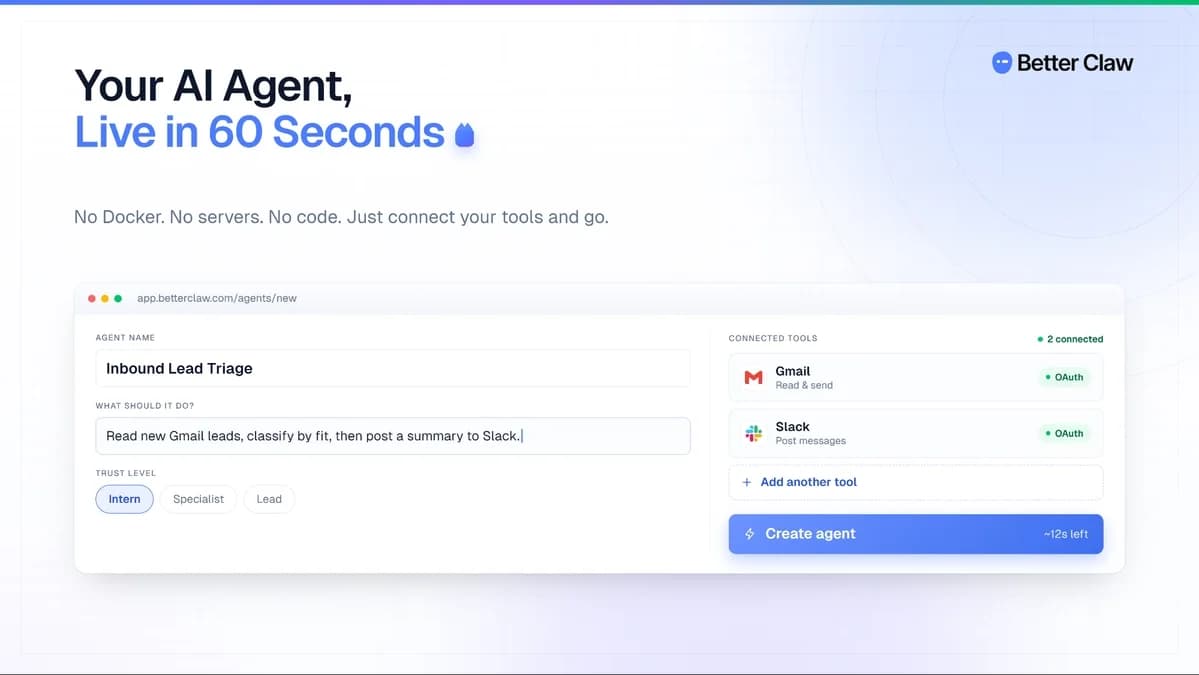
BetterClaw Tier 3 adds multi-account connectors, MCP, roles and local-model support. Its 12,000 monthly runtime credits and 2 users suit a workflow whose required controls are absent from the entry tiers.
Keep in mind: The purchase pays for runtime, not unlimited model use. Bring your own model connection and budget its charges separately; a premium action can consume more runtime than a basic action.
Buy nowExplore BetterClaw’s features and plansFor finding and reusing existing AI chats

AI Toolbox
Adds organization and export tools to four existing AI websites. Choose it when retrieving prior conversations is the recurring problem.
Keep in mind: It does not buy model access, team seats or an app automation service.
Buy nowExplore AI Toolbox’s features and plansFor branded client-facing AI tools
Formwise
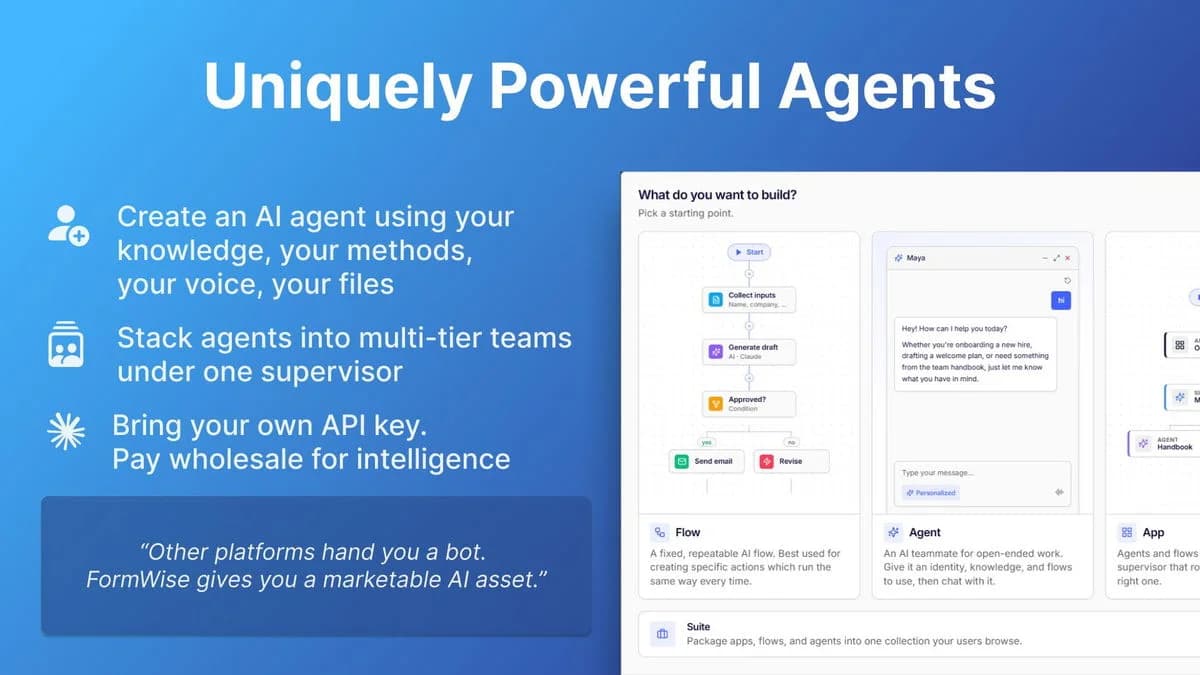
Tier 3 includes white-labeling and native HighLevel integration. Tier 2 may be enough for BYOK when branding is unnecessary.
Keep in mind: Credits are one-time. Price client usage, payment fees and any additional platform operations before selling access.
Buy nowExplore Formwise’s features and plansFor occasional task-specific drafts

Pack My Tools
The current plan gives 100 monthly credits across task tools. Assess a few specific jobs rather than valuing the whole menu.
Keep in mind: Early-stage product with changed offer terms. Rollover and top-ups are unresolved; visual workflow and browser-control promises are not counted as delivered.
Buy nowExplore Pack My Tools’s features and plansFor event-triggered desktop and browser work

Robomotion RPA
Tier 2 adds triggers. Tier 4 is needed for queues and document understanding; choose those capabilities before buying extra robots.
Keep in mind: Tiers 1–4 include zero hosted execution hours. Running machines, AI usage and additional hosting can cost extra.
Buy nowExplore Robomotion RPA’s features and plansFor a small team sharing models and knowledge
WorkLLM
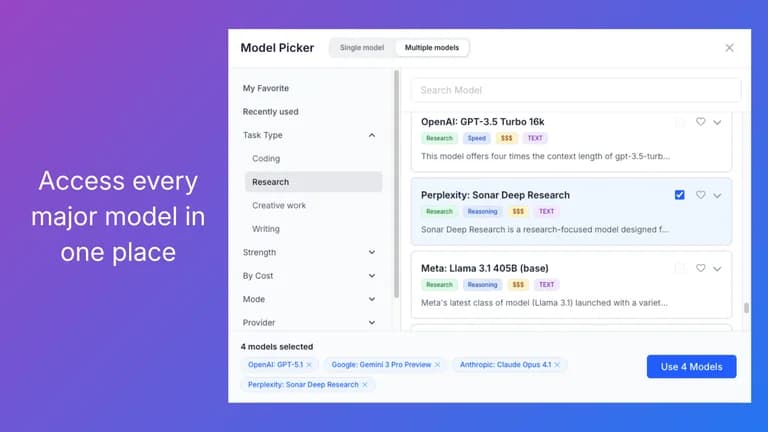
Tier 2 covers 5 users with 2,000 shared credits per month. Higher tiers add capacity rather than unlocking basic agents.
Keep in mind: The shared balance is not per user. BYOK leaves some platform costs, and the current offer requires Plus access.
Buy nowExplore WorkLLM’s features and plansWhich part of the work needs automation?
Use Acti when you want an action to start from writing or dictation. Use AI Toolbox when the problem is retrieving and reusing conversations in AI websites. Neither purchase establishes a general-purpose desktop robot.
Robomotion is designed for flows interacting with machines and applications. BetterClaw is the hosted-agent option to examine when supported connectors can perform the job. Formwise publishes guided tools and agents for clients, while WorkLLM provides a shared team workspace. Pack My Tools offers task-specific generation in an early-stage product.
Buy the feature gate before buying spare capacity
For Robomotion, triggers start at Tier 2 and queues at Tier 4. For Formwise, BYOK starts at Tier 2 and white-labeling at Tier 3. BetterClaw Tier 3 adds multi-account and team controls. A small workload may need one of these tiers because the entry plan cannot perform the required job.
WorkLLM currently includes basic agents, BYOK and MCP across all tier columns. Its user count and monthly pool are the main capacity choices. Do not carry an older comparison’s feature gates into a new purchase.
Keep model, platform and machine costs separate
Formwise gives one-time credits. WorkLLM gives a monthly shared allowance, with some platform operations still charged when a model uses your own key. BetterClaw uses runtime credits and a separate model connection. These are not interchangeable units, so a higher credit number is not proof of cheaper work.
Robomotion requires an execution machine or hosted time. The lowest four tiers have no hosted allowance, while Tier 5 and Tier 6 include limited monthly hours. AI Toolbox organizes existing chat accounts and leaves their provider subscriptions intact. Pack My Tools shows task costs before running against a shared refill.
A short purchase check that exposes expensive mismatches
Write down one complete task, its inputs, the application it must act on and the expected output. Include retries, approval, sensitive data and the monthly frequency. Confirm the exact integration action, operating system and account rights rather than relying on a logo in a connection directory.
For a client service, define who operates the product and who merely submits a request. Seats, portal customers, connected accounts and robots are different entitlements. During the refund period, verify the actual deliverable and a failed-run recovery path before expanding.
Feature comparison
Use the same checklist for each tool. Plan limits, paid extras and features that need confirmation are shown separately.
Features are grouped by documented coverage. “Not confirmed” means the evidence is incomplete, not that a feature is absent.
Check each product’s plan notes for tier limits and additional costs. Feature coverage is not a quality rating.
Buying questions
Which deal is best for desktop automation?
Start with Robomotion when the task must interact with a desktop or browser session. Check triggers, schedules and the machine that will execute it. A hosted AI workspace is not automatically a desktop runner.
Which option fits an AI tool I want clients to use?
Formwise is the relevant starting point for publishing forms, agents and portals. Tier 2 adds BYOK and Tier 3 adds white-labeling. Client usage still needs an operating budget.
Which product helps organize existing ChatGPT or Claude work?
AI Toolbox adds folders, search and exports around supported AI websites. It leaves model accounts and their subscription limits separate.
Which lifetime deals remove all future AI costs?
None should be assumed to do so. Check whether the deal pays for model calls, platform credits or runtime, and what happens after the included balance is spent.
Product details
Acti
Dictate, rewrite text and run supported app actions from your keyboard.
BetterClaw
Host AI agents that run recurring tasks using your chosen AI provider.
AI Toolbox
Organize, search and export conversations from supported AI chat websites.
Formwise
Build reusable AI tools and client portals from forms and documents.
Pack My Tools
Use AI tools for writing, coding, business tasks and documents in one workspace.
Robomotion RPA
Automate repetitive desktop and browser tasks with software robots.
WorkLLM
Use AI models, shared company knowledge and agents in a team workspace.