
Recommended tools and plans
Match a plan to the job below, then check the separate usage limits. The lowest price only helps if the necessary workflow is included.
Solo publishing with API or AI-assistant access
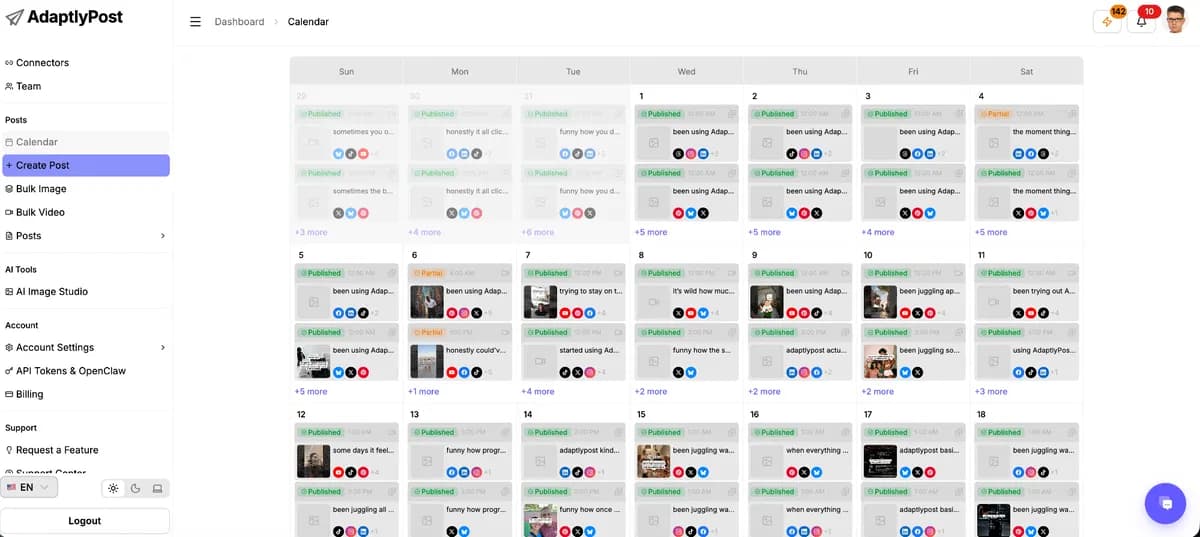
AdaptlyPost
Tier 1 costs $59 once and includes 25 connected profiles, 3 workspaces and 1 user. It suits a solo publisher who needs supported API/MCP actions without paying for a higher tier just to unlock the connection.
Keep in mind: Its 200 monthly credits are shared across the account. X publishing and AI generation use that pool; a separate teammate or a busy X-link schedule may require a higher tier. Dedicated client sign-off and connected-thread support are not sufficiently established.
Buy nowExplore AdaptlyPost’s features and plansScheduled and recurring content without API automation
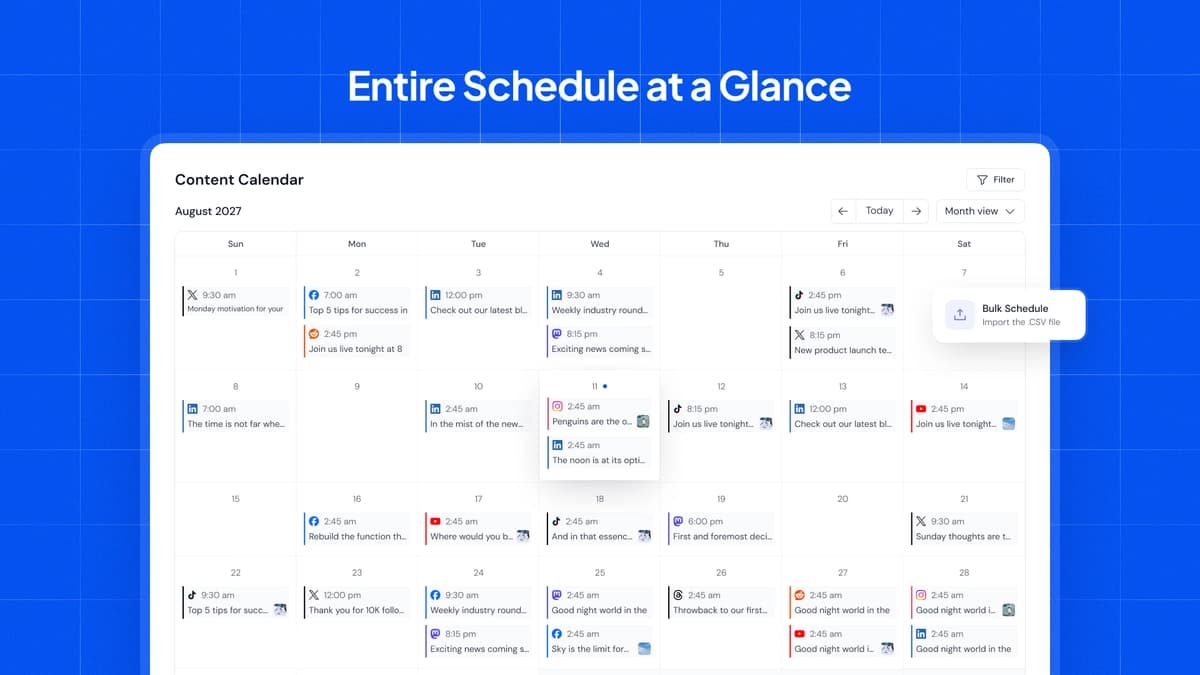
SocialBu
Tier 1 costs $49 once for 10 accounts, 600 published posts per month and 8 content queues. Consider it for a small brand that prepares content in the dashboard and reuses an evergreen library.
Keep in mind: API/MCP, the social inbox and automated workflows are excluded. The separate allowance is 10 X posts with links per month across all connected X accounts, not per account.
Buy nowExplore SocialBu’s features and plansClient review with an inbox and automated workflows
SocialBu
Tier 2 at $129 adds API/MCP, the inbox and automation. Its 3 Teams and 4 members per Team can separate a small client roster while permission settings keep posts awaiting approval. These are Team allowances, not a single total user count.
Keep in mind: The owner’s usage is pooled across Teams. Check the 1,500 monthly posts, 5,000 automation executions and 20 monthly X-link posts separately. Confirm whether the owner occupies a member slot if a Team will be full.
Buy nowExplore SocialBu’s features and plansA few channels and a short publishing queue

Buffer
Start with Buffer Free if 3 channels and ten queued posts per channel are enough. Publishing frees queue slots, so this is a limit on how far ahead you can prepare, not a ten-post monthly allowance. API and MCP access are available.
Keep in mind: Free is a single-user starting point. A larger queue, paid features or team approvals may change the comparison; the API also has usage limits. A lifetime purchase does not save money against a free plan that already does the job.
View Buffer plansExplore Buffer’s features and plansOne brand publishing across different networks

BulkPublish
BulkPublish costs $59 for one operator and one organization, with RSS, repeats, bulk import and API/MCP access. It is a candidate when you have only one profile on each platform.
Keep in mind: Its 20 daily posts and 1,000 API requests are separate limits. Lifetime X and AI allowances remain unresolved; this is not an agency approval plan.
Buy nowExplore BulkPublish’s features and plansCompare related tools
AdaptlyPost vs Buffer
Compare AdaptlyPost and Buffer by channel count, assistant access, recurring costs and the features your workflow needs.
AdaptlyPost vs Postly
Compare AdaptlyPost included API access with the Postly LTD add-on, while accounting for existing licenses and workflow differences.
AdaptlyPost vs PosteAhora
Compare AdaptlyPost and PosteAhora lifetime plans by accounts, X publishing, API access and the costs of keeping or changing your scheduler.
AdaptlyPost vs SocialBu
Compare AdaptlyPost vs SocialBu lifetime deals by tier, X limits, AI credits, approvals and extra costs. Find the plan that suits your team.
AdaptlyPost vs StoryChief
Compare AdaptlyPost and StoryChief for social scheduling, article publishing, team review, workspace limits and AI costs.
Count destinations and reviewers before comparing prices
Write down every profile, page or channel you need to connect, then separate brands that need their own workspace or Team. Finally, list the people who need access and who is allowed to publish. Account count, workspace count and reviewer capacity answer different questions.
For example, an owner and assistant managing eight profiles across two brands cannot choose AdaptlyPost solely by its entry-tier account allowance. For eight accounts, two people, two workspaces and a planned monthly budget of 140 credits, the smallest recorded fit is Tier 2 · $139 once · 460 credits spare. The credit budget still needs to reflect the actions they intend to use.
SocialBu separates Teams from members per Team. Do not convert three Teams with four members each into a promise of twelve independent licence seats or twelve separate usage pools. Client separation changes access; it does not multiply the owner’s allowances.
A monthly post allowance is different from a queue or an AI credit
In SocialBu, sending one item to four connected destinations can count as four published posts. A calendar containing 120 items, each sent to four profiles, therefore needs capacity for 480 destination posts before retries or extra campaign content are considered. Compare that workload with the selected plan’s post allowance, not the number of captions in a spreadsheet.
Buffer Free limits the number of posts waiting in each channel’s queue. A creator willing to replenish a short queue can work differently from an agency that must prepare an entire campaign in advance.
AI credits are another budget. SocialBu’s credits do not translate into a confirmed number of finished captions; AdaptlyPost charges by the AI or X action used. Comparing SocialBu Tier 1’s 500 credits with AdaptlyPost Tier 1’s 200 credits without comparing what consumes them gives no useful measure of value.
Budget X links separately from ordinary social posts
An X account slot does not promise unlimited clickable links. SocialBu gives each licence one monthly X-link allowance across all its X accounts. Adding a second X account does not double that cap, and the extra-link add-on described in the saved founder answer is not available to the AppSumo licence alone.
For a workload of twelve X-link posts per month, compare the entry plan’s 10 allowance with higher tiers. The smallest recorded fit for this one limit is License Tier 2 · $129 once. This calculation does not check Teams, other posts, automation or AI usage.
AdaptlyPost uses the same account-level credit pool for X and AI work. Its documented clickable-link rate is twenty credits per X post; ordinary X posts use two. Twelve clickable-link posts would consume 240 credits before AI work, so budget the combined workload rather than treating unlimited scheduled posts as unlimited X use.
Thread support is a separate question from link cost. SocialBu documents linked replies in an X CSV import. AdaptlyPost’s API and thread-help documentation conflict, so this guide does not recommend it on the assumption that the exact connected-thread workflow is supported.
Choose approvals by what teammates can actually do
SocialBu documents Teams that require approval and permissions that decide who can approve. This is useful when a writer prepares posts and a client or manager reviews them inside the workflow. Its inbox and automation features start at Tier 2; do not confuse those feature gates with the existence of approval permissions.
AdaptlyPost’s Contributor role can prepare drafts while an Editor or Admin handles scheduling and publication. The restrictions also apply through API/MCP. That can fit an assistant-to-owner handoff, but it is not proof of a client portal, multi-stage approval chain or approval audit report.
Before moving client work, map one real handoff: who drafts, who edits after review, who approves and what happens if approval arrives late. SocialBu’s documented late-approval behavior can publish a post immediately after its scheduled time has passed. Decide whether that suits the client’s process.
API and MCP access do not remove the rest of the automation bill
Use an API for a repeatable integration, such as turning an approved article into a draft. MCP lets a compatible assistant call supported tools. Both still need the correct account permissions, supported media and an explicit destination; neither means every dashboard feature is available to an external service.
AdaptlyPost includes those connections on its lifetime tiers. SocialBu requires Tier 2 or above. Buffer offers a free starting point with usage limits. Choose between them by the action you need to complete, not by the presence of an integration badge.
Include the outside assistant or workflow service in the budget. For SocialBu, also count automation executions separately from scheduled posts. For AdaptlyPost, retain the returned post ID and inspect a failed or interrupted request before retrying: its documented post-creation flow does not provide Idempotency-Key protection, so careless retries can create duplicates.
Compare total cost for the same channels and period
A useful savings comparison starts with the subscription plan you would otherwise buy. Buffer Essentials’ recorded annual price is $60 per channel. At the recorded first-ten-channel rate, five channels cost $300 for twelve months. That is a single-user publishing comparison, not a substitute for Buffer Team’s approval workflow.
Against that five-channel scenario, AdaptlyPost Tier 1 at $59 has a licence-price difference of $241 over twelve months; SocialBu Tier 1 at $49 differs by $251. These figures exclude tax, credit purchases, outside services and migration work, and only apply if the chosen tier can replace the required features.
If you need client approvals, compare the appropriate team plans instead. If Free covers your workload, buying either lifetime deal adds cost. Do not include unused profile slots as financial savings or assume a future add-on will be free.
Know which limits a more expensive tier will not solve
A larger account allowance cannot make a network expose unsupported analytics or post formats. SocialBu’s saved tier guide excludes advanced analytics from Tiers 1–4; Tier 5’s exact scope is unresolved. AdaptlyPost metrics also depend on the connected network and account type. Define the report you must deliver before buying capacity.
SocialBu’s higher tiers do not remove every X-link restriction. AdaptlyPost’s larger pools do not settle the documentation conflict about connected threads. For an essential unsupported workflow, changing product or publishing directly can be more sensible than upgrading.
Postly remains sold out. PosteAhora is available again; its current tier limits are recorded on its product page. Existing owners can still compare the cost of keeping a familiar workflow against switching. Postly’s lifetime API access is a paid add-on; assess the charge in the existing account rather than assuming the current subscription’s inclusions apply to an older licence.
Check one complete publishing routine before moving your calendar
Use a representative campaign rather than a single text post. The objective is to find a blocked format, permission or handoff before connecting every client and copying months of content.
- Prepare the formats you actually use: for example a carousel, a linked X post and a post that needs approval.
- Check destination profiles, time zones and what an unapproved or failed post does next.
- Measure how the example affects the post, credit and execution counters separately.
- Confirm who receives failure notices and what can be exported if you later move.
- Check delivery reliability with a representative publishing workflow and keep your own test notes.
A large channel total can hide a one-profile restriction
BulkPublish allows one channel per platform. That can suit a publisher spreading content across several networks, but it does not cover two brands on the same network. Count repeated platforms in your account list before comparing the headline channel total.
The PosteAhora listing is available again with the same recorded plan values. Its Starter tier excludes X; use the product page to distinguish the current tiers from optional non-X package changes offered to existing owners. Do not switch a legacy account solely because a new package lists more profiles.
Feature comparison
Use the same checklist for each tool. Plan limits, paid extras and features that need confirmation are shown separately.
Features are grouped by documented coverage. “Not confirmed” means the evidence is incomplete, not that a feature is absent.
Check each product’s plan notes for tier limits and additional costs. Feature coverage is not a quality rating.
Buying questions
Which entry tier costs less: SocialBu or AdaptlyPost?
SocialBu Tier 1 is $49 and AdaptlyPost Tier 1 is $59. Compare the features you need before choosing: SocialBu Tier 1 excludes API/MCP and the inbox, while AdaptlyPost Tier 1 allows 1 user and a shared X/AI credit pool.
Does SocialBu Tier 1 include API or MCP access?
No. The recorded AppSumo feature gate starts at Tier 2. If an external assistant or integration is essential, budget for that tier and any separate assistant charges rather than the entry price.
Can one subscription price be compared with a whole lifetime plan?
Only after matching the units. Buffer Essentials is priced per channel; a five-channel business needs five paid channel units at the applicable rate. Compare the same time period, necessary features and recurring extras.
Are all the monthly credits equivalent between schedulers?
No. A credit is the vendor’s billing unit. Check which AI, publishing or listening actions consume it, whether balances are shared and whether unused credits roll over. SocialBu’s monthly AI credits do not roll over; AdaptlyPost rollover, exact top-up prices and top-up expiry are not specified.
Should I replace a scheduler I already own?
Replace it for a specific missing capability, an unsuitable limit or a better total-cost fit. Include moving content, reconnecting accounts and retraining clients in the decision. A sold-out lifetime offer alone does not mean the product stopped working.
Product details
AdaptlyPost
Schedule and publish posts across your social media accounts.
Postly
Plan, schedule and publish social media posts.
Buffer
Schedule social posts and manage publishing with your team.
PosteAhora
Schedule social posts and connect your publishing tools.
SocialBu
Schedule social posts, review drafts and manage replies with your team.
BulkPublish
Schedule social posts in bulk and publish updates from content feeds.