
Recommended tools and plans
Choose the smallest plan that covers the specific workflow and its limiting resource.
For one creative portfolio and client delivery
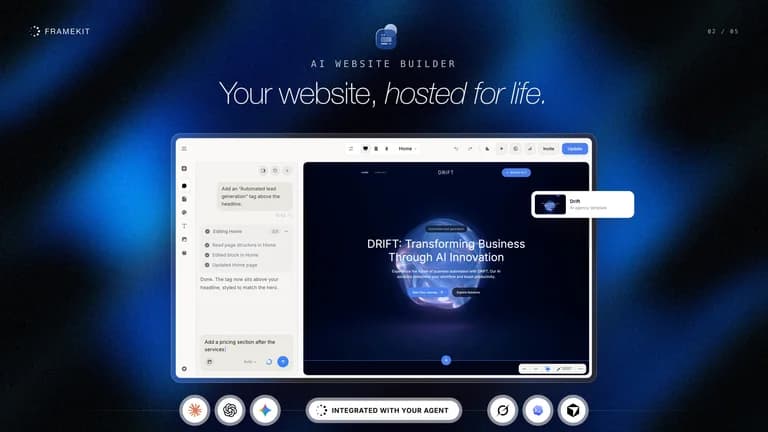
Framekit
$99 includes one hosted site and shared media capacity.
Keep in mind: AI credits are one-time; stores have fees and galleries lack per-photo checkout.
Buy nowExplore Framekit’s features and plansFor WordPress management plus AI building
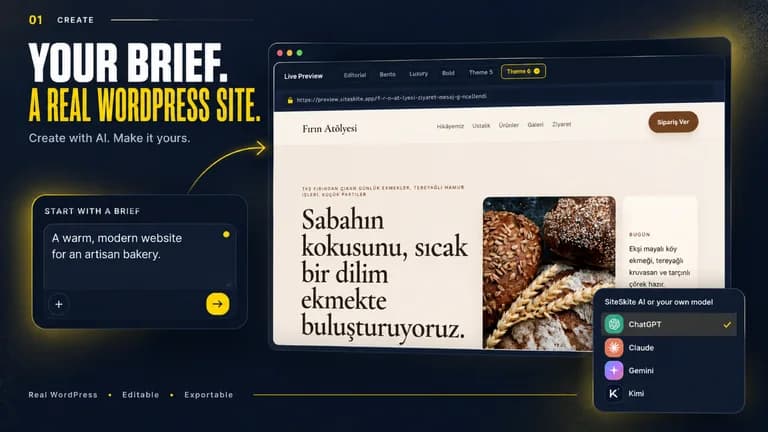
SiteSkite
$139 covers ten connected sites with BYOK and AI Site Studio.
Keep in mind: Production hosting is separate; full-site migration overwrites the destination database.
Buy nowExplore SiteSkite’s features and plansChoose what the finished site must do
A photographer may need favorites in a gallery and comments attached to a moment in a video. Framekit is designed around that creative handoff. A WordPress agency instead needs backups, staging, updates and ownership of the existing plugin-based site; SiteSkite addresses that operational job.
If the only requirement is a simple public page, a free plan or existing website may be enough. A larger bundle is valuable only when its workflows replace real recurring work.
Separate building from operating
Framekit’s AI credits are a one-time balance. Its Tier 2 expands site slots while retaining the same storage as Tier 1, so media growth can matter more than the number of sites. Own-provider keys introduce external AI costs.
SiteSkite has monthly credits and estimated AI site-generation allowances. Its connected production-site limit is separate: generating twenty demos does not entitle a Tier 2 account to manage twenty live sites. Existing hosting, domains and premium extensions remain outside the licence.
Know the migration and exit path
SiteSkite’s founder says a full migration transfers the whole site and database, not only a changed design. A shop or membership site receiving live records needs a deliberate reconciliation strategy before any overwrite. Studio and external-host MCP editing are separate workflows.
Framekit’s product terms does not establish a portable source-code export of the full site. Keep the original content and media and confirm the exit process before moving an established publication. Downloading images or a PDF deck is not equivalent to exporting a functioning website.
Verify revenue and client requirements
Framekit’s founder states five-percent store fees for lower tiers and one percent for Tier 3, while the Tier 3 table lists zero platform fees. Resolve that discrepancy before estimating margins. Stripe processing is separate, and photo-gallery selection is not per-photo checkout.
SiteSkite’s custom-domain branding gate concerns agency demo/report addresses; existing connected sites can still use their own domains. Its Studio generates Gutenberg output, while Elementor changes use a different MCP tool workflow. These distinctions should be part of a client proposal.
Evaluate a complete small project
Use a representative, non-sensitive sample. For a portfolio, test the gallery or video approval journey. For WordPress operations, test a backup and recovery on a disposable site, then inspect a small change and its deployment method.
Check a representative build, checkout and migration before moving a production website.
Feature comparison
Use the same checklist for each tool. Plan limits, paid extras and features that need confirmation are shown separately.
Features are grouped by documented coverage. “Not confirmed” means the evidence is incomplete, not that a feature is absent.
Check each product’s plan notes for tier limits and additional costs. Feature coverage is not a quality rating.
Buying questions
Does SiteSkite include production hosting?
Existing production hosting remains separate from the management licence.
Are Framekit AI credits monthly?
No. The offer labels them one-time.
Can SiteSkite merge a redesign without overwriting live data?
Its founder describes full migration as whole-site replacement, not a design-only merge.