
Recommended tools and plans
Match the workflow and its required capacity before choosing a plan.
Starting point: Sheetify CRM

Sheetify CRM
Start with Tier 1 for CRM work. Tier 2 makes sense only when you will use both the bookkeeping and project tools. Choose a dedicated CRM instead when strict role separation, complex cross-client reporting or dependable high-volume campaigns are essential.
Keep in mind: Google sending and script quotas still apply.
Buy nowExplore Sheetify CRM’s features and plansHistorical reference: Teable
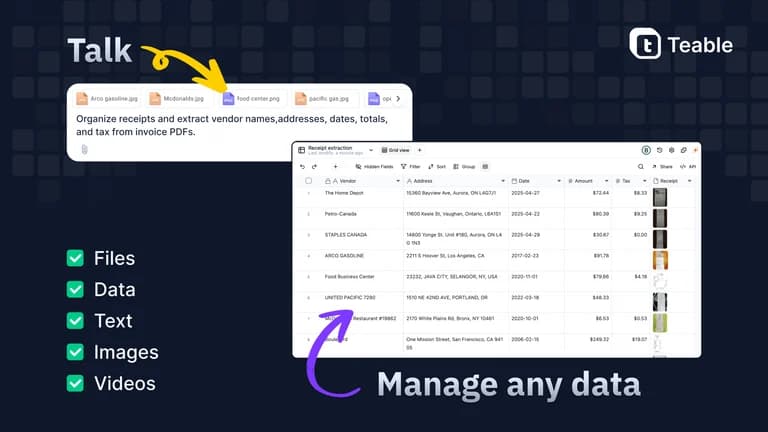
Teable
This offer has ended. Explore the other picks in this hub or check Teable’s alternatives.
See available alternativesExplore Teable’s features and plansStart with the data relationship
Sheetify CRM is appropriate when contacts, deals and follow-up can live in a maintained Google Sheets template. Teable links operational records in a database workspace and can support more involved applications. A simple pipeline does not need an AI app builder, and a group of linked workflows may outgrow copied spreadsheets.
Count the right capacity
Sheetify inherits Google sending and script quotas; a higher toolkit bundle does not raise them. Teable separates seats, combined rows per space, storage, automation runs and AI credits. Increasing one allowance does not remove the others.
Decide who owns the client records
Independent Sheetify template copies are permitted, but cross-client reporting then needs work. Teable benefits attach to the licensed space; moving the owner email is not the same as granting another independent licence. Decide the handover before building a client process.
Keep availability and free options visible
Teable’s recorded lifetime offer is sold out. Its old prices are reference points rather than an available upgrade route. A plain spreadsheet is the free baseline for a small pipeline; buy Sheetify when its structured workflow saves enough setup work. Cloud lifetime licensing should not be treated as a free self-hosted Teable licence.
Feature comparison
Use the same checklist for each tool. Plan limits, paid extras and features that need confirmation are shown separately.
Features are grouped by documented coverage. “Not confirmed” means the evidence is incomplete, not that a feature is absent.
Check each product’s plan notes for tier limits and additional costs. Feature coverage is not a quality rating.
Buying questions
Does the CRM bundle raise Gmail sending quotas?
No. Google account and Apps Script quotas remain separate from the Sheetify toolkit tier.
Are Teable rows counted per base?
The founder says rows are combined across the licensed space, not independently granted to every base.