
Recommended tools and plans
Choose by client access and branding requirements, then check the separate usage limits.
For a service business that requires its own branding
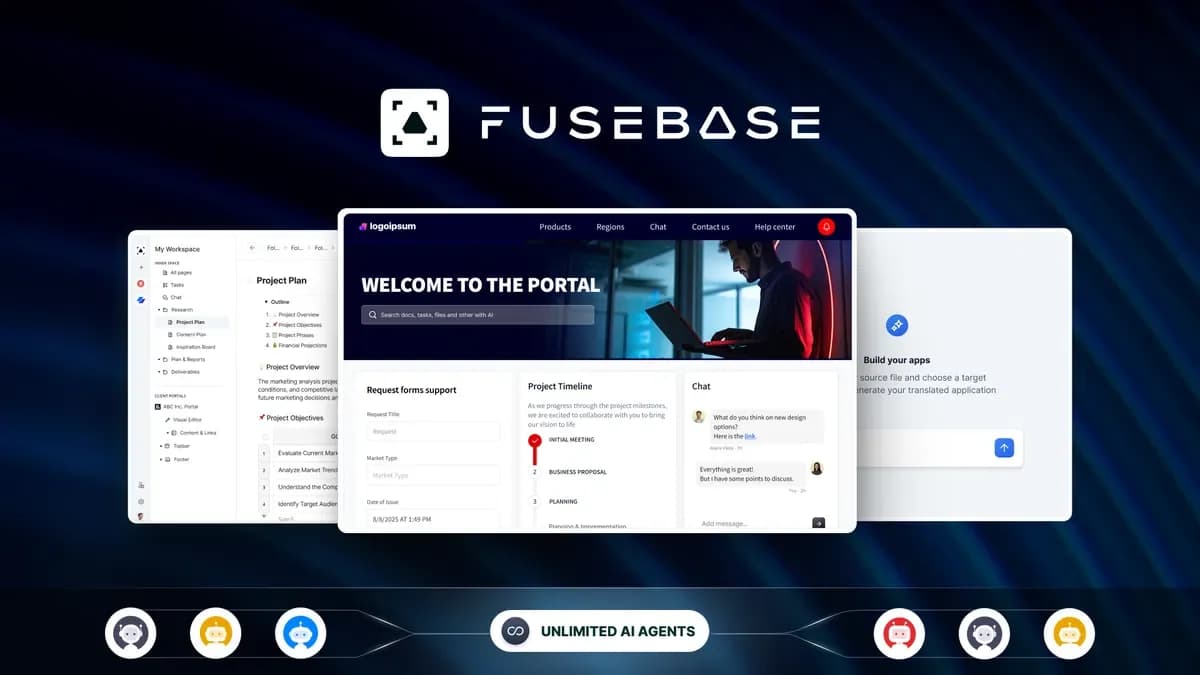
FuseBase
Five codes are the current entry point for white-label and managed apps. Choose this level because clients need that branded experience, after checking staff, client and portal capacity separately. A smaller tier can have enough space and still miss the branding requirement.
Keep in mind: AI requests, automation credits and transcription hours have different counters. FuseBase Work starts at ten codes; external AI-provider bills can remain.
Buy nowExplore FuseBase’s features and plansFor one operator with a small client portal
FuseBase
One code is the lower-cost candidate when 1 staff user, 1 portal and 5 client accounts are sufficient. Start with a small handoff process before moving a large document archive or buying unused capacity.
Keep in mind: White-label and managed apps are not included at this level. Check access separation and the client’s upload and approval steps before replacing an existing portal.
Buy nowExplore FuseBase’s features and plansCount the people on both sides of the portal
Staff who manage the work, clients who access it, and separate portals are different limits. Write down one ordinary client journey: receive an invitation, find the right documents, submit feedback, and see the next action. Then check which people need accounts at each step.
A single operator with a small client group may fit one code. An agency may need more portals or staff before storage becomes a problem. Keep those constraints separate so that a large workspace count does not hide a smaller client allowance.
Decide whether branding is a requirement or a preference
The current FuseBase offer starts white-label and managed apps at five codes. If clients must see your own branding, this is a plan requirement. If they only need a dependable place for documents and tasks, a lower code count can be the more proportionate purchase.
FuseBase Work begins at ten codes. Do not buy a smaller stack assuming a broad collaboration label includes every named product or app feature. Check the exact feature in the deal article before migrating.
Keep AI work outside the basic portal calculation
AI requests, automation credits and transcription hours are separate allowances. Estimate the tasks you intend to automate and the recordings you intend to process, then account for outside AI-provider charges where relevant.
Start a migration with a small project and confirm document access and handover. Replacing an existing portal creates setup work even when the new licence is paid once; unused automation capacity does not offset a poor client experience.
Feature comparison
Use the same checklist for each tool. Plan limits, paid extras and features that need confirmation are shown separately.
Features are grouped by documented coverage. “Not confirmed” means the evidence is incomplete, not that a feature is absent.
Check each product’s plan notes for tier limits and additional costs. Feature coverage is not a quality rating.
Buying questions
What is the cheapest FuseBase option for white-label?
The current offer begins white-label at five codes. Lower stacks can have enough user or portal capacity while still lacking that branding feature.
Are workspaces, portals and client accounts the same limit?
No. They describe different parts of the product. Count staff, clients and portals separately and read the exact allowance for the selected code stack.
Does a larger portal plan include unlimited AI use?
No. Requests, automation and transcription have separate counters, and outside model costs may remain. Choose AI capacity from the planned work, not the portal count.