

Who is FuseBase for?
One code is a candidate for a solo operator with one client portal. Move up when a specific seat, portal or usage limit is too small. If clients must see your branding, start the price comparison at five codes; if you need FuseBase Work, start at ten. Existing owners should confirm their upgrade entitlement before buying another stack.
Suitable for
Service teams that repeatedly share files and updates with clients who need separate access.
Consider another option if
A simple file-sharing job that existing folders already handle, or a branded portal service budgeted at fewer than five codes.
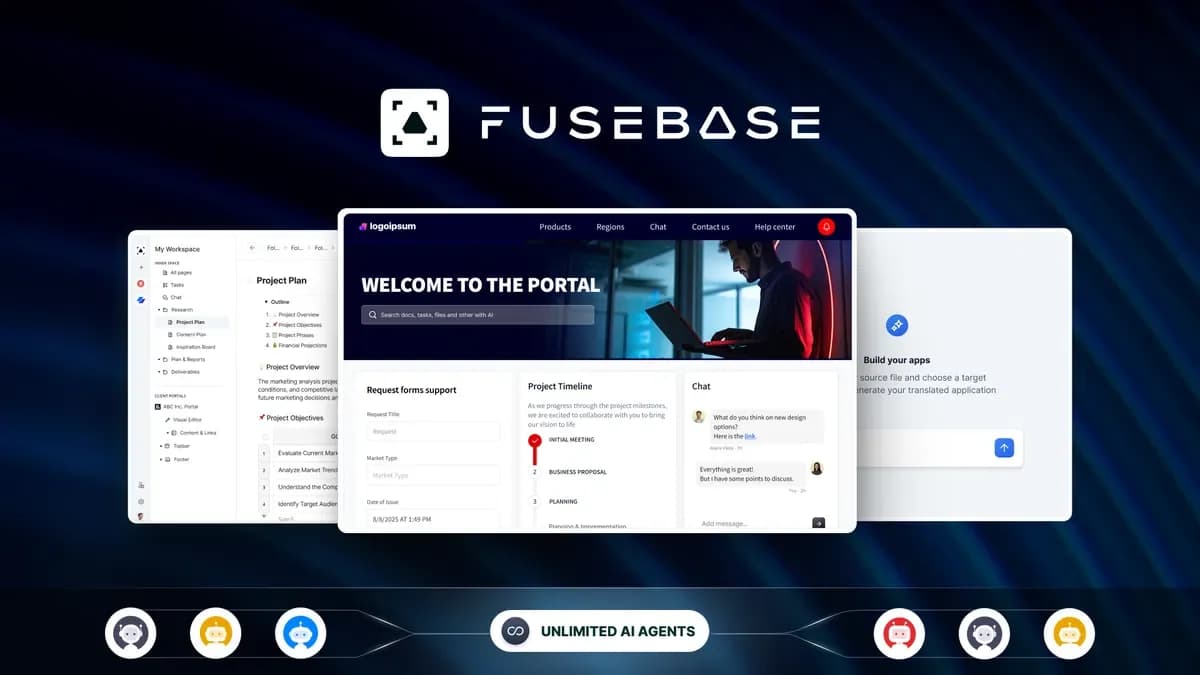
What comes with the lifetime deal?
$79 once
Starts at five codes in the currently visible feature table
Shown at ten codes
AI requests, automation credits and transcription hours are separate
Confirm mapping with support; old and new code counts need not have identical limits
Redeem within 60 days; code stacking is allowed under the offer.
PLANS AND PRICING
FuseBase plans and pricing
Prices and allowances are shown for each plan below.
Compare each plan’s price and allowance. Confirm any limit marked ‘Not specified’ before buying.
Select the final tier on AppSumo. The product link opens the same listing for every tier.
Costs and limits to account for
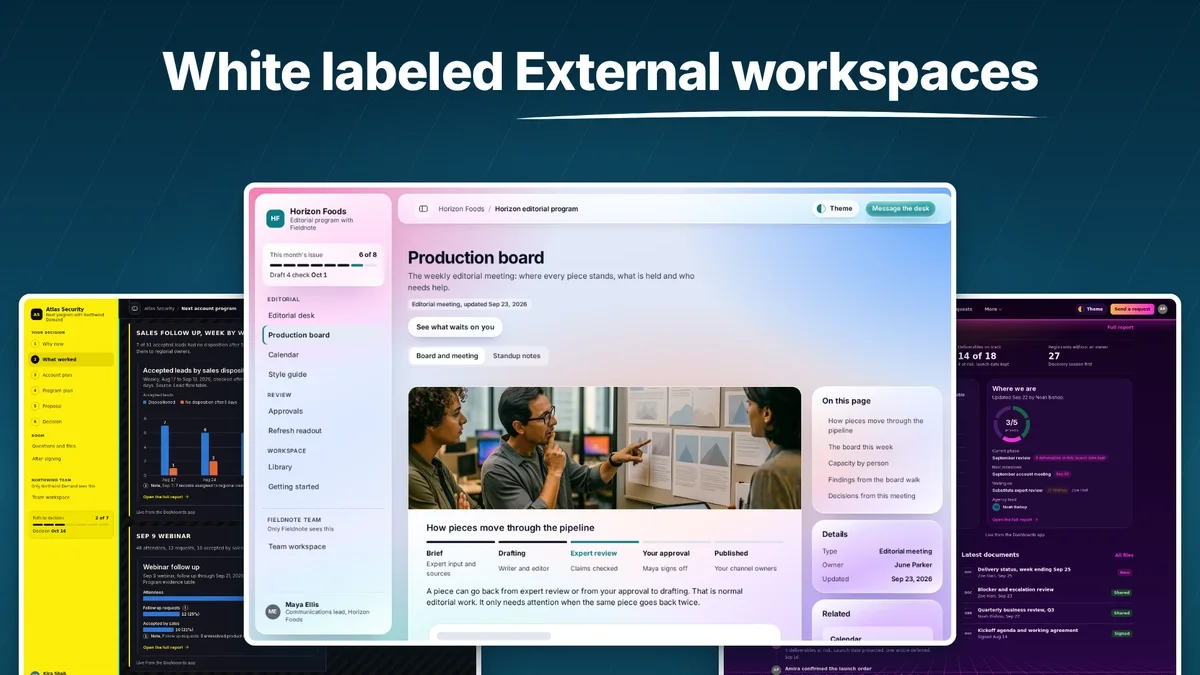
- White-label and managed apps start at five codes in the current offer.
- FuseBase Work is shown at ten codes.
- External AI-provider costs and separate usage counters need budgeting.
FEATURE COMPARISON
Features, limits and paid extras
“Included” and “unlimited” can mean different things. This checklist separates full access, usage limits, add-ons and features that are not confirmed.
1 fully included · 4 limited · 0 add-on · 0 not included · 0 not confirmed. Coverage is not a quality score.
Features are grouped by documented coverage. “Not confirmed” means the evidence is incomplete, not that a feature is absent.
Check each product’s plan notes for tier limits and additional costs. Feature coverage is not a quality rating.
USE CASES
What problems does FuseBase solve?
Give each client a clear place to find work
Clients ask for files and updates again when the latest version is buried in an email thread. A portal is useful if those repeated requests are already taking staff time.
How to use it
- List the clients who need separate spaces and the people who need staff access; compare both with the plan limits.
- Put the current project documents and instructions in the intended portal, then invite only that client’s contacts.
- Check what a client can see before adding confidential files or inviting the next client.
What this helps you do: Clients have an identified place to find the current material, while staff can keep each client’s access separate.
Limitations: A client account is not a staff seat or a separate portal. White-label branding also needs the appropriate code stack.
Check the cost of a recurring client-report workflow
A monthly report may use stored documents, AI requests and automation. The number of clients alone will not tell you how much allowance it needs.
How to use it
- Write down the documents, output and app actions required for one report; confirm that the specific actions are supported.
- For an initial report, record the automation and AI counters before and after, including any retries or revisions.
- Use that observed consumption to estimate the next reporting cycle and check any separate model-provider charge.
What this helps you do: You have a per-report estimate to compare with the monthly allowances before committing the whole client roster.
Limitations: The published terms do not define an automation-credit cost that applies to every report. Check permissions and outputs before using the workflow with client information.
BUYER FEEDBACK
What buyers say
Buyer experiences can vary with the plan, product version and workflow.
Broad capability, with setup and plan complexity
Recent reviews mixed praise for collaboration and continuing updates with reports of bugs and difficulty understanding plan requirements. One buyer questioned an AI charge; the founder asked for details, so the cause was not established.
An older-account allowance issue was later resolved
A Reddit buyer initially questioned how their older code allocation compared with the new offer. Their update reported that support honored an upgrade. This is one resolved account experience, not a promise that every legacy account maps identically.
FuseBase images
BEFORE YOU BUY
FuseBase lifetime deal FAQs
Does one code include white-label?
No. The currently visible AppSumo feature cells show white-label and managed apps beginning at five codes.
Are automation credits and AI requests interchangeable?
No. They are separate monthly allowances. The offer does not establish one universal conversion into completed business tasks.
Is FuseBase Work included in every tier?
The current feature table shows it at ten codes, not the lower code levels.
Will my older codes have the same limits?
Do not assume that. Ask support to confirm your existing entitlement and any upgrade mapping.
Does unlimited agents mean free unlimited AI use?
No. An agent allowance does not establish included external model usage or remove other monthly limits.
Can I stack more than ten codes?
The offer allows further stacking and describes incremental staff, guest, storage, OCR and portal allowances beyond ten codes. Confirm the exact account mapping with support before purchasing beyond the ten displayed plan levels.