
Recommended tools and plans
These products overlap during a call but do not deliver the same record afterwards.
For frequent supported meetings on Apple Silicon
MeetMouse
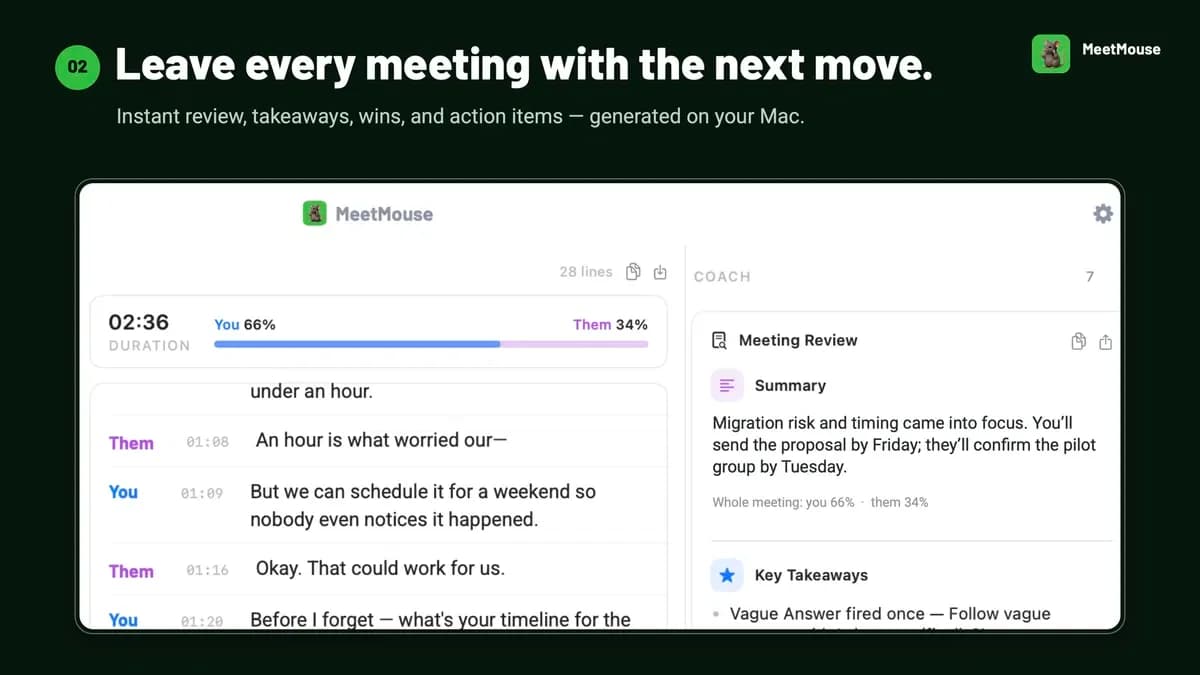
The single paid unlock is a candidate when the free meeting allowance is too small and the app can capture your actual meeting platform. Check whether the notes preserve decisions and responsibilities before making them part of your client handoff.
Keep in mind: macOS 14.2 or later is required. Intel Macs have reduced transcription support and no speaker identification. FaceTime claims conflict across the vendor’s homepage and release notes; confirm your exact capture path before buying for those calls.
Buy nowExplore MeetMouse’s features and plansFor live help plus notes you can revisit

Hedy AI
Consider Hedy when you need suggestions during conversations and later summaries, Topics or cross-session questions across supported devices.
Keep in mind: Individual Pro excludes Teams; automatic suggestions have a per-session limit. Local AI requires suitable hardware and separate privacy settings.
Buy nowExplore Hedy AI’s features and plansFor live answers from prepared documents

OTO AI
Consider OTO for an authorized working discussion where answers should use a brief, files or public references and you already understand API billing.
Keep in mind: It requires your own AI provider key and is not a full meeting recorder. Multilingual support and proactive suggestions remain unconfirmed.
Buy nowExplore OTO AI’s features and plansDecide what must remain after the meeting
If colleagues need decisions, owners and deadlines, select a product with a retained record and reviewable notes. Hedy and MeetMouse are the relevant candidates. If you mainly need help recalling technical context during the call and already have a recording system, OTO may address that narrower gap.
A live transcript bar, saved preparation material and an archive of complete meetings are different things. Do not replace a working notes process with a live-answer assistant until its output covers the record you must keep.
Budget for the specific kind of assistance
Hedy Pro includes its standard cloud workflow, while OTO requires a separately billed API provider. MeetMouse defaults to local processing but allows optional external AI, which introduces provider costs and sends meeting text outside the Mac. That is why comparing licence price alone gives an incomplete result.
A recurring team workspace is also separate from an individual licence. Hedy’s Pro offer excludes Teams and Enterprise; OTO’s multi-user licensing is not established. Define who needs access and who owns client records before purchasing for colleagues.
Check privacy controls as a complete path
Local speech recognition does not automatically make summaries local. Hedy has optional local analysis on supported hardware, but sync, sharing, audio storage and recap delivery need separate review. OTO performs local speech recognition while sending questions, context and requested screen images to your selected AI provider.
Choose the path that your workplace permits. If information must stay on a device, confirm both speech and analysis settings, then check how exports and links leave it. Evaluate the security controls separately from the vendor’s privacy description.
Use a small compatibility check before relying on it
MeetMouse has reduced Intel capabilities and conflicting FaceTime statements. Hedy’s default-output audio routing can matter when a meeting app uses a different headset. OTO’s overlay protection varies with screen-capture software, and its microphone button does not mute the meeting itself.
An appropriate evaluation checks both speakers, vocabulary, one action item, a shared output and the actual account permissions.
Feature comparison
Use the same checklist for each tool. Plan limits, paid extras and features that need confirmation are shown separately.
Features are grouped by documented coverage. “Not confirmed” means the evidence is incomplete, not that a feature is absent.
Check each product’s plan notes for tier limits and additional costs. Feature coverage is not a quality rating.
Buying questions
Which tool keeps a complete post-meeting record?
Hedy and MeetMouse document retained notes. OTO’s founder says full-meeting transcription and later transcript queries are not currently included.
Which has an additional model-provider bill?
OTO requires your own provider API key. MeetMouse has an optional external-model path. Hedy’s standard Pro workflow does not require a separate key in the offer.
Is local transcription enough for a private workflow?
No. Analysis, sync, sharing, audio storage and recap delivery must be checked separately. Supported-device local analysis is different from cloud-generated summaries.