
Recommended tools and plans
Start with the smallest plan that covers your contacts, checking workload and team. These two options address different requirements; neither includes mailbox hosting.
For one person running email-only outreach

WarmySender
Tier 1 costs $59 once and includes 1 workspace, 1,000 monthly leads and 800 monthly verifications. Consider it for a modest campaign paced through the month.
Keep in mind: Check the verification allowance before the 10,000 monthly sends. Domains, hosted mailboxes and channel extras remain separate purchases.
Buy nowExplore WarmySender’s features and plansFor a small team needing separate workspaces
WarmySender
Tier 2 costs $139 once with 3 users and 2 workspaces. Its 1,200 monthly verifications support a larger contact-checking workload than Tier 1.
Keep in mind: 100 connected accounts is different from 40 warmup mailboxes. The included LinkedIn browser seat does not include paid Cloud sequencing.
Buy nowExplore WarmySender’s features and plansSeparate campaigns for three client workspaces
SalesBlink
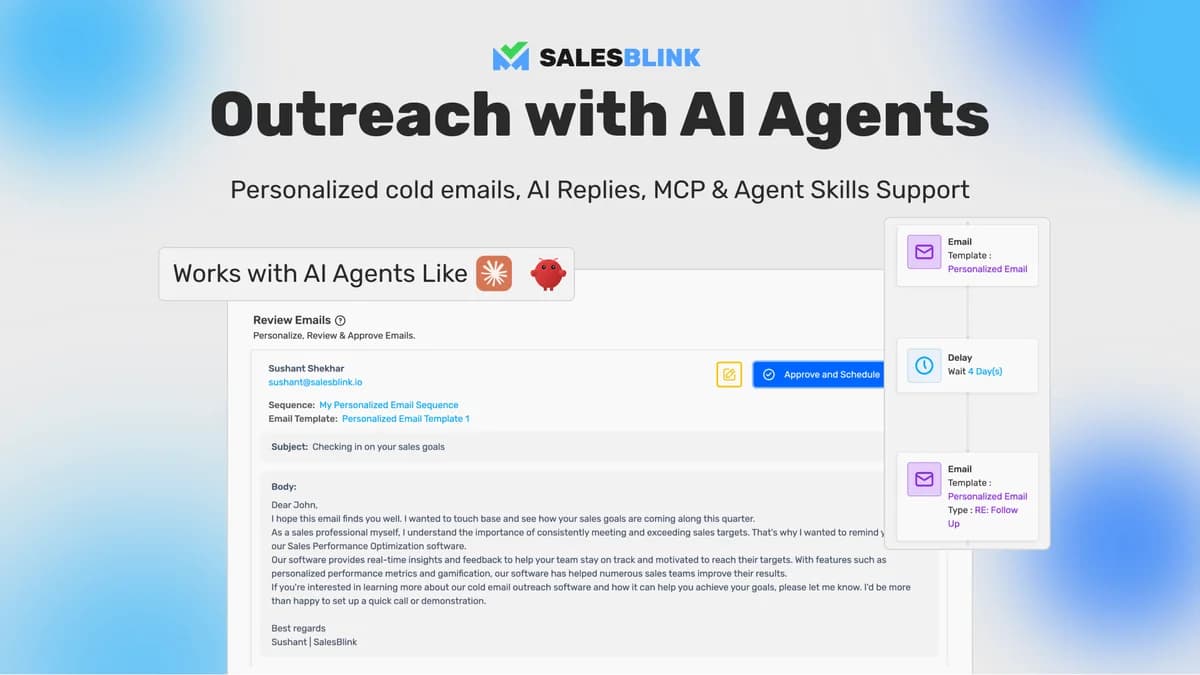
Three SalesBlink codes cost $237 and provide 3 workspaces plus 100 AI replies per month. Unlimited users are separate from client-workspace capacity.
Keep in mind: White-label is excluded, and verification/placement-test reset periods remain unspecified. Domains and mailboxes still cost money.
Buy nowExplore SalesBlink’s features and plansA branded client workflow with a larger reply budget
SalesBlink
Five codes are the first recorded SalesBlink white-label level, with 10 workspaces and 500 monthly AI replies. Buy this level only when branding or capacity justifies it.
Keep in mind: The vendor permits managing clients but prohibits selling them lifetime access to the platform. White-label is not a reseller licence.
Buy nowExplore SalesBlink’s features and plansFind the limit that stops your campaign first
Consider a campaign for 1,200 prospects with an initial email and two follow-ups. If every step is sent, that requires up to 3,600 messages, plus 1,200 verification checks if every prospect is checked once. Replies and stopped sequences can reduce sends, but they do not remove the need to check the list beforehand.
If all prospects are sourced inside the platform, the lead allowance also needs to cover 1,200 people. Tier 1 records 1,000 monthly leads and 800 verifications. Compare both with the workload; spare email sends cannot be exchanged for missing checks.
Tier 2 records 3,000 monthly leads and 1,200 verifications. Allow room for rechecks and failed imports instead of buying exactly to the expected contact count. Confirm how separately sourced contacts are counted before relying on a lead allowance for an imported list.
Match the allowance to the first sending date
The founder describes daily release using the monthly allowance divided by 30. A headline monthly total therefore does not establish that the full amount is available on the first day.
Work backwards from the campaign date: when will contacts be sourced, checked and added to the sequence? For a large first batch, get the available balance and any extra-capacity route confirmed before committing to a tier. An upgrade for a larger monthly total does not, by itself, answer the first-day question.
Separate connected accounts, warmup and people
Count the mailboxes you will connect, the subset that needs warmup, and the staff who need access. They are different plan limits. Tier 2, for example, records 100 connected accounts but 40 warmup mailboxes.
A workspace can help separate campaigns, but the workspace count alone does not prove that every client-permission requirement is covered. Before handling client accounts, confirm who can see each campaign and inbox. Do not buy a larger mailbox allowance to solve an access-control requirement.
Include the recurring costs outside the licence
WarmySender connects mailboxes that you provide; it does not supply their hosting. Write down the number of paid mailboxes and domains you will actually maintain, then add those recurring charges to the software purchase.
- Mailboxes and domains: count renewals as well as introductory prices.
- Contact data and verification: include separate suppliers or extra capacity only when the included allowance does not cover the work.
- LinkedIn and other channels: an included browser seat is different from a paid Cloud seat used for cross-channel sequences.
- Team time: assign someone to review replies and stop inappropriate follow-ups. The documented API reply workflow creates a draft; a person sends it.
Choose another type of email tool when the job differs
For subscribers who asked for a newsletter, compare email marketing platforms with forms and audience automations. For a list that only needs screening, an email verifier may be the smaller purchase. Neither job automatically needs a mailbox-warmup and outreach package.
For outreach, the buying decision should still start with suitable contacts and a manageable reply workload. Warmup and verification are not guarantees that messages reach the inbox or that recipients want them.
Keep campaign capacity separate from mailbox ownership
SalesBlink’s unlimited connected senders describe how many accounts the software can connect. They do not include domain registration, mailbox subscriptions or freedom from a provider’s sending rules. An agency should record who owns each mailbox and whether access continues outside its outreach software.
The current SalesBlink table supplies monthly AI counters but leaves the renewal periods of verification and placement tests unstated. A comparison that labels all three monthly would make the deal look more generous than the evidence supports. Resolve those counters before purchasing for a recurring high-volume workflow.
Feature comparison
Use the same checklist for each tool. Plan limits, paid extras and features that need confirmation are shown separately.
Features are grouped by documented coverage. “Not confirmed” means the evidence is incomplete, not that a feature is absent.
Check each product’s plan notes for tier limits and additional costs. Feature coverage is not a quality rating.
Buying questions
Does more email capacity mean I can contact more new prospects?
Not always. Each prospect can receive several messages, while sourcing and verification have their own allowances. Calculate all three requirements before choosing a plan.
Does the lifetime deal include the mailbox bill?
No. The mailboxes and domains come from your own providers. Include those recurring charges when comparing the total cost of outreach tools.
Is the whole monthly quota ready on the first day?
The founder describes daily release from monthly totals. Check the starting balance, carryover and reset rules if you need a large batch immediately; the monthly figure alone does not establish that capacity.
Does an included LinkedIn seat cover multichannel sequences?
The browser seat and LinkedIn Cloud are different. The founder identifies Cloud and cross-channel functionality as paid extras, so confirm the channel workflow rather than treating every LinkedIn feature as included.