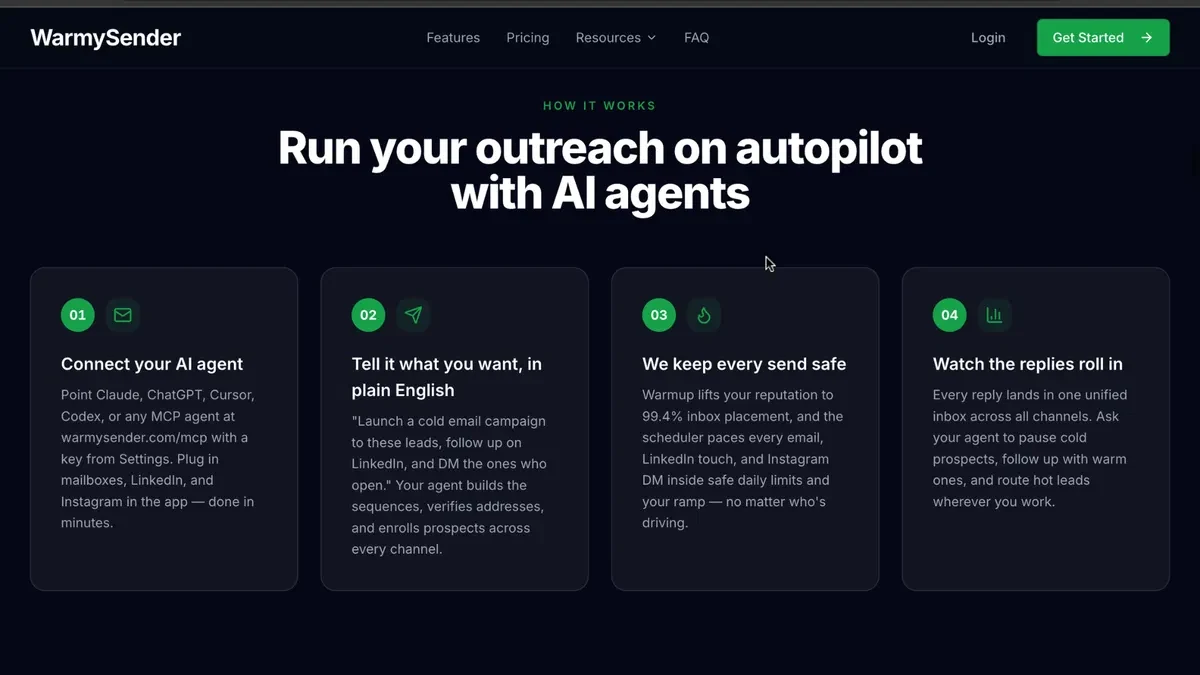
Cold email
Live

WarmySender lifetime deal

The WarmySender lifetime deal starts at $59 for email campaigns, warmup and verification. Choose a plan by the number of new contacts you must check and follow up with. The monthly send allowance is only one limit, and you still supply the domains and mailboxes.

STARTING PRICE

$59one-timeBuy now
Table of contents

Who is WarmySender for?

Tier 1 is a reasonable starting point for one person running email-only campaigns in one workspace. Move up when verification, client workspaces or team access falls short. Buying more sends alone will not solve a shortage of verified contacts; LinkedIn Cloud sequences also require a separate paid seat.

Suitable for

It suits a team that already has sending mailboxes and needs repeatable email sequences or separate client workspaces.

Consider another option if

Choose another approach if you need email hosting included or expect the browser LinkedIn seat to run paid cloud sequences.

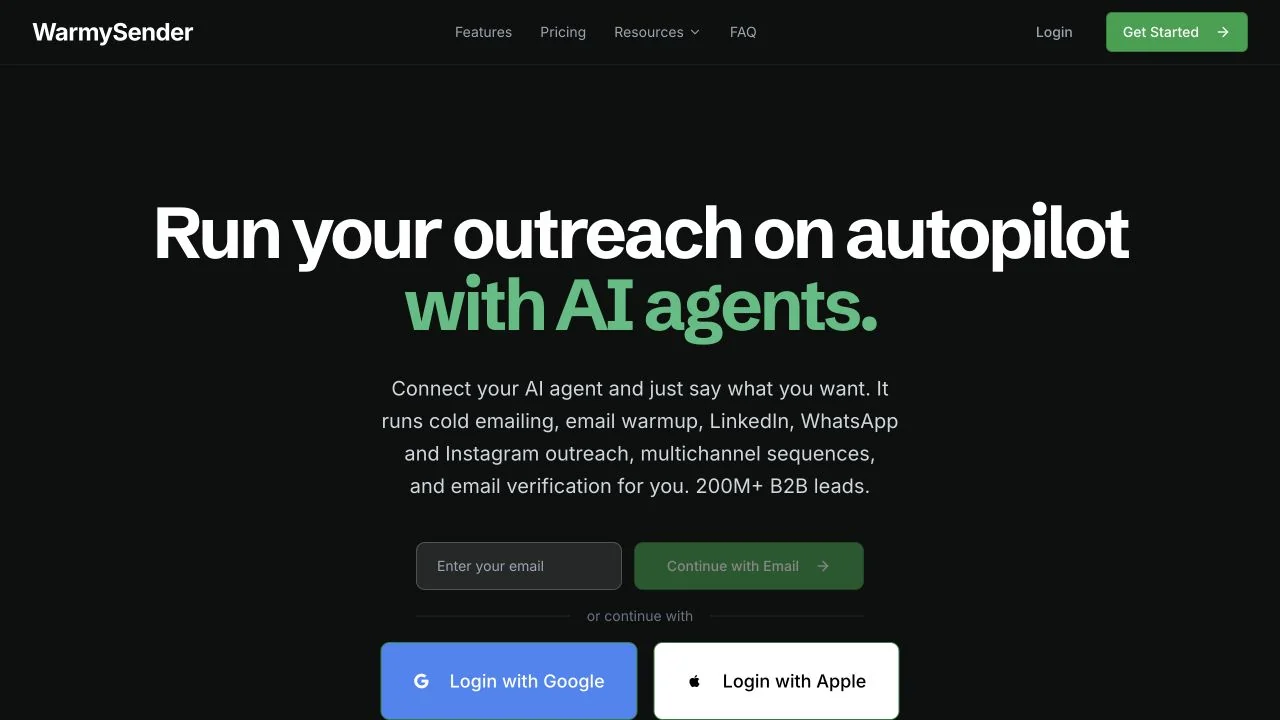
WarmySender product overview supplied by the vendor on AppSumo.

What comes with the lifetime deal?

Deal status

Available

Payment

The tier is a one-time purchase. Domains, hosted mailboxes and optional channel seats are separate charges.

Refund and activation

Activate within 60 days. The lifetime purchase has a 60-day refund window; the listed capacity add-ons are described as non-refundable.

PLANS AND PRICING

WarmySender plans and pricing

Prices and allowances are shown for each plan below.

PLAN DETAILS

Compare each plan’s price and allowance. Confirm any limit marked ‘Not specified’ before buying.

WarmySender plans and limits · USD
Plan comparison6 plansLicense Tier 1License Tier 2License Tier 3License Tier 4License Tier 5License Tier 6
PriceUSD$59one-time$139one-time$259one-time$399one-time$639one-time$999one-time
BillingOne-time paymentOne-time paymentOne-time paymentOne-time paymentOne-time paymentOne-time payment
Connected accounts401002005001,0001,500
Users1345812
Workspaces1235812
CreditsCheck plan notes for usage and renewal periods.8001,2002,00012,00024,00050,000
Emails per month10,000emails / month25,000emails / month50,000emails / month100,000emails / month200,000emails / month400,000emails / month
Leads per month1,000leads / month3,000leads / month10,000leads / month25,000leads / month50,000leads / month200,000leads / month
Verifications per month800verifications / month1,200verifications / month2,000verifications / month12,000verifications / month24,000verifications / month50,000verifications / month
Warmed mailboxes40mailboxes40mailboxes70mailboxes100mailboxes200mailboxes500mailboxes
LinkedIn browser seats0seats1seats2seats3seats4seats5seats
Who this tier fitsOne person running email-only campaigns in one workspace.Two client workspaces or a three-person team needing one LinkedIn browser seat.Three client workspaces with four operators.Five workspaces, five users or a larger verification workload.Eight workspaces and eight users with AppSumo Plus access.Twelve workspaces or a mailbox fleet that needs more warmup capacity than Tier 5.
Keep in mindVerification may run out before leads or sends; count every new address you need checked.The browser seat does not include paid LinkedIn Cloud sequencing.The verification allowance is smaller than the lead allowance; plan how to check the remaining addresses.The monthly allowance is released daily, so a large first-day batch still needs a pacing check.Include Plus eligibility and membership cost before comparing this tier with Tier 4.The top tier still has separate send, lead and verification caps, plus provider sending limits.
Plan notes
  • Monthly allowances are released evenly per day, according to the founder.
  • Mailbox hosting and domains are separate.
  • LinkedIn Cloud and additional channel add-ons cost extra.
  • Monthly allowances are released evenly per day, according to the founder.
  • Mailbox hosting and domains are separate.
  • LinkedIn Cloud and additional channel add-ons cost extra.
  • Monthly allowances are released evenly per day, according to the founder.
  • Mailbox hosting and domains are separate.
  • LinkedIn Cloud and additional channel add-ons cost extra.
  • Monthly allowances are released evenly per day, according to the founder.
  • Mailbox hosting and domains are separate.
  • LinkedIn Cloud and additional channel add-ons cost extra.
  • Monthly allowances are released evenly per day, according to the founder.
  • Mailbox hosting and domains are separate.
  • Plus membership required for this tier.
  • LinkedIn Cloud and additional channel add-ons cost extra.
  • Monthly allowances are released evenly per day, according to the founder.
  • Mailbox hosting and domains are separate.
  • Plus membership required for this tier.
  • LinkedIn Cloud and additional channel add-ons cost extra.

Select the final tier on AppSumo. The product link opens the same listing for every tier.

Costs and limits to account for

  • Domains and mailbox hosting are separate purchases. Warmup does not guarantee inbox placement.
  • Included LinkedIn browser seats do not cover paid LinkedIn Cloud sequences; obtain the cloud-seat price if you need them.

Choose by leads, verification and sending capacity

Tier 1 lists 10,000 monthly emails but only 1,000 leads and 800 verifications. A campaign with 900 newly verified prospects exceeds the verification allowance even though it is well below the send count. Following up with the same person can use several sends without creating several new people.

For example, 500 prospects with an initial message and two follow-ups require up to 1,500 sends. Tier 1 can fit those stated totals if the contacts, verification workload and daily pacing also fit. A team processing 2,500 fresh contacts needs more than Tier 2’s 1,200 verifications, despite its 3,000-lead allowance. Tier 3’s 2,000 verifications is also insufficient without another verification source or an add-on.

The smallest allowance can determine your tier
Monthly requirementCapacity issueDecision
500 prospects × 3 messages1,500 sends and up to 500 verificationsTier 1 can fit if paced
2,500 new contacts, all verified in WarmySenderTier 2 and Tier 3 verification caps are too lowCompare Tier 4 with confirmed add-on costs
Three client workspacesTier 1 has one; Tier 2 has twoTier 3 is the first fit

What counts against each allowance?

Keep four counts in your campaign plan: new leads, addresses to verify, messages including follow-ups, and mailboxes that need warmup. The pricing table lists the tier totals. The table below explains why those totals are not interchangeable.

Count the work before choosing a tier
AllowanceWhat to countBuying consequence
LeadsNew contacts entering your campaignsA large email allowance does not increase the number of leads you can process.
VerificationsAddresses you intend to verify inside WarmySenderCompare this separately with the lead total; some tiers include fewer verifications than leads.
Email sendsInitial messages and every planned follow-upA three-message sequence can use three sends for one person.
Warmed mailboxesMailboxes that need the warmup serviceConnected mailbox capacity and warmed mailbox capacity are separate rows in the offer.

Daily limits within the monthly allowance

The founder says monthly allowances are released evenly each day using a monthly-total-divided-by-30 calculation. That makes the release pattern important for launches, migrations and large list uploads. A nominal 3,000 monthly leads equates to 100 per day on that calculation; it does not establish a 3,000-lead allowance immediately available on purchase day.

The founder’s daily-release explanation does not specify unused-capacity carryover or the precise reset behavior. If you need to import a whole list on one day, ask whether that batch will be accepted and processed within your daily allowance before paying. A large monthly total is not enough to answer that question.

Browser LinkedIn seats and cloud sequences are different

Tier 2 and higher include a number of LinkedIn browser seats. The founder separately says cross-channel email-and-LinkedIn sequencing requires a paid LinkedIn Cloud seat. Instagram and WhatsApp also have separate add-ons. Therefore the included browser seat is not a promise that every multichannel feature is free.

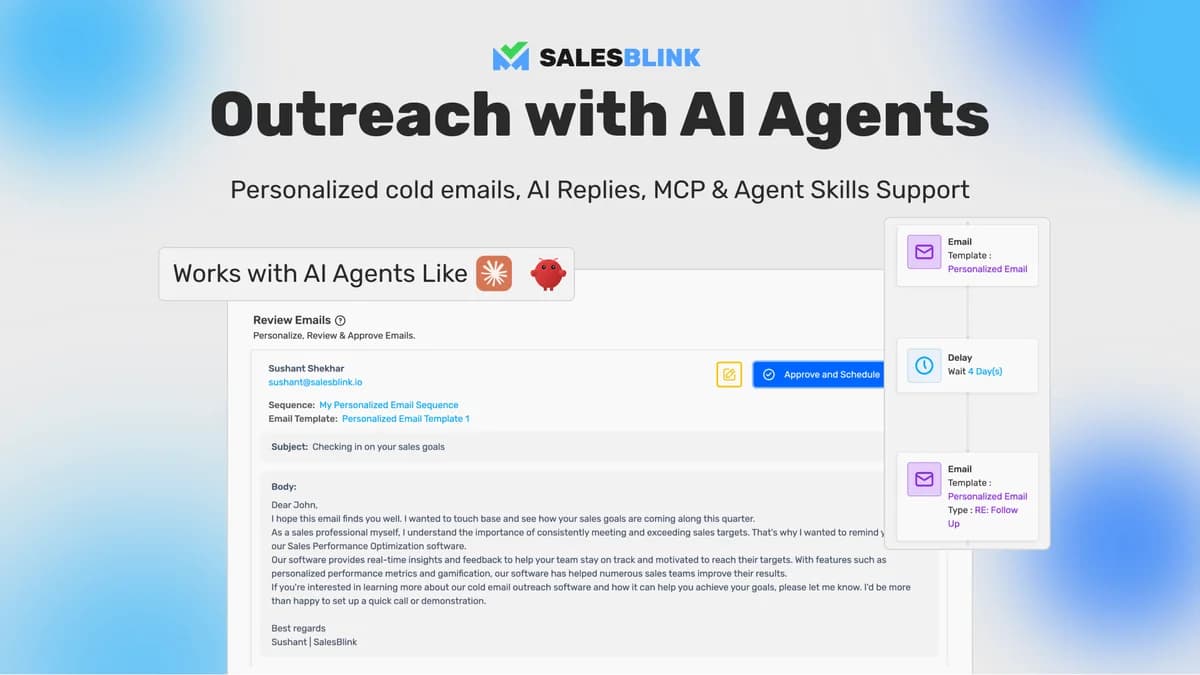
API and MCP are included, but the documented inbox action creates a reply draft that a person must send. Do not build a cost or staffing forecast around unattended reply sending when the documented action stops at a draft.

Domain, mailbox and verification costs

WarmySender does not create your Google Workspace, Microsoft 365 or other hosted mailboxes for free. Domain registration, mailbox subscriptions, external infrastructure and any optional channel seats are separate. Warmup and a high software send allowance do not guarantee inbox placement or remove the sending provider’s own limits.

The listing mentions non-refundable add-ons at $59 for 5,000 monthly leads or verifications. It was not clear whether that $59 is a recurring charge or a one-time purchase of recurring capacity. Ask for the billing period, renewal terms and applicable allowance before comparing the add-on with a higher lifetime tier.

FEATURE COMPARISON

Features, limits and paid extras

“Included” and “unlimited” can mean different things. This checklist separates full access, usage limits, add-ons and features that are not confirmed.

Feature coverage2 / 7

2 fully included · 4 limited · 1 add-on · 0 not included · 0 not confirmed. Coverage is not a quality score.

IncludedLimitedPaid add-onNot includedNot confirmed

Features are grouped by documented coverage. “Not confirmed” means the evidence is incomplete, not that a feature is absent.

Cold email: documented features and conditions
FEATURESFeature comparisonWarmySenderLifetime deal
Included2 features
Email campaigns
Included

Monthly send capacity varies independently from monthly leads.

API and MCP
Included

Included; inbox draft-reply action requires a human to send the reply.

Limited4 features
Mailbox warmup
Limited

40 to 500 warmed mailboxes across the listed tiers.

Email verification
Limited

800 to 50,000 monthly verifications; the lead allowance is separate.

Client workspaces
Limited

1 to 12 workspaces depending on tier.

LinkedIn browser seats
Limited

Tier 2 starts with one browser seat; cloud multichannel sequencing requires a paid seat.

Paid add-on1 feature
Cloud multichannel outreach
Paid add-on

Paid LinkedIn Cloud seats and other channel add-ons are separate from the base deal.

Check each product’s plan notes for tier limits and additional costs. Feature coverage is not a quality rating.
USE CASES

What problems does WarmySender solve?

01

Run a paced email campaign across client accounts

A team may have sufficient send capacity but run out of verified leads or need separate settings for each client.

How to use it

  1. Calculate new contacts, verification and total follow-up sends separately.
  2. Match workspaces and users to the people operating the campaigns.
  3. Provision your own mailboxes, then pace activity within both software and provider limits.

What this helps you do: This planning step shows whether to buy a higher tier, verify contacts elsewhere or reduce the batch before a campaign starts.

Limitations: Account providers can apply their own restrictions.

Do you need an outreach platform or simpler follow-up?

For a few existing customer conversations, keep using a mailbox and reminders if someone can reliably own each reply. WarmySender becomes more useful when you repeatedly prepare lists, schedule follow-ups and separate client campaigns. Manual follow-up avoids another licence but leaves the scheduling and record keeping to your team.

If you already pay for an email sender, compare the work you would actually move: verification, sequences, warmup and client workspaces. Include mailbox bills in both options. For a LinkedIn-led campaign, request the cloud-seat price first; the included browser seat is a different entitlement and cannot establish the total cost of the sequence.

IncludedLimitedPaid add-onNot includedNot confirmed

Features are grouped by documented coverage. “Not confirmed” means the evidence is incomplete, not that a feature is absent.

Cold email: documented features and conditions
FEATURESFeature comparisonWarmySenderLifetime dealSalesBlinkLifetime deal
Included in every compared tool2 features
Email campaignsMonthly send capacity varies independently from monthly leads.
Included

Monthly send capacity varies independently from monthly leads.

Included

Sequences, follow-ups, sender rotation and a unified inbox are listed.

API and MCPIncluded; inbox draft-reply action requires a human to send the reply.
Included

Included; inbox draft-reply action requires a human to send the reply.

Included

Integrations, CLI and API are included at every recorded code level. MCP beta terms need separate confirmation.

Where coverage differs4 features
Mailbox warmup40 to 500 warmed mailboxes across the listed tiers.
Limited

40 to 500 warmed mailboxes across the listed tiers.

Included

Warmup is included for connected senders, subject to provider conditions and pool rules.

Client workspaces1 to 12 workspaces depending on tier.
Limited

1 to 12 workspaces depending on tier.

Included

One to one hundred workspaces according to code count.

LinkedIn browser seatsTier 2 starts with one browser seat; cloud multichannel sequencing requires a paid seat.
Limited

Tier 2 starts with one browser seat; cloud multichannel sequencing requires a paid seat.

Not included

No LinkedIn browser-seat entitlement is listed.

Cloud multichannel outreachPaid LinkedIn Cloud seats and other channel add-ons are separate from the base deal.
Paid add-on

Paid LinkedIn Cloud seats and other channel add-ons are separate from the base deal.

Not included

No included cloud LinkedIn/WhatsApp outreach entitlement is established.

Shared limitations and conditions1 feature
Email verification800 to 50,000 monthly verifications; the lead allowance is separate.
Limited

800 to 50,000 monthly verifications; the lead allowance is separate.

Limited

Separate verification allocation; renewal period is not established.

Check each product’s plan notes for tier limits and additional costs. Feature coverage is not a quality rating.

Launch cold email sequences in minutes with AI
Live
Cold email

SalesBlink

Create cold-email sequences, automate follow-ups and manage replies.

GOOD FOROutreach teams with their own sending mailboxes
$79 / once

BEFORE YOU BUY

WarmySender lifetime deal FAQs

Does the deal include email accounts?

No. You connect mailboxes from your own hosting provider and pay any provider charges separately.

Can I use the whole monthly allowance on day one?

The founder says allowance is released daily using monthly totals divided by 30. Confirm carryover and reset behavior if a large first-day batch is essential.

Is multichannel outreach free on Tier 2?

The included LinkedIn browser seat is different from a paid LinkedIn Cloud seat used for cross-channel sequences. Other channel add-ons can also cost extra.

Does the AI send replies without review?

The documented MCP inbox reply action creates a draft; the founder says a human sends it.

Can everyone buy Tier 5 or Tier 6?

The offer lists both as AppSumo Plus-exclusive. Include membership eligibility and cost in the purchase decision.

Related buying recommendations