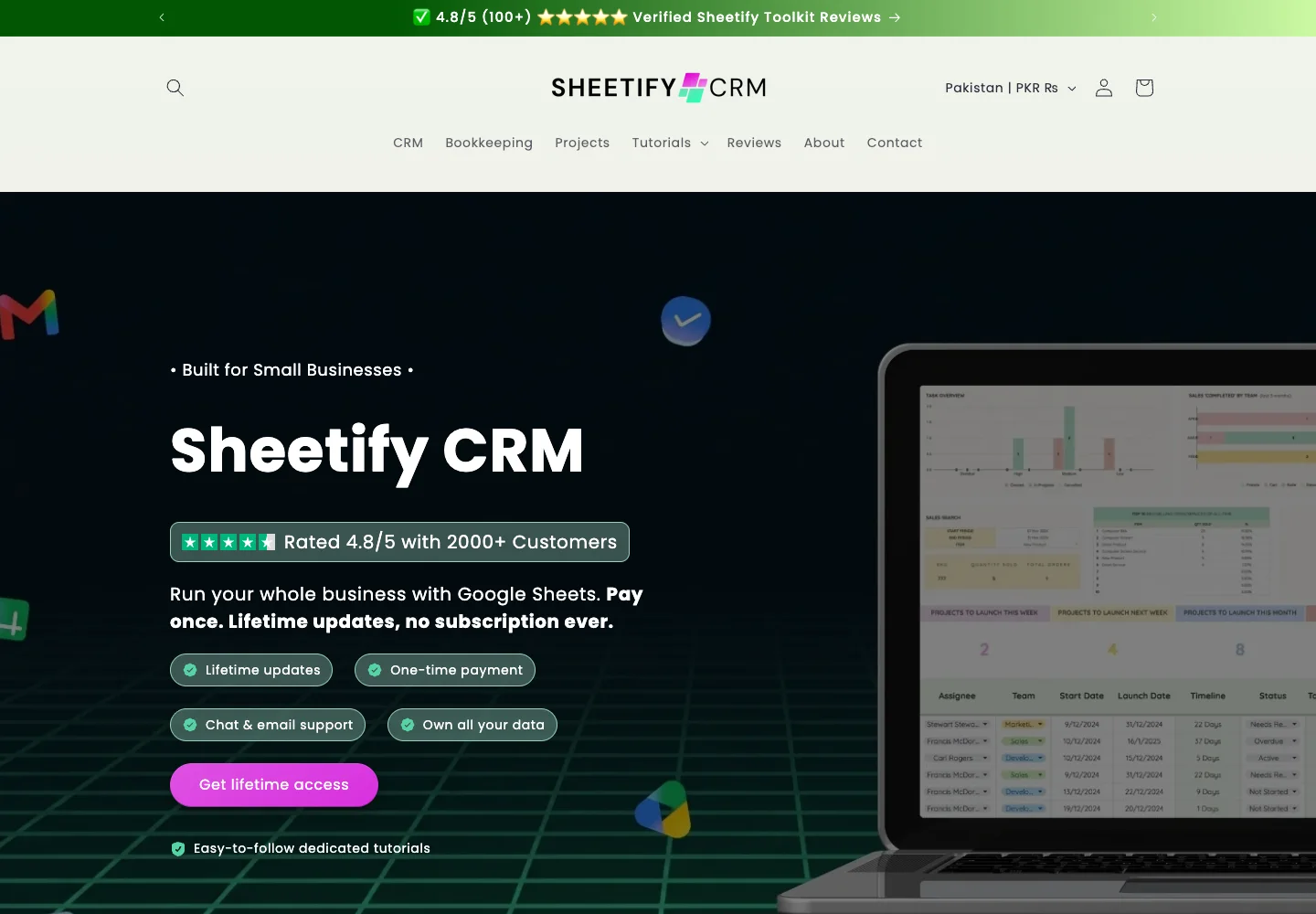
The Sheetify CRM lifetime deal puts a sales pipeline, client records, tasks and Gmail outreach inside Google Sheets. It suits a small service business that wants a useful structure around a familiar spreadsheet. The main buying decision is whether you need only the CRM or the additional bookkeeping and project toolkits, then whether Google’s quotas and spreadsheet permissions fit your actual work.
Start with Tier 1 for CRM work. Tier 2 makes sense only when you will use both the bookkeeping and project tools. Choose a dedicated CRM instead when strict role separation, complex cross-client reporting or dependable high-volume campaigns are essential.
Suitable for
Small service businesses already working in Google Sheets
Consider another option if
Google sending and script quotas still apply.
What comes with the lifetime deal?
Access and activation
Lifetime access under the listed plan; activate within 60 days of purchase.
Refund window
The offer states a 60-day refund window. External service charges are separate.
PLANS AND PRICING
Sheetify CRM plans and pricing
Prices and allowances are shown for each plan below.
PLAN DETAILS
Compare each plan’s price and allowance. Confirm any limit marked ‘Not specified’ before buying.
Sheetify CRM plans and limits · USD
Plan comparison2 plans
CRM for a small service businessLicense Tier 1
Bundle for an owner using all three toolkitsLicense Tier 2
PriceUSD
$39one-time
$99one-time
Billing
One-time payment
One-time payment
Who this tier fits
Pipeline, tasks and Gmail outreach without the extra toolkits.
CRM, bookkeeping and project tracking in separate Google Sheets tools.
Keep in mind
Google quotas, permissions and spreadsheet upkeep.
The bundle does not turn the CRM into an unlimited email platform.
Plan notes
CRM toolkit only; sales reports included.
Founder says up to 15 users can comfortably share a toolkit; this is practical guidance, not a guaranteed concurrency benchmark.
Adds Sheetify Bookkeeping and Sheetify Projects.
Google quotas and any paid Workspace account remain separate.
Select the final tier on AppSumo. The product link opens the same listing for every tier.
Tier 2 adds separate toolkits; it does not increase Gmail throughput.
Do not assume spreadsheet sharing provides database-style permissions.
Choose the toolkit bundle, not an imagined larger CRM
Tier 1 costs $39 and includes the CRM toolkit. A founder answer confirms that sales statistics and charts are included, so reporting alone is not a reason to buy Tier 2. Tier 2 costs $99 and adds the Bookkeeping and Projects toolkits. The difference buys different business workflows rather than a published increase in contacts, email volume or performance.
For a solo consultant who records leads, follows up by email and tracks won deals, start with the CRM. An operator who also needs an invoice register, expense tracking and a project schedule can consider the bundle. Write down which existing process each extra toolkit would replace. Buying three spreadsheets creates little value if two remain unused, and the separate Inventory toolkit should not be assumed included merely because the CRM has an inventory feature.
Gmail campaigns inherit Google’s sending limits
Google’s Apps Script documentation currently lists 100 email recipients per day for consumer accounts and 1,500 for Google Workspace accounts for services such as MailApp. Quotas are per user and reset 24 hours after the first request; related Google-product limits also apply. These are platform ceilings, not a promise that every Sheetify campaign can safely send that volume.
A 240-recipient campaign cannot fit into a fresh consumer account’s 100-recipient daily script allowance in one run. It needs at least three quota periods before allowing for any other scripted email. Moving to paid Workspace is a separate recurring cost and newly paid or trial accounts may not immediately receive the full allowance. Do not select the higher Sheetify tier to solve this bottleneck: the tier does not change Google’s account policy.
For repeat campaigns, keep the contact source, permission to send, last contact date and stop status alongside the message. Review a small internal sample before a batch. A mail merge can personalize a greeting while still sending the wrong offer to the wrong client if the spreadsheet data is stale. A dedicated email service may be a better fit when suppression, campaign reporting and larger scheduled sends are the central job.
Separate client files from a shared team pipeline
The founder permits independent template copies for separate clients and says each CRM remains its own template. Another answer says a team can comfortably add up to 15 users to one toolkit or give members individual copies. That is useful practical guidance, but it is not evidence of tested performance with 15 simultaneous editors or a contractually fixed seat limit.
Choose one shared file when the team should see the same customers and updates. Choose separate files when unrelated clients need independent records, then accept that consolidated reporting becomes extra work. Duplicating a file is not the same as a central workspace with per-client roles. Before inviting a contractor, review exactly which sheets and records that sharing arrangement exposes.
A template still needs controlled maintenance
Begin with a copy of the supplied toolkit, a small contact set and one pipeline. Map existing column names before importing the full customer list. Keep a source copy of the original data so that a mistaken paste or formula change can be reversed. Add sales stages that match real decisions, such as qualified, quote sent and won, rather than creating a stage for every small action.
Updates to a toolkit and updates to the data inside your own copy are different events. The vendor knowledge base provides a migration tutorial for moving data between versions; do not assume a new release silently upgrades your customized workbook. Record any added columns or formulas so you can determine what needs carrying forward. This maintenance is the tradeoff for controlling the file rather than relying on a conventional hosted CRM.
Treat the bookkeeping tools as records, not professional judgment
Tier 2 lists income and expenses, invoice and quote generation, tax calculations, reporting and an AI receipt scanner. These can organize transactions, but a scanner result still needs checking against the source receipt and the business’s chosen categories. A tax calculation feature does not establish support for every jurisdiction, filing obligation or accountant workflow.
If the business already uses accounting software, identify whether the spreadsheet will be a staging area or a replacement. Running two incomplete ledgers can create more reconciliation work than it removes. Ask for an example export suitable for the accountant before moving historical records, and retain original receipts separately from any AI interpretation.
Compare ownership and process fit before price
A plain Google Sheet is the free starting option for a small contact list: name, status, next action, due date and owner may be enough. Sheetify earns its price when the prebuilt pipeline, dashboards and scripts save setup work you would otherwise do yourself. This is also a one-time product on the vendor’s direct site, so a comparison against a fictional monthly Sheetify subscription would exaggerate savings.
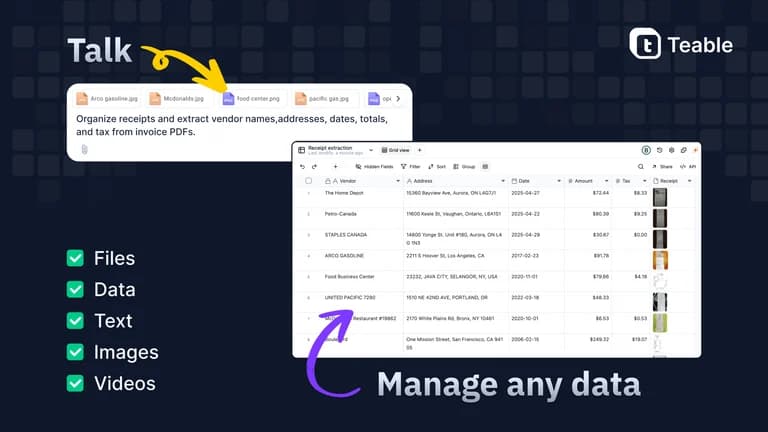
Teable is a different approach for linked records, shared data and automation, with separate capacity and AI limits; its AppSumo deal is currently sold out. A dedicated CRM is more appropriate when permissions and a consistent team process matter more than owning a customizable spreadsheet. The limited Reddit material includes short recommendations and repeated promotional-looking suggestions, not a reliable measure of adoption or support quality. The listing has no AppSumo reviews.
FEATURE COMPARISON
Features, limits and paid extras
“Included” and “unlimited” can mean different things. This checklist separates full access, usage limits, add-ons and features that are not confirmed.
Feature coverage1 / 7
1 fully included · 5 limited · 0 add-on · 0 not included · 1 not confirmed. Coverage is not a quality score.
No extra sending allowance is stated. Google account quotas still govern scripted email.
Does Tier 1 include sales reports?
Yes. The founder explicitly confirms sales statistics and charts in Tier 1.
Can I use separate copies for clients?
The founder permits independent CRM template copies. Each remains its own spreadsheet; consolidated reporting is separate work.
Is the Inventory toolkit included?
The CRM includes inventory-related functionality, but the named Tier 2 bundle is CRM, Bookkeeping and Projects. Do not assume the separate Inventory toolkit is included.
Does the licence include Google Workspace?
No. Any paid Google Workspace subscription is separate. Consumer and Workspace accounts have different sending quotas, and trial accounts may have lower limits.