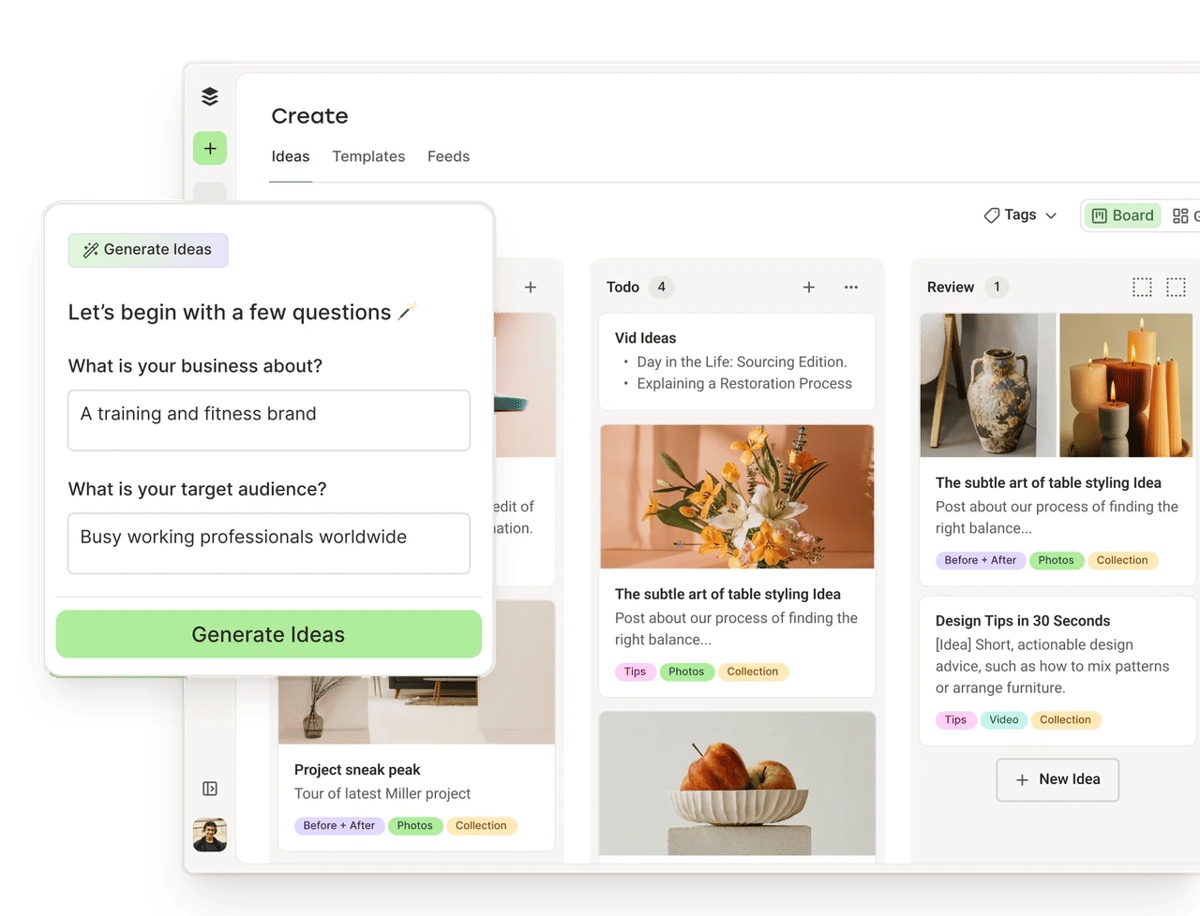
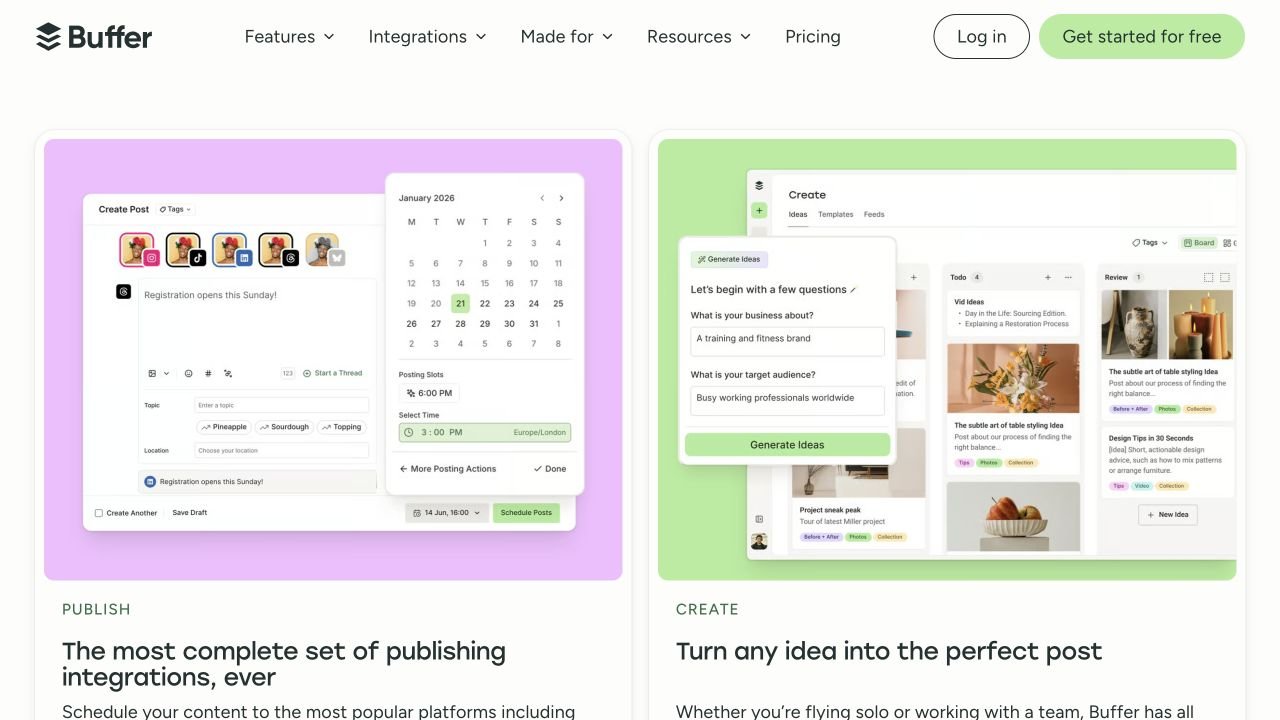
Buffer is a free and subscription-based social scheduler, not a current lifetime deal. It is a useful alternative to buying a lifetime licence when your workload fits the free queue, or when you prefer paying for the channels and collaboration you currently need.
Check Free before spending money on scheduling or API access. Choose Essentials for a solo workflow needing a deeper queue or paid publishing features; choose Team when another person needs access or approval permissions. Compare a lifetime deal with the total cost for your actual channels and required actions, not Buffer’s one-channel starting price.
Suitable for
A buyer who values a free starting point or prefers a recurring plan that can change with their needs.
Consider another option if
Someone assuming the one-channel price covers an entire portfolio of profiles.
What comes with this offer?
Offer type
Free and recurring subscription plans; no current Buffer lifetime offer is established.
Billing unit
Paid plans charge per connected channel. The displayed catalogue prices are annual bills for one channel.
Free usage
Three channels with a refillable queue; API and MCP are available without buying a paid plan.
Evaluation
The vendor advertises a 14-day paid-plan trial.
PLANS AND PRICING
Buffer plans and pricing
Prices and allowances are shown for each plan below.
PLAN DETAILS
Compare each plan’s price and allowance. Confirm any limit marked ‘Not specified’ before buying.
Buffer plans and limits · USD
Plan comparison3 plans
For one operator needing a deeper queueEssentials · 1 channel
For a small solo calendarFree
For contributors and approvalsTeam · 1 channel
PriceUSD
$60per year
$0per month
$120per year
Billing
Billed yearly
Billed monthly
Billed yearly
Connected accounts
1
3
1
Users
1
1
Not specified
Queued posts per channel
5,000posts / channel
10posts / channel
5,000posts / channel
API keys
3keys
1keys
5keys
API requests per channel per 30 days
3,000requests / channel / 30 days
1,000requests / channel / 30 days
10,000requests / channel / 30 days
Maximum API requests per 30 days
30,000requests / 30 days
3,000requests / 30 days
100,000requests / 30 days
Shared API requests per 15 minutes
450requests / 15 minutes
150requests / 15 minutes
1,500requests / 15 minutes
Shared API requests per 24 hours
1,800requests / 24 hours
600requests / 24 hours
6,000requests / 24 hours
CSV posts per channel per upload
100posts / upload
10posts / upload
100posts / upload
Content feeds
50feeds
3feeds
50feeds
Who this tier fits
A solo workflow requiring paid publishing features or advanced analytics.
Up to three channels with frequent queue refills and modest supported automation.
Multiple people preparing and reviewing content with explicit channel permissions.
Keep in mind
Every connected channel adds to the bill; approvals still require Team.
Queue depth and API calls are separate caps; only one user.
Unlimited team members does not mean unlimited free channels or API requests.
Plan notes
Monthly equivalent: $5 per channel. The charge is $60 per channel for the billing period shown above.
Rate applies to the first ten channels; larger counts receive volume pricing.
API keys and MCP connections share limits; the per-channel 30-day allocation is capped account-wide.
CSV import supports text and single images, excludes YouTube; Free imports also depend on queue room.
The advertised unlimited queue has a 5,000-post-per-channel fair-use ceiling.
Ten queued posts per channel; slots refill after publishing.
API keys and MCP connections share limits; the per-channel 30-day allocation is capped account-wide.
CSV import supports text and single images, excludes YouTube; Free imports also depend on queue room.
Monthly equivalent: $10 per channel. The charge is $120 per channel for the billing period shown above.
Unlimited team members; approvals included.
API keys and MCP connections share limits; the per-channel 30-day allocation is capped account-wide.
CSV import supports text and single images, excludes YouTube; Free imports also depend on queue room.
The advertised unlimited queue has a 5,000-post-per-channel fair-use ceiling.
Paid prices are per connected channel; the displayed annual bill is for one channel.
Free has three channels and a refillable ten-post queue per channel, not ten posts per month.
API/MCP share rate limits; stable full analytics and comment-reply automation are not established.
Free can publish more than ten posts in a month
Free permits 3 connected channels and 10 scheduled posts per channel at a time. A slot becomes available after a post publishes. This is queue depth, not a monthly cap. A creator can publish regularly throughout a month while refilling a short queue.
For example, scheduling five posts for the coming week leaves room for five more on that channel. A 20-post batch prepared before a holiday will not fit at once. Decide whether weekly refilling is convenient before paying for a deeper queue. Also count every connected profile rather than treating several accounts on one network as a single channel.
Essentials is for one operator; Team adds collaboration
Essentials costs $60 per channel when billed annually, equivalent to $5 per month. It adds paid publishing features and advanced analytics but still provides one user. Team costs $120 per channel annually and includes unlimited team members, access levels and approvals.
The rates displayed in the catalogue cover one channel among the first ten. Above that count, Buffer publishes volume discounts, so do not multiply the starter rate across a large agency portfolio indefinitely. Monthly billing costs more per month but avoids committing to the annual period; choose the billing term deliberately rather than mistaking the annual equivalent for a monthly invoice.
Compare the whole bill with a lifetime licence
For a portfolio of five channels within the first pricing band, annual Essentials cost is five times $60; Team is five times $120. If approvals are required, Essentials is not the correct saving comparison even when it has enough scheduling capacity. The lifetime alternative must also cover five profiles and the same collaboration job.
A fair break-even calculation divides the lifetime purchase price by the recurring cost you would actually avoid, after adding any lifetime-plan provider fees or add-ons. If Buffer Free already fits, there is no subscription bill to recover. If you might stop using the tool after a short campaign, the ability to cancel a recurring plan has value too.
Compare the whole bill with a lifetime licence
Requirement
Buffer plan to compare
What a lifetime alternative must match
Up to three channels with a short queue
Free
A reason to spend beyond a working free workflow.
A deep queue managed by one person
Essentials
Same profiles, post types and needed analytics.
Contributors and approval permissions
Team
Equivalent seats, permission controls and approvals.
Automated post creation
Free or paid according to usage
Supported actions and a sufficient request allowance.
API and MCP are included on Free, but requests are counted
The current pricing page and API help now agree on the 30-day allowance: 1,000 requests per channel on Free, capped at 3,000 in total; 3,000 per channel on Essentials, capped at 30,000; and 10,000 per channel on Team, capped at 100,000. These are requests, not posts. Reading channels and checking a queue can consume calls as well as creating content.
All personal keys and MCP connections share the limits. A second key does not multiply capacity, and shorter 15-minute and 24-hour windows also apply. Only organization owners can create keys in the current guide. API access is therefore not a reason by itself to buy a lifetime scheduler, but your intended automation still needs to fit the operation and rate limits.
Do not assume every dashboard feature has an API equivalent
The support guide documents creating and editing posts, retrieving account and queue information, and managing ideas. It qualifies post metrics as experimental and says there is no complete reliable analytics/Insights API or analytics CSV export. Reading and replying to comments are also unsupported through that API. Broader marketing descriptions should not override these specific limitations.
MCP connects an assistant to supported actions; it does not include that assistant’s paid plan or every automation tool’s subscription. Review the destination channel, text and schedule before authorizing publication. A post placed in a scheduled queue may publish at its scheduled time; for mandatory human approval, use the documented Team permission workflow rather than assuming a generic assistant connection creates one.
Bulk uploads and RSS have practical boundaries
CSV uploads are available on Free and paid plans, but they support text and single-image posts rather than videos or carousels, and YouTube is excluded. Free uploads are limited by remaining queue space; paid plans allow 100 posts per channel per upload. The help guide warns that rows beyond the limit can be skipped, so count the imported rows instead of assuming a successful upload means every post was added.
RSS content feeds let you choose articles to turn into posts or saved ideas. They are not an unattended publish-every-new-article workflow. The vendor directs automatic RSS publishing to an external integration such as Zapier, with separate triggers for multiple channels. Include that service’s task limits and charges if unattended automation is the reason for the purchase.
Check your post formats and the real queue ceiling
Paid scheduling is advertised as unlimited, with a stated fair-use cap of 5,000 posts per channel. That is generous for many editorial calendars but not literally unlimited bulk storage. The API, CSV uploader and visual composer also have different capabilities, so a format available in one route should not be assumed in another.
Native network restrictions still matter. A platform connection does not prove that every music option, sticker, account type or disclosure setting can be automated. Before moving a whole content calendar, use the actual image, video and thread formats you publish to establish which require a notification or manual completion.
When AdaptlyPost or SocialBu is worth comparing
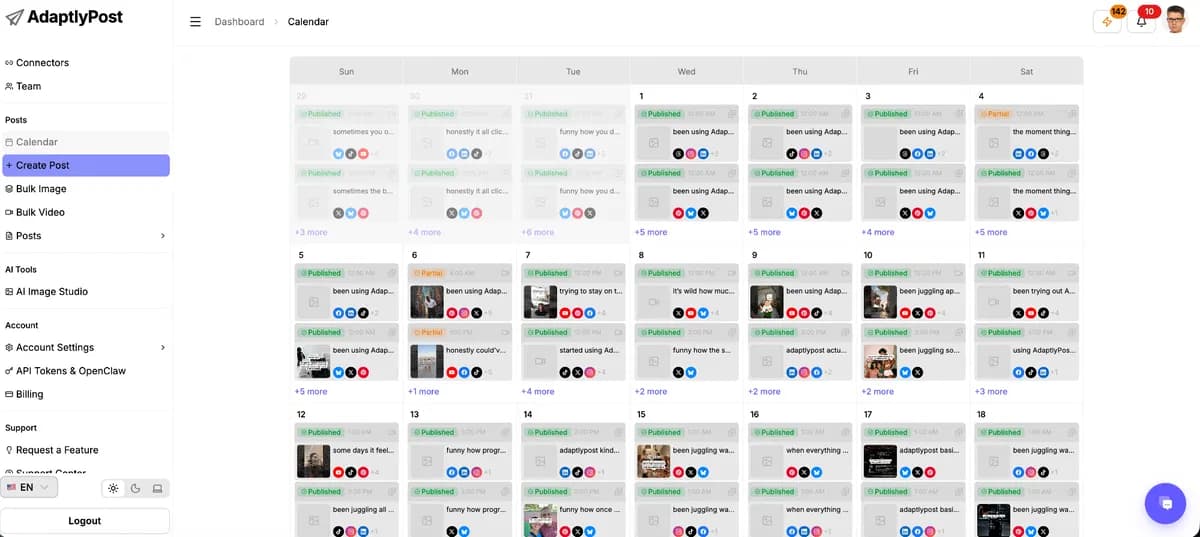
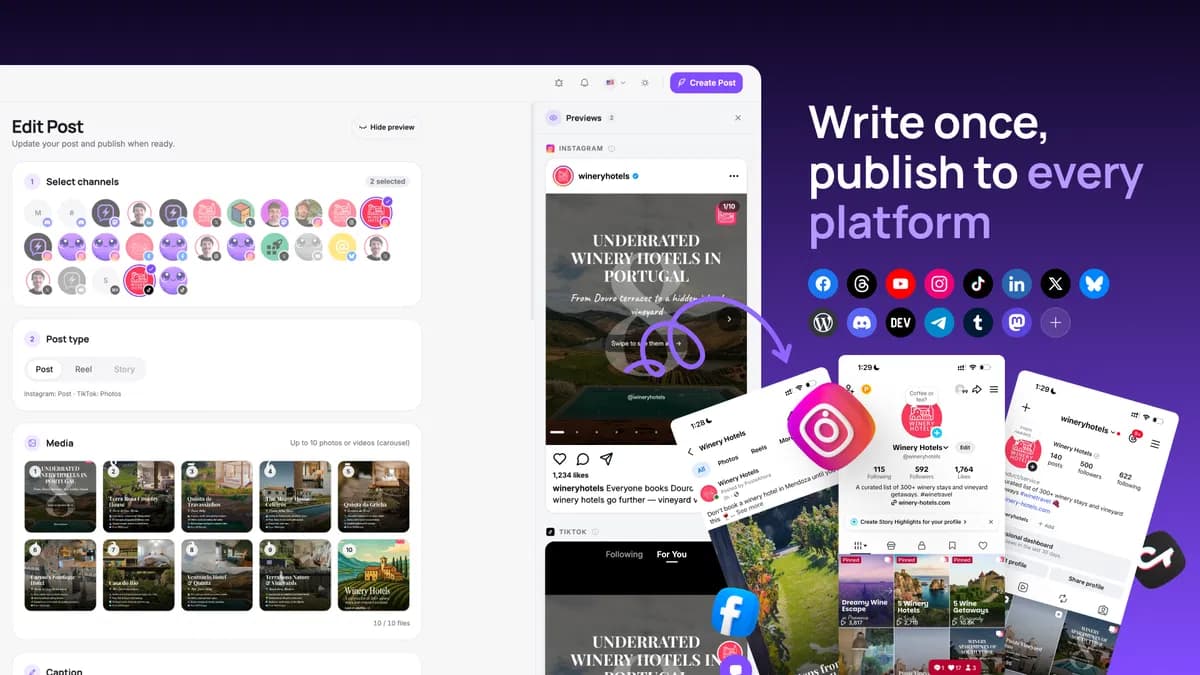
AdaptlyPost is the lifetime candidate to inspect when included API/MCP access and a broader automation workflow are important. Its saved product research covers profile limits, AI usage and entitlement questions; compare those details with Buffer’s free API before assuming a one-time purchase saves money.
SocialBu is another researched lifetime option for scheduling and related social workflows. Use its current product page to check the specific tier, account allowance, AI limits and automation gates against your needs. A plan containing more profiles may still lose the comparison if it lacks the approval, post format or reporting action you actually use.
Independent feedback points to a fit question, not a universal winner
A recent independent discussion includes a user who likes Buffer’s free calendar but finds the three-channel ceiling restrictive. Other scheduling discussions contain both positive routine-use reports and complaints about workflows needing manual platform steps. Such accounts are useful prompts for evaluation, not current plan documentation or proof that an issue affects every account.
The most useful evaluation checks queue depth for a normal week, one exact publishing format, a failed-post notification, and the approval boundary if a contributor is involved.
FEATURE COMPARISON
Features, limits and paid extras
“Included” and “unlimited” can mean different things. This checklist separates full access, usage limits, add-ons and features that are not confirmed.
Feature coverage7 / 13
7 fully included · 3 limited · 0 add-on · 0 not included · 3 not confirmed. Coverage is not a quality score.
Features are grouped by documented coverage. “Not confirmed” means the evidence is incomplete, not that a feature is absent.
Social media scheduling: documented features and conditions
FEATURESFeature comparison
BufferSubscription alternative
Included7 features
Scheduled publishingPrepare posts for a later date and time.
Included
Free has a refillable ten-post queue per channel. Paid queues have a 5,000-post fair-use ceiling.
AI writingGenerate or refine post text within the purchased product.
Included
AI Assistant.
API accessConnect external software through a documented programming interface.
Included
Available on Free with shared request limits; full stable analytics and comment replies are not provided by the current API guide.
AI assistant / MCP accessConnect a compatible assistant to supported product actions.
Included
Also available on Free.
Performance analyticsRead supported account or post performance metrics.
Included
Advanced analytics on Essentials.
Social inboxHandle supported comments or messages in a shared interface.
Included
Community inbox; supported channels vary.
Connected thread schedulingSchedule a linked sequence of posts, not just one standalone post.
Included
Supported connected threads.
Limited3 features
Bulk schedulingLoad or schedule multiple posts in one workflow.
Limited
CSV upload on all plans: text and single-image posts only, not YouTube, videos or carousels. Free queue limits still apply.
RSS publishingTurn updates from a feed into social content.
Limited
Content feeds support selecting articles for posts; unattended RSS publishing needs an external integration such as Zapier.
Approval workflowRequire review or approval before another person publishes.
Limited
Approval workflows and additional teammates require Team; Free and Essentials have one user.
Not confirmed3 features
AI image generationCreate images within the purchased product, subject to credits.
Not confirmed
Support for this plan has not been confirmed.
Separate workspacesOrganize brands or clients in separate working areas.
Not confirmed
Support for this plan has not been confirmed.
Recurring contentAutomatically reuse or repeat scheduled evergreen content.
Not confirmed
Support for this plan has not been confirmed.
Check each product’s plan notes for tier limits and additional costs. Feature coverage is not a quality rating.
USE CASES
What problems does Buffer solve?
01
Schedule a small weekly calendar without a subscription
A solo creator needs several posts ready ahead of time but does not need a large backlog or shared access.
How to use it
Connect the small set of channels you actually use.
Prepare posts for each channel and fit them into the available queue.
Refill the freed slots after publishing, checking the next week’s content.
What this helps you do: A modest publishing routine can stay on Free without pretending the queue is a monthly posting allowance.
Limitations: The channel and queue limits are separate. A long absence or additional client profile can make the same free routine unsuitable.
02
Review a colleague’s work before it reaches social accounts
A business wants a contributor to prepare content without giving every person unrestricted publishing authority.
How to use it
Choose Team for additional members and access levels.
Assign the appropriate channel permissions.
Have prepared content reviewed through the approval workflow before publication.
What this helps you do: Drafting and approval can remain separate responsibilities.
Limitations: Essentials still has one user. API access alone does not create a second user or an approval policy.
BUYER FEEDBACK
What buyers say
Buyer experiences can vary with the plan, product version and workflow.
Mixed feedback
A useful free calendar can still be too small
An independent user describes staying with Buffer’s free calendar but finding its three-channel limit restrictive. This is a workflow-fit report, not a broad satisfaction statistic.
No current lifetime offer is established in the official pricing reviewed. This page covers its Free and recurring plans as alternatives to lifetime products.
Does Free mean only ten posts per month?
No. It is a 10-post queue per channel that refills as posts publish, across up to 3 connected channels.
Do I need a paid Buffer plan for API or MCP?
No. Both are available on Free, subject to supported actions and shared request limits. A connected AI assistant or automation service can have its own costs.
Can two people use Essentials?
Essentials includes one user. Choose Team for additional members and approval workflows rather than sharing one login.
Does adding more API keys increase the allowance?
No. Personal API keys and MCP connections share limits. Requests are also constrained by shorter 15-minute and 24-hour windows.
Can I automate replies and complete analytics reports through the API?
Not according to the current support guide. Comment replies are unsupported and post metrics remain experimental; they are not a complete reliable Insights API.
Can I bulk upload videos or carousels?
Not through the current CSV uploader, which supports text and single images and excludes YouTube. Other publishing routes have their own capabilities.
Does RSS automatically publish new articles?
The built-in content feeds support selecting an article to create a post or idea. The vendor points unattended RSS-to-queue automation to external integrations such as Zapier.