
Workflow automation
How to budget AI workflows: runtime, model and scraping costs
An AI workflow can consume several unrelated allowances. Build a budget that separates collected pages, hosted execution, model usage and any coding subscription.
In this article
Write the workflow before choosing the plans
An AI workflow budget starts with the job you expect to finish. “Research competitors” is too broad to price. “Read permitted product pages once a week, identify changed facts and prepare a report for review” gives you something to count.
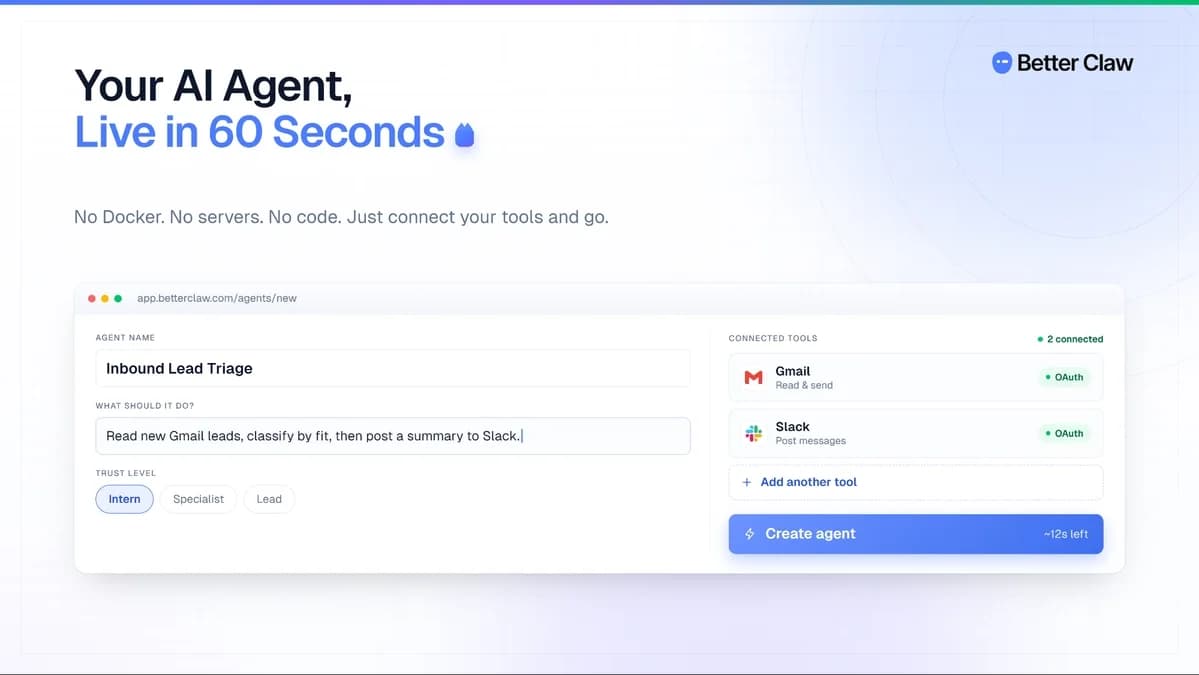
The tools in this example occupy different places. Webclaw provides page extraction and related research capabilities. BetterClaw hosts agent workflows and requires the buyer’s model connection under its AppSumo offer. Headroom is a helper for supported coding subscriptions, relevant only if you use that kind of development workflow. This is not a verified integration recipe, and buying all three is not a prerequisite for automation.
Start with the services you already have. A manual weekly check or a smaller existing workflow may be enough. Add a tool only when you can identify the step it replaces and the allowance that will pay for that step.
Keep four different budgets separate
A credit is a vendor’s unit, not a universal amount of work. BetterClaw runtime credits cannot be added to Webclaw page credits to produce a meaningful total. Neither proves that a model provider’s usage bill is covered.
Webclaw separates monthly page credits, a one-time bonus, research runs and sources per report. BetterClaw’s external model bill remains separate on all reviewed tiers. Headroom does not include the underlying supported AI subscription. Keep those boundaries in your worksheet even if the marketing pages place them under a broad AI label.
Work through a monthly collection example
Suppose your proposed job reads 80 permitted pages once a week for four weeks. That is 320 page reads. If you allow an illustrative 20 percent margin for repeat processing, the worksheet holds 384 reads. The margin is a planning assumption, not a measured failure rate or a claim about how Webclaw bills failed attempts.
Now count the outputs. Four weekly reports might require four research runs if you choose Webclaw’s research feature, but a report using 80 sources must also fit the per-run source limit. The page allowance alone cannot establish that fit. If you build the report through another process, record that process’s own charges instead of assuming Webclaw research is included for free.
Webclaw Tier 1 currently lists 5,000 page credits per month, 8 research runs per month and a maximum of 10 sources per run. Read those units separately. Its one-time bonus is 25,000 credits; spending the bonus on initial collection does not increase the recurring monthly allowance.
Next, estimate hosted steps and model usage from a controlled sample. BetterClaw’s product terms do not specify one fixed conversion from a finished report to runtime credits or tokens. Until you measure it, leave that worksheet line as an estimate with a range. Do not publish a precise cost per report from the purchase price alone.
Check usage allowances and required features
BetterClaw Tier 1 costs $79 once and includes 2,000 runtime credits per month. A workflow can fit a credit balance yet require a higher tier for a connection or permission feature. The offer puts multi-account connectors, roles, MCP and local-model support at Tier 3 or above. That is a feature gate, not simply a larger usage allowance.
For Webclaw, concurrency affects how many requests can be processed at once; it is not extra monthly capacity. A job with a flexible delivery time may need fewer parallel requests than an urgent batch with the same page count. Confirm the supported actions and destination before buying a faster tier.
Headroom should enter this budget only if maintaining the workflow involves a supported coding subscription. Match the exact provider plan to its licence; an upgraded Headroom tier does not upgrade the provider plan itself. Existing trial or paid accounts are excluded from the reviewed marketplace offer, so check eligibility before opening a trial account for that purchase route.
Set spending limits and check the results
Choose a spending ceiling, a maximum number of attempts and a clear completion condition before enabling a repeated job. A useful condition might be “a reviewed report covering the approved list of pages,” not “keep researching until the result looks comprehensive.” Check which ceilings your selected products actually enforce; a note in a prompt is not proof of a billing control.
During a small sample, record starting and ending balances for each service, completed outputs and failures. If model usage rises while useful outputs stay flat, inspect repeated context, unnecessary searches and retry loops before purchasing more credits. A higher tier can conceal an inefficient process without fixing it.
Keep a manual fallback for a blocked page or unavailable connection. Budgeting is not permission to bypass a source’s restrictions. Work only with material and access you are entitled to use, and review extracted facts before acting on them.
Compare the total monthly commitment
Separate one-time purchases from recurring charges. Webclaw’s entry purchase is $59 once and BetterClaw’s is $79 once, but those prices alone do not describe the continuing model cost or your maintenance time. Use the actual provider bill for the model line. Keep unverified top-up prices blank until the relevant account terms establish them.
For a fixed coding subscription, fewer consumed tokens may help you complete more work within its limits; it does not automatically create a refund. Evaluate Headroom against completed work and interruptions before assigning a cash saving to it.
Use the web scraping hub for page and research limits, workflow automation hub for hosted tasks and connections, and developer tools hub for the separate coding decision. This worksheet is a proposed evaluation process based on published product information. No combined workflow or cost benchmark has been tested by us.