

Who is Robomotion RPA for?
Tier 2 is the first tier to examine for event-triggered work. Tier 4 is the first with queues and document understanding. If you do not want to keep a computer available, price hosted execution before treating the lifetime payment as the whole operating cost.
Suitable for
Operations teams automating browser and desktop work Buyers prepared to configure credentials, flows and execution machines
Consider another option if
Tiers 1–4 include zero hosted cloud hours. Triggers start at Tier 2; queues and document understanding at Tier 4. AI assistance does not remove setup, testing or robot maintenance.

What comes with the lifetime deal?
$119 once
Tier 2
Tier 4
Tier 5: 12 hours/month; Tier 6: 36
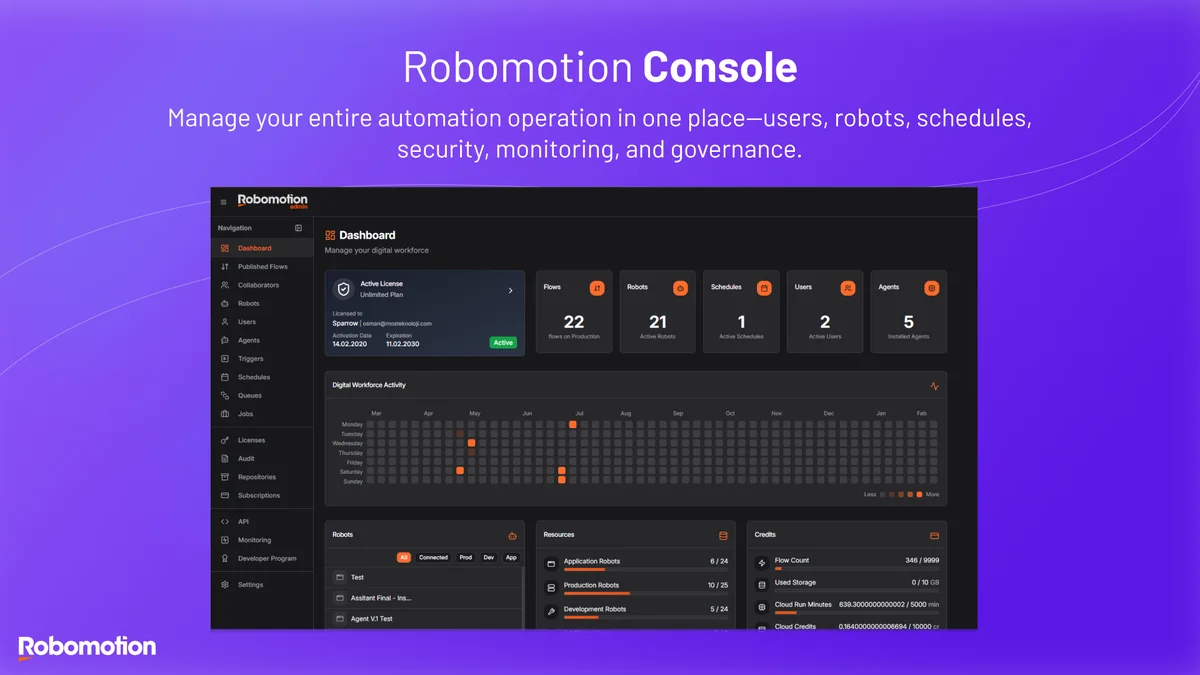
Production robot capacity is separate from the flow library
PLANS AND PRICING
Robomotion RPA plans and pricing
Prices and allowances are shown for each plan below.
Compare each plan’s price and allowance. Confirm any limit marked ‘Not specified’ before buying.
Select the final tier on AppSumo. The product link opens the same listing for every tier.
Costs and limits to account for
- Tiers 1–4 include zero hosted cloud hours.
- Triggers start at Tier 2; queues and document understanding at Tier 4.
- AI assistance does not remove setup, testing or robot maintenance.
FEATURE COMPARISON
Features, limits and paid extras
“Included” and “unlimited” can mean different things. This checklist separates full access, usage limits, add-ons and features that are not confirmed.
0 fully included · 5 limited · 0 add-on · 0 not included · 0 not confirmed. Coverage is not a quality score.
Features are grouped by documented coverage. “Not confirmed” means the evidence is incomplete, not that a feature is absent.
Check each product’s plan notes for tier limits and additional costs. Feature coverage is not a quality rating.
USE CASES
What problems does Robomotion RPA solve?
Move information between an old desktop app and a web system
A process involves screens and local files that an API-only connector cannot reach.
How to use it
- Map the input, application steps and expected output.
- Build a flow and connect a supported robot machine.
- Test authentication, changed screen layouts and the failure path before scheduling it.
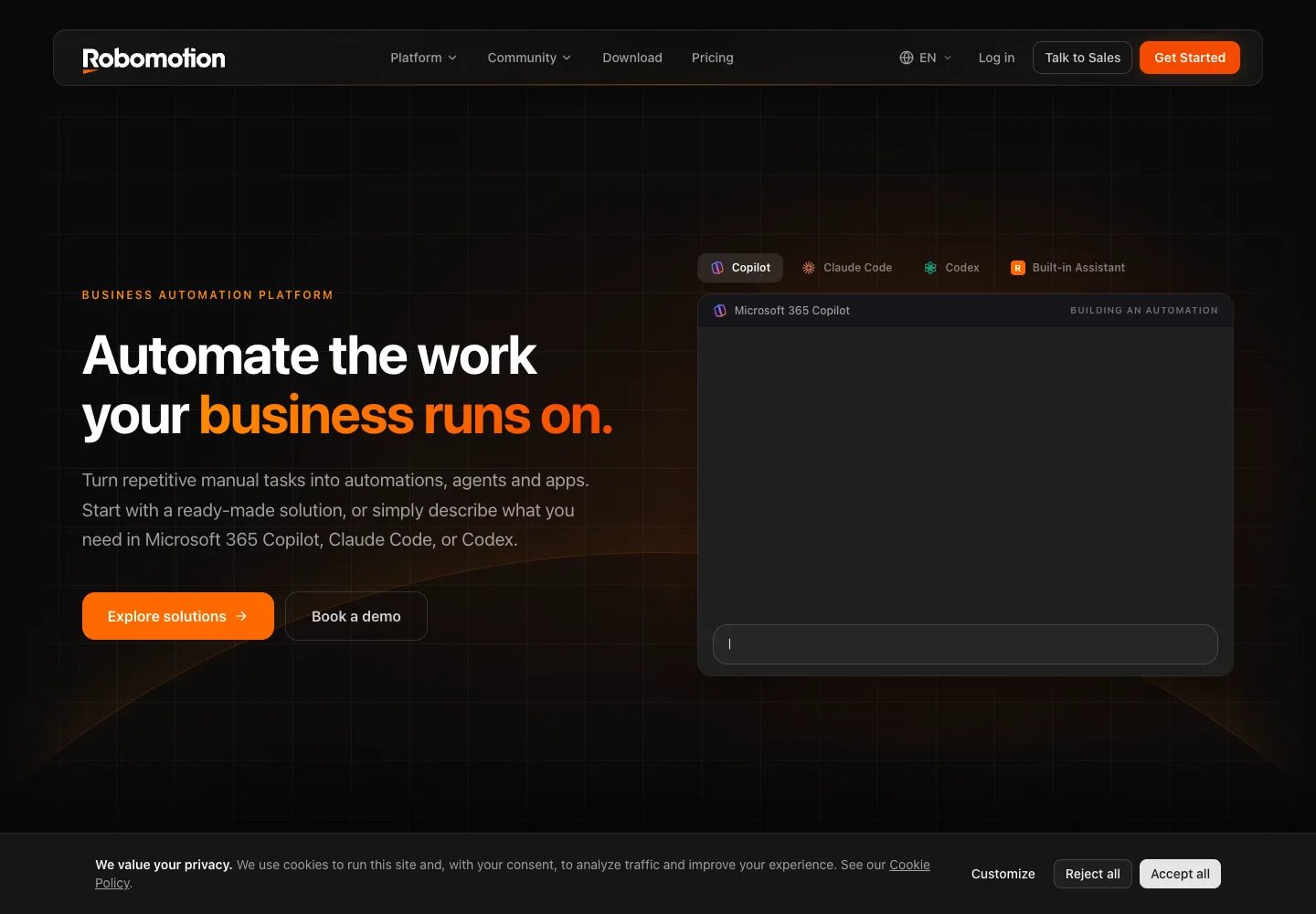
What this helps you do: Desktop and browser actions can bridge work that otherwise requires manual entry.
Limitations: The machine, session and application must remain usable. Website changes and authentication prompts can break unattended work.
Process incoming jobs without starting every run manually
A team needs a repeatable response to new files or external events.
How to use it
- Choose a tier with the required trigger; use a queue-capable tier for queued work.
- Assign enough production robots for expected simultaneous jobs.
- Monitor results and route failures for review rather than silently repeating side effects.
What this helps you do: Triggers and queues can coordinate repeatable work using the documented platform features.
Limitations: A robot runs one flow at a time. Flow count, robot count and execution time describe different limits.
BUYER FEEDBACK
What buyers say
Buyer experiences can vary with the plan, product version and workflow.
Powerful automation with a real setup burden
Recent AppSumo reviews praise support and flexibility while others describe a difficult learning curve or connection setup. G2 also contains feedback about learning effort and hosted execution costs; some G2 reviewers disclose incentives or partner status.
Robomotion RPA images
ALTERNATIVES
Robomotion RPA alternatives and comparisons
Features are grouped by documented coverage. “Not confirmed” means the evidence is incomplete, not that a feature is absent.
Check each product’s plan notes for tier limits and additional costs. Feature coverage is not a quality rating.


Dictate, rewrite text and run supported app actions from your keyboard.
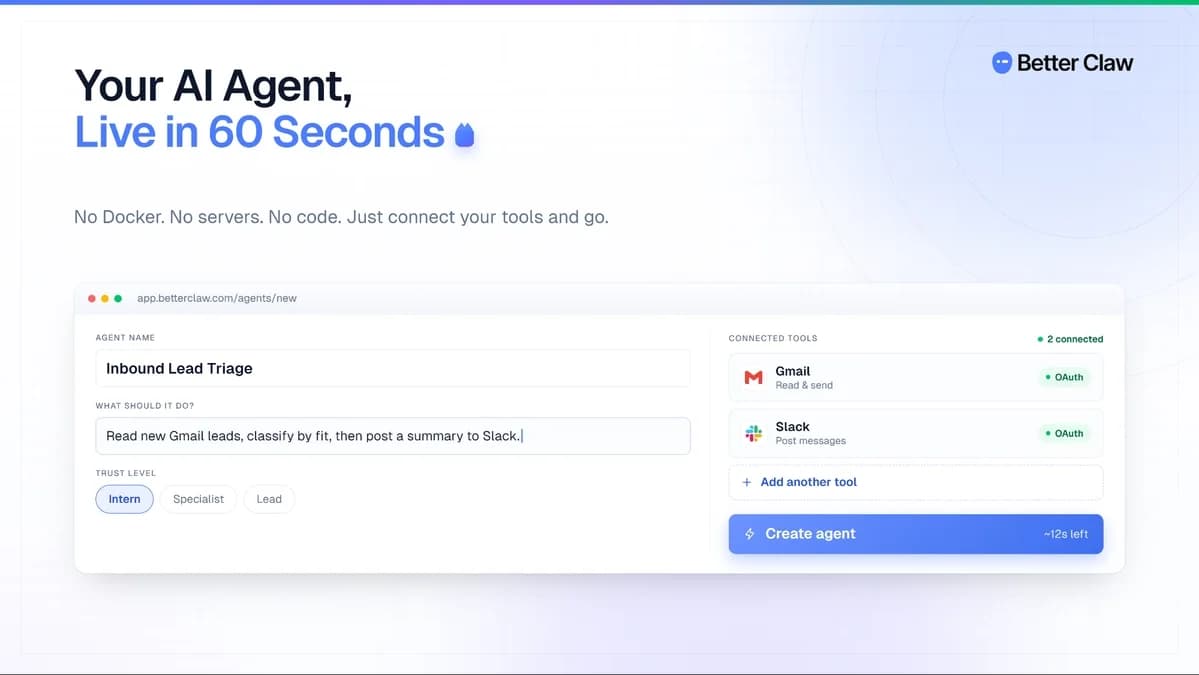

Host AI agents that run recurring tasks using your chosen AI provider.


Organize, search and export conversations from supported AI chat websites.
BEFORE YOU BUY
Robomotion RPA lifetime deal FAQs
Does the lifetime deal include cloud robots running all day?
No. The first four tiers include zero hosted execution hours. The higher tiers include limited monthly time, not continuous execution.
Can one robot run several flows simultaneously?
The founder says one robot runs one flow at a time. Branches inside a flow do not make the robot an unlimited concurrent runner.
Is Tier 6 unlimited in every respect?
No. Users and flows are unlimited, while production robots and monthly hosted hours still have explicit limits.