

Who is Vois Studio for?
For paid production, choose Tier 3 only after checking the free version on your computer. Tier 2 makes sense for personal projects that need cloned voices; it does not add commercial permission.
Suitable for
A solo producer making frequent local narration revisions and willing to inspect each finished file.
Consider another option if
Intel Mac users, teams expecting shared seats, or buyers who need Craft, Omni or Voice Design included for life.

What comes with the lifetime deal?
$239 once; business and client work require Tier 3
Unlimited locally; processing depends on your computer
One person; Studio 2.x lifetime product line
Craft, Omni and Voice Design require separate Pro access
Activate within 60 days; listed 60-day refund window
PLANS AND PRICING
Vois Studio plans and pricing
Prices and allowances are shown for each plan below.
Compare each plan’s price and allowance. Confirm any limit marked ‘Not specified’ before buying.
Select the final tier on AppSumo. The product link opens the same listing for every tier.
Costs and limits to account for
- Tiers 1 and 2 exclude monetized, business and client use.
- The lifetime licence covers Studio 2.x; Pro features are not an included lifetime upgrade.
- Devices are not users; hardware and voice quality need evaluation before a deadline.
- The current FAQ limits offline production to one day after licence validation.
FEATURE COMPARISON
Features, limits and paid extras
“Included” and “unlimited” can mean different things. This checklist separates full access, usage limits, add-ons and features that are not confirmed.
4 fully included · 3 limited · 0 add-on · 1 not included · 2 not confirmed. Coverage is not a quality score.
Features are grouped by documented coverage. “Not confirmed” means the evidence is incomplete, not that a feature is absent.
Check each product’s plan notes for tier limits and additional costs. Feature coverage is not a quality rating.
USE CASES
What problems does Vois Studio solve?
Revise narration without paying for every new read
Small changes to names, pacing and wording can consume a cloud character allowance repeatedly.
How to use it
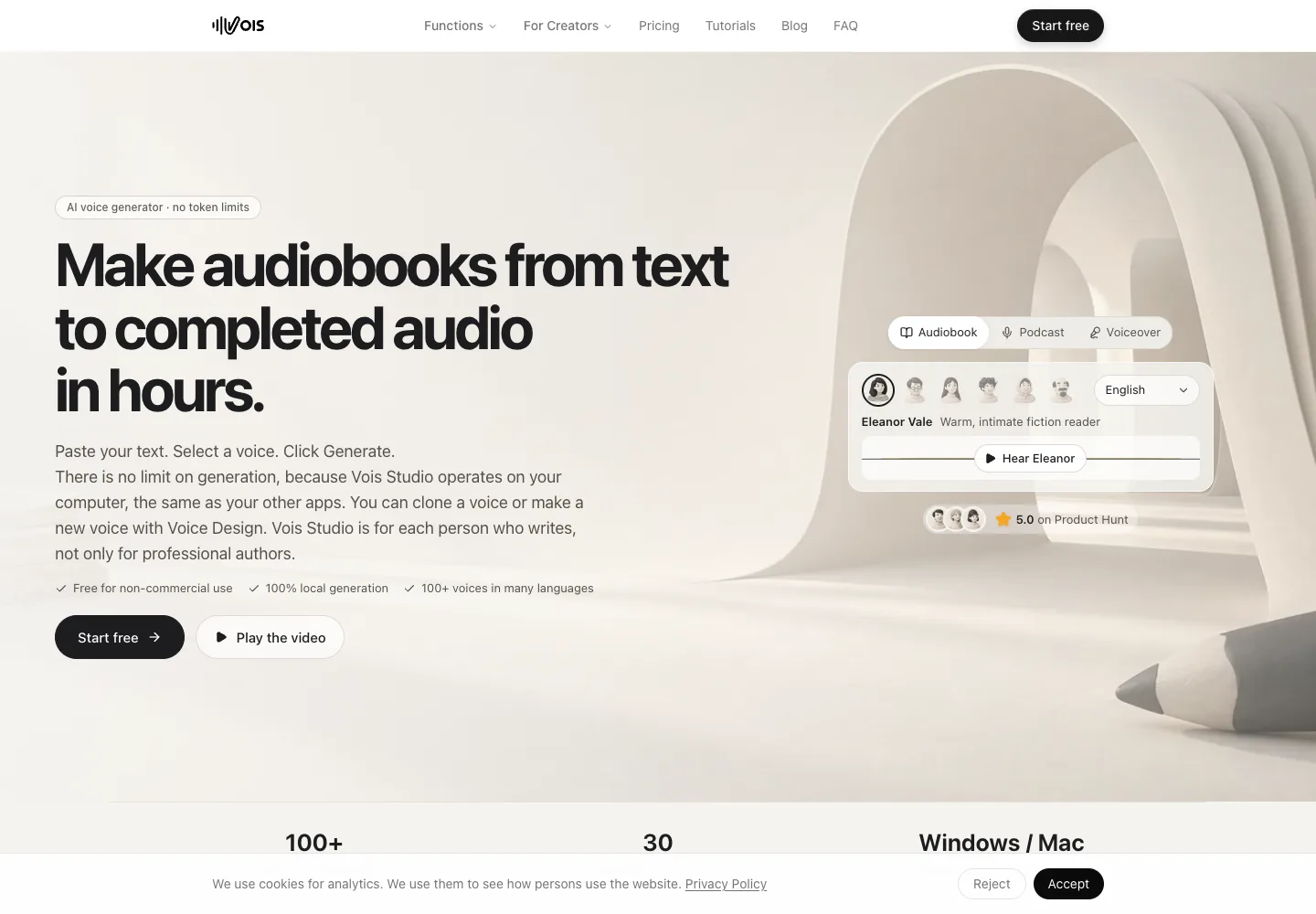
- Install the supported version and download the required local voice models.
- Split the script into manageable sections and check pronunciation with short samples.
- Generate locally, edit the timeline and review the final export before publishing.
What this helps you do: Repeated local generation does not consume a character-credit balance.
Limitations: Processing still costs time, computer resources and review effort. Unlimited attempts do not guarantee usable speech.
Create a voiced script while keeping generation on your own computer
A producer wants local speech processing rather than sending each script to a cloud speech service.
How to use it
- Check hardware compatibility and obtain permission for any cloned voice.
- Use local engines for the script and keep project backups.
- Separate local generation from optional agent services and their data handling.
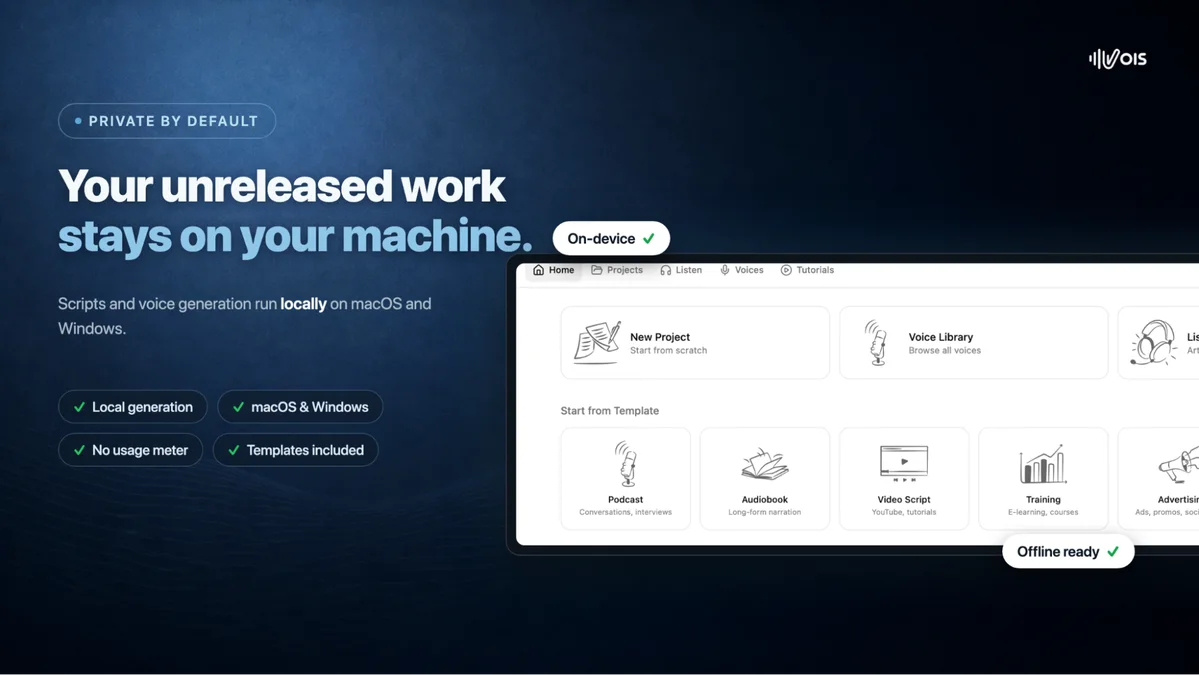
What this helps you do: The documented local workflow can keep narration processing on the device.
Limitations: Initial downloads, activation and periodic licence checks need internet access. The current AppSumo FAQ allows local production for up to one day after successful validation; this is not a permanently disconnected workflow.
BUYER FEEDBACK
What buyers say
Buyer experiences can vary with the plan, product version and workflow.
Unlimited revisions appeal, but speech and editing still need review
A recent podcast buyer described pronunciation errors and timeline edits resetting after regeneration. The founder requested a version and reproducible example. Another buyer reported different cloning reliability between a desktop and laptop. These individual reports do not establish typical performance.
Treat paid test participation separately
One review discloses participation in paid product testing, acknowledged by the founder. It is not independent evidence of typical buyer results. The small review set does not establish a consensus on narration quality.
Vois Studio images
ALTERNATIVES
Vois Studio alternatives and comparisons
Features are grouped by documented coverage. “Not confirmed” means the evidence is incomplete, not that a feature is absent.
Check each product’s plan notes for tier limits and additional costs. Feature coverage is not a quality rating.
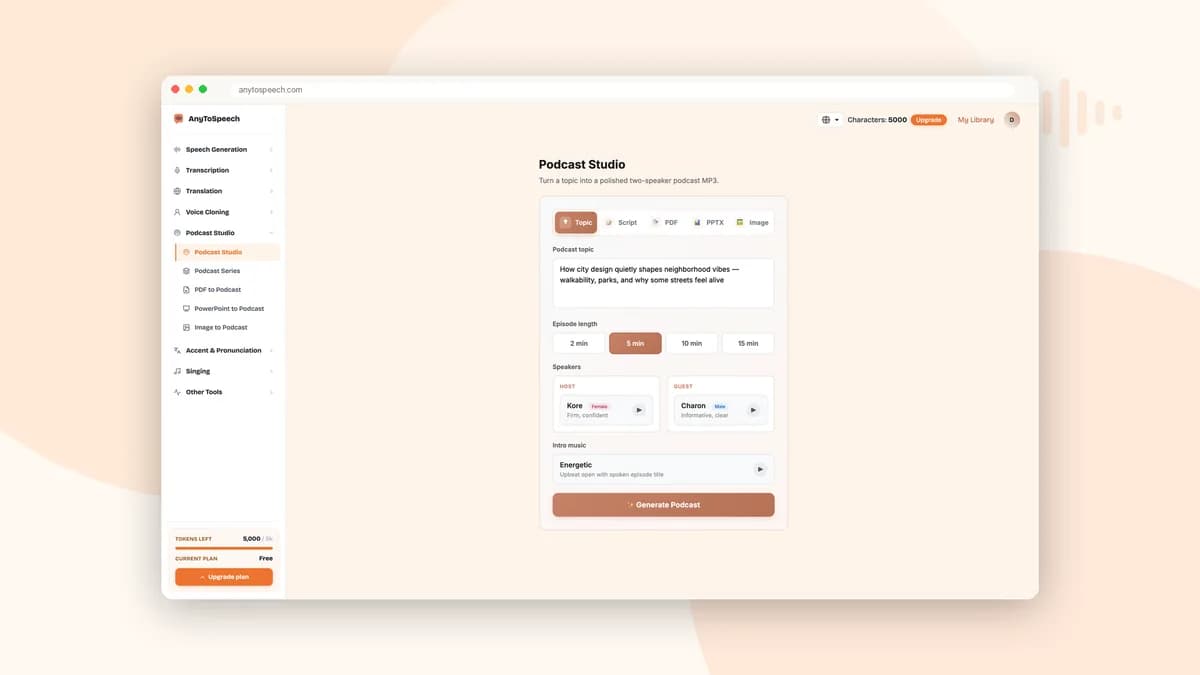

Turn documents and scripts into spoken audio or two-speaker podcasts.


Create voiceovers, transcribe recordings and translate audio.


Transcribe recordings, add subtitles and dub videos into other languages.
BEFORE YOU BUY
Vois Studio lifetime deal FAQs
Which tier can I use for a client or monetized channel?
Tier 3. Tiers 1 and 2 are personal-use licences, even when a business video has ads switched off.
Does Tier 3 include Omni, Craft or Voice Design?
No. The founder identifies these as optional Pro subscription features, separate from every AppSumo lifetime tier.
Are five devices five team members?
No. The terms license one person and their permitted devices. Other operators need their own access.
Do I need to buy generation credits?
Local generation on the lifetime plan is unlimited. Free-plan export credits are a different offer and do not grant commercial rights.
Does the lifetime licence cover every future major version?
The partner terms specify the Studio 2.x product line. Access to later major versions is not established.
Can I work offline for several days?
The current AppSumo FAQ says up to one day after successful licence validation. Setup, model downloads, activation and periodic checks need internet access. Do not buy it for a permanently disconnected computer.