

Who is Wideo for?
Choose Wideo for a repeatable template-based video workflow. Tier 1 can suit occasional short clips; Tier 2 is the practical starting point when its download cap or short duration is too restrictive. Move to a higher tier for a specific duration or user requirement. Do not buy primarily for a self-service avatar generator, a fully automatic long-script movie or unconfirmed Tier 2 automation access.
Suitable for
Businesses producing repeated branded explainers and short promotions.
Consider another option if
Fully automatic long-script videos with generated B-roll or guaranteed self-service AI avatars.
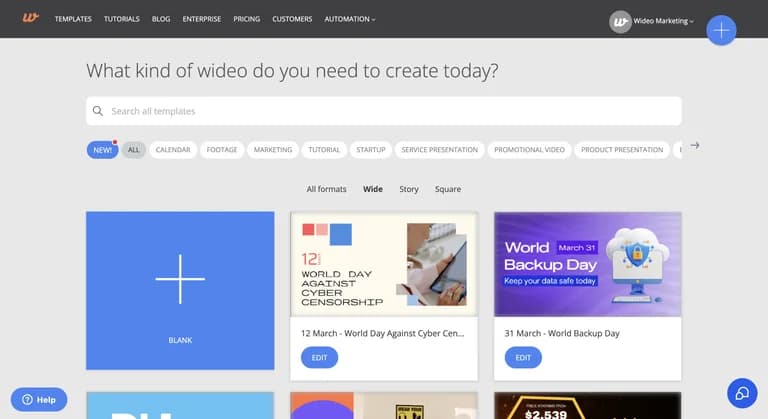
What comes with the lifetime deal?
$59 once
10 downloads/month; 90 seconds per video
Unlimited monthly downloads; 600 seconds per video
Monthly; the founder says each AI tool has its own allowance.
Separate user logins beneath one main administrator, not separate client organizations.
Activate within 60 days; 60-day refund. Basic, Pro or Pro+ plan updates; no code stacking.
PLANS AND PRICING
Wideo plans and pricing
Prices and allowances are shown for each plan below.
Compare each plan’s price and allowance. Confirm any limit marked ‘Not specified’ before buying.
Select the final tier on AppSumo. The product link opens the same listing for every tier.
Costs and limits to account for
- AI avatars are described as a custom service in a disclosed tester’s review, not a standard self-service entitlement.
- Blog-to-video summarizes a post; it is not a dependable full-article conversion promise.
- Tier 2 Zapier access is inconsistent between the current table and a founder answer.
FEATURE COMPARISON
Features, limits and paid extras
“Included” and “unlimited” can mean different things. This checklist separates full access, usage limits, add-ons and features that are not confirmed.
2 fully included · 6 limited · 0 add-on · 1 not included · 1 not confirmed. Coverage is not a quality score.
Features are grouped by documented coverage. “Not confirmed” means the evidence is incomplete, not that a feature is absent.
Check each product’s plan notes for tier limits and additional costs. Feature coverage is not a quality rating.
USE CASES
What problems does Wideo solve?
Make repeatable branded explainers without animating every scene
A business needs similar promotional or onboarding videos with new wording each time.
How to use it
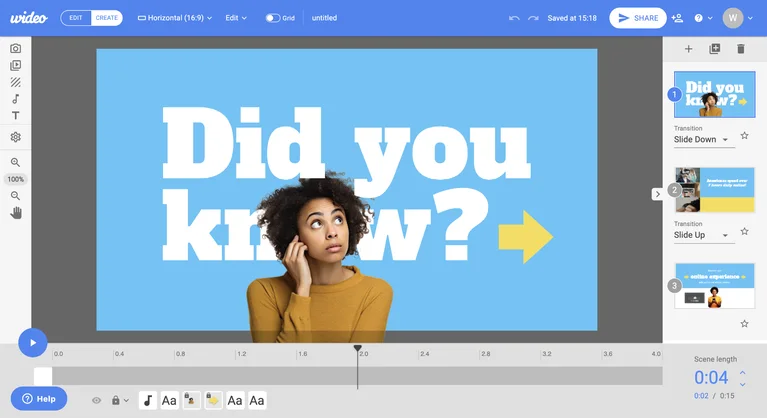
- Choose a template whose style and duration fit the message before writing to it.
- Replace text, colours and licensed images; review narration and scene timing.
- Export a representative clip and check readability, branding and playback at its final size.
What this helps you do: A reusable scene structure can reduce repeated animation work.
Limitations: Template style is a buying criterion. Several newer buyer comments find parts of the library dated; inspect examples before committing.
Create a short promo for an existing article
A full blog post is too long for a social promotional video.
How to use it
- Choose one claim or takeaway and identify the original article’s destination link.
- Use the blog-to-video workflow for a draft, then inspect which material it retained.
- Adjust scenes and the call to action in the editor, keeping the promo consistent with the article.
What this helps you do: The intended output is a short summary that directs viewers to the original content.
Limitations: A disclosed tester and vendor clarification describe summarization, not a full word-for-word reading of the article.
BUYER FEEDBACK
What buyers say
Buyer experiences can vary with the plan, product version and workflow.
Templates for repeatable promotional work
Five newest displayed reviews were inspected, spanning 2024 and 2026. Buyers described useful explainer and campaign templates. Older positive experiences do not establish the quality or entitlement of the newer AI tools.
Separate the editor from custom AI services
A September reviewer found the interface and template style dated. Another reviewer, who disclosed paid testing and free access, praised template editing but distinguished summarized blog promos and custom avatars from broader marketing language.
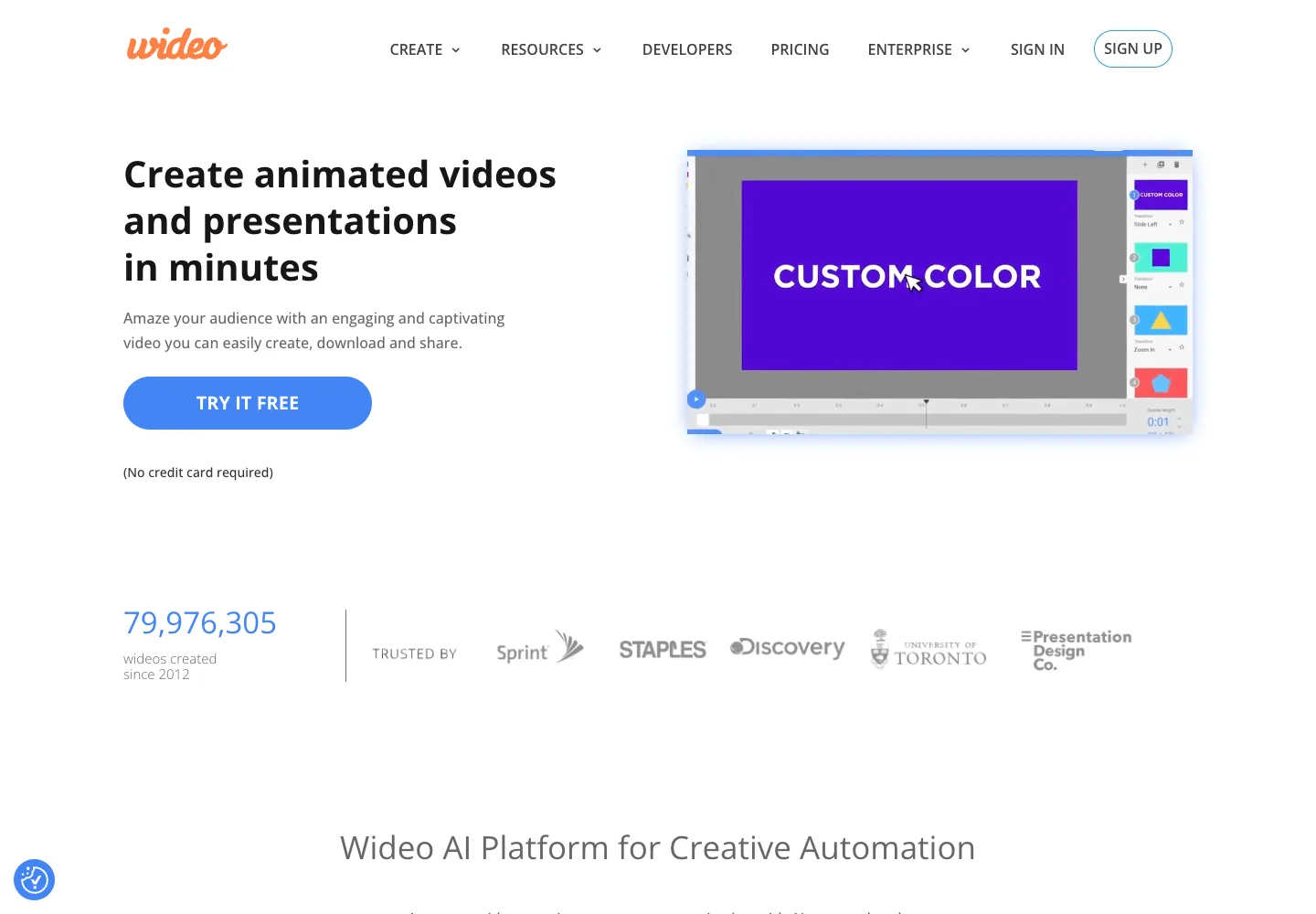
Wideo images
ALTERNATIVES
Wideo alternatives and comparisons
Features are grouped by documented coverage. “Not confirmed” means the evidence is incomplete, not that a feature is absent.
Check each product’s plan notes for tier limits and additional costs. Feature coverage is not a quality rating.


Create short AI-generated video ads from briefs and product images.
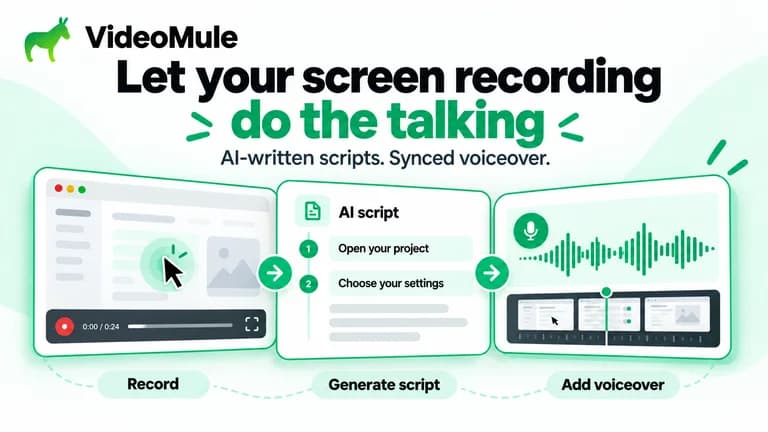

Turn screen recordings into tutorials with synchronized narration.
BEFORE YOU BUY
Wideo lifetime deal FAQs
Does Wideo Tier 1 include unlimited downloads?
No. The current entry plan has a monthly download limit. Unlimited downloads begin at Tier 2; per-video duration still depends on the tier.
Are AI credits shared across all Wideo tools?
The founder says the allowance is per AI tool, with separate pools. Exact action rates for every tool are not established, so do not assume a universal number of videos or minutes.
Can Wideo turn a 15-minute script into a complete video automatically?
The founder says the product does not create a full long-script video with generated scenes and B-roll. Its automated text/form workflows use templates.
Is Zapier included in Tier 2?
The current table says no; a September founder answer says yes. Confirm the specific licence entitlement before buying for automation.
Do the additional accounts create separate client organizations?
No such entitlement is established. The founder describes individual user logins under one main admin, with private or shared videos.
Are AI avatars included as a normal self-service feature?
The paid tester says the vendor clarified avatars as a custom solution. Do not assume the lifetime account includes a self-service avatar allowance or a custom service at no extra cost.