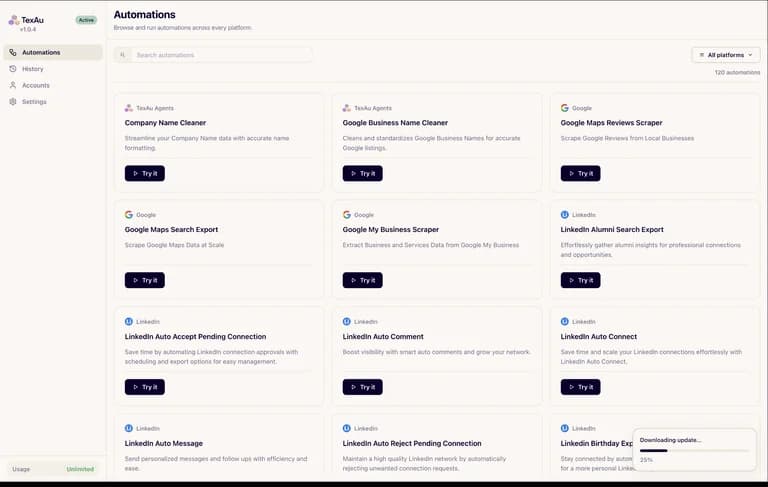
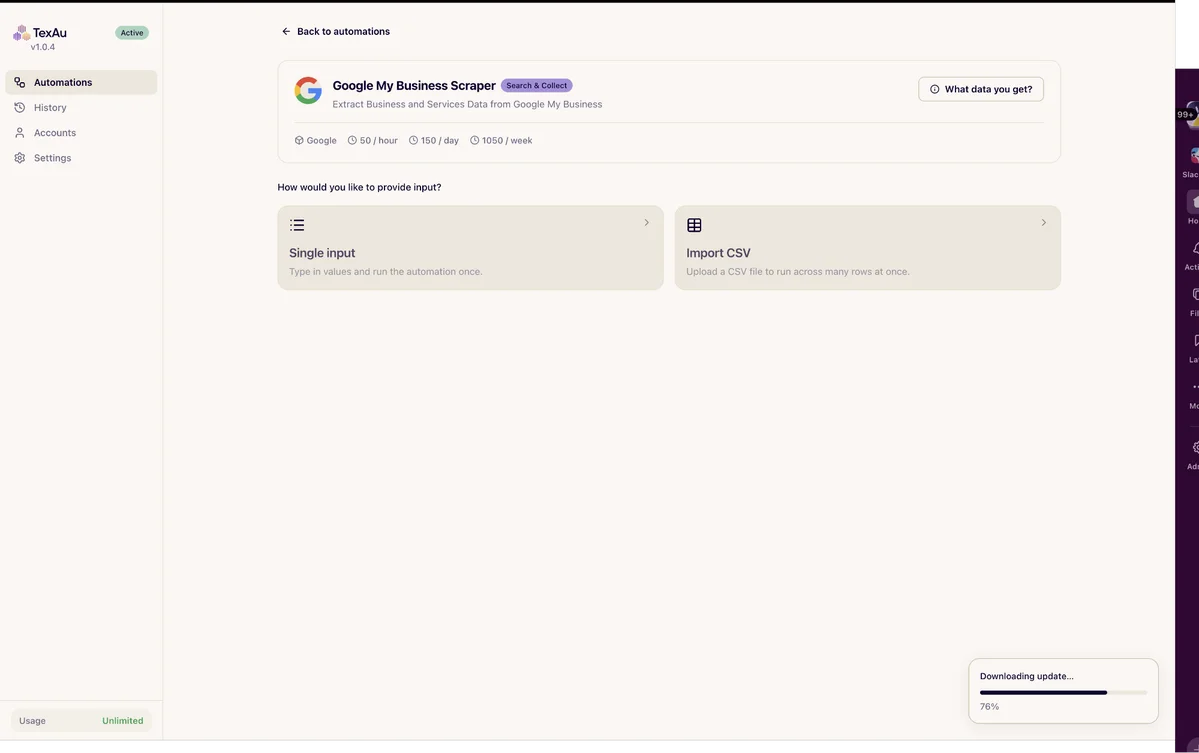
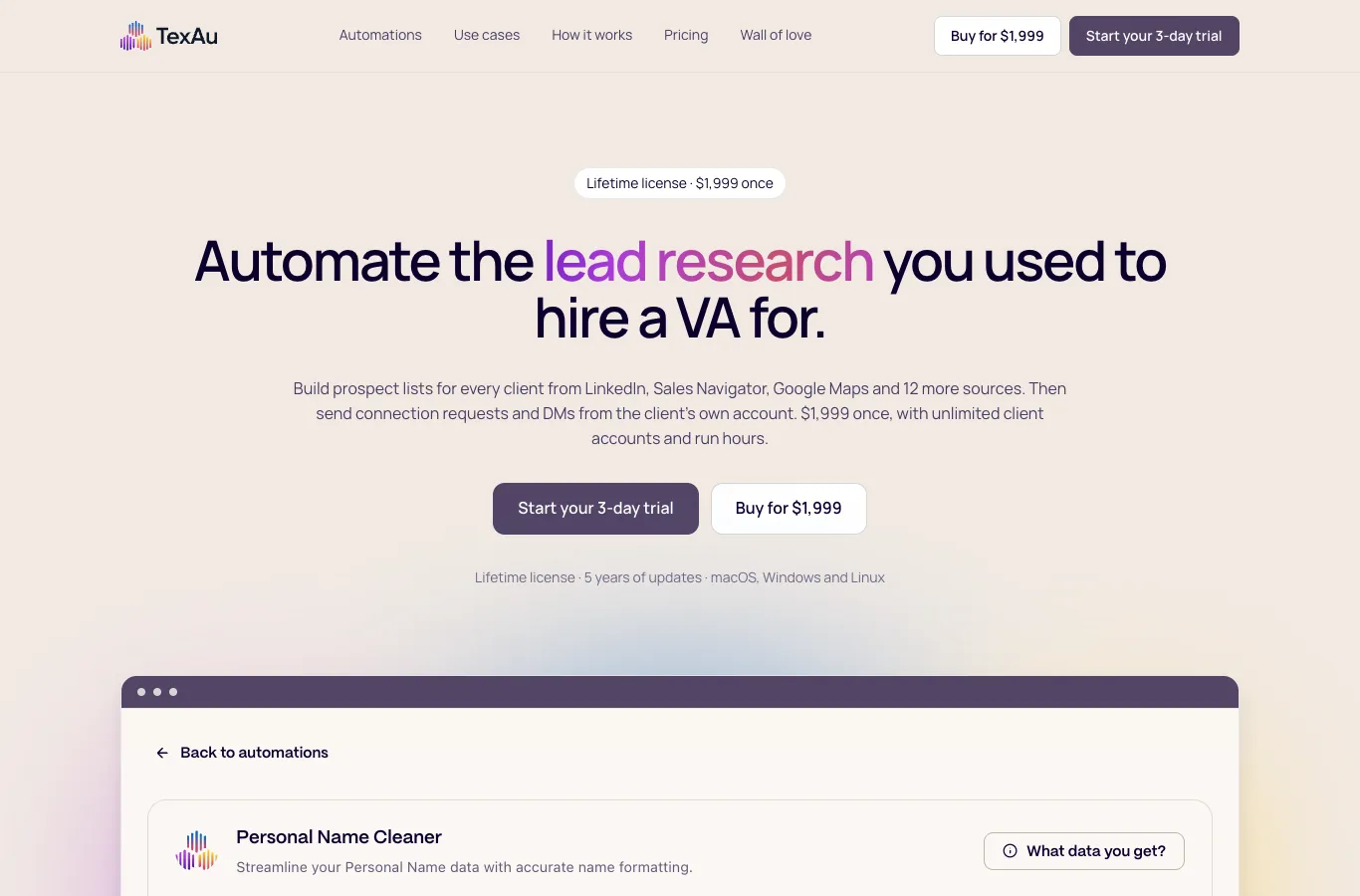
The TexAu lifetime deal now covers a desktop automation application. Tier 1 costs $69 and includes 50 runtime hours per month on one machine. This is different from the old cloud campaign and from TexAu V3 enrichment credits.
TexAu Desktop suits an operator who can keep a computer running and review extracted results. Tier 1 can cover occasional sequential work; Tier 2 adds parallel jobs and considerably more runtime. It is a poor fit for someone expecting the old cloud service, an included verified-email database or guaranteed unrestricted social-account activity.
Suitable for
Operators collecting structured business research; Agencies with machines dedicated to client automation; Teams that can review CSV outputs
Consider another option if
Desktop runtime is different from cloud enrichment; Social account restrictions still apply; Legacy entitlement and new-user eligibility wording conflict
What comes with the lifetime deal?
Execution
Local desktop
Usage
Hours plus concurrent runs
Extra costs
Proxies and external services
Legacy access
Separate entitlement check
PLANS AND PRICING
TexAu plans and pricing
Prices and allowances are shown for each plan below.
PLAN DETAILS
Compare each plan’s price and allowance. Confirm any limit marked ‘Not specified’ before buying.
TexAu plans and limits · USD
Plan comparison5 plans
License Tier 1
License Tier 2
License Tier 3
License Tier 4
License Tier 5
PriceUSD
$69one-time
$138one-time
$276one-time
$552one-time
$999one-time
Billing
One-time payment
One-time payment
One-time payment
One-time payment
One-time payment
Licensed machines
1machines
1machines
3machines
5machines
10machines
Concurrent runs
1runs
3runs
6runs
12runs
Unlimitedruns
Monthly runtime
50hours/month
300hours/month
750hours/month
Unlimitedhours/month
Unlimitedhours/month
Who this tier fits
Occasional sequential work on one machine.
More regular work with up to three parallel runs.
Several machines and higher monthly throughput.
Larger operations needing uncapped runtime.
Highest displayed machine tier; verify concurrency before relying on it.
Keep in mind
Proxies, external subscriptions and future AI add-ons may cost extra.
Proxies, external subscriptions and future AI add-ons may cost extra.
Proxies, external subscriptions and future AI add-ons may cost extra.
Proxies, external subscriptions and future AI add-ons may cost extra.
Proxies, external subscriptions and future AI add-ons may cost extra.
Plan notes
Occasional sequential work on one machine.
Proxies, external subscriptions and future AI add-ons may cost extra.
More regular work with up to three parallel runs.
Proxies, external subscriptions and future AI add-ons may cost extra.
Several machines and higher monthly throughput.
Proxies, external subscriptions and future AI add-ons may cost extra.
Larger operations needing uncapped runtime.
Proxies, external subscriptions and future AI add-ons may cost extra.
Ten machines with unlimited concurrent runs and runtime; account limits still apply.
Proxies, external subscriptions and future AI add-ons may cost extra.
Select the final tier on AppSumo. The product link opens the same listing for every tier.
Desktop runtime is different from cloud enrichment
Social account restrictions still apply
Legacy entitlement and new-user eligibility wording conflict
Choose hours, concurrent runs and machines separately
Tier 1 costs $69 for fifty monthly hours, one machine and one concurrent run. Tier 2 costs $138 for three hundred hours and three concurrent runs on one machine. If all work happens on one office computer, Tier 2 can be the more relevant improvement than buying more installations.
Tier 3 raises the limits to three machines, six simultaneous runs and seven hundred fifty monthly hours. Tiers 4 and 5 advertise unlimited runtime with larger machine allowances. Unlimited hours do not remove per-account activity limits or mean that every job runs at once.
Estimate active automation time, not just the number of contacts desired. A fifty-hour allowance is about two and a half hours on each of twenty working days. Slow pages, pauses and retries affect practical throughput. Confirm how simultaneous jobs are metered before treating three parallel hours as one billable hour.
The computer is part of the service
Install the supported desktop application, connect a browser session through the extension and run a small input before importing a full CSV. The output history distinguishes successful, failed and skipped rows. Inspect those categories before merging results into a CRM, because a finished run does not guarantee every input yielded a complete record.
The October founder answer explains that the extension is distributed as a downloadable package, not found by searching the Chrome Web Store. The current official site links separate Mac and Windows installers. Confirm your operating-system support and extension installation policy before buying for a managed company computer.
A computer that sleeps or disconnects cannot be assumed to keep a local job moving. The official pricing page describes use on a cloud machine with a desktop, but that introduces a hosting bill. Local data storage is useful for control; it is not a promise that no licensing telemetry is sent. The official page lists licence, machine and runtime information sent to TexAu.
Connected accounts are not an unlimited activity allowance
The offer supports unlimited connected accounts and proxy management. Each service still applies its own account and usage rules. Running from your computer may change the execution environment, but it does not establish permission to automate a platform or eliminate restrictions on a client account.
Use only accounts you are authorized to operate and decide who owns each session and proxy before an agency rollout. A Sales Navigator automation requires access to the relevant source; the TexAu licence does not include a Sales Navigator subscription. Likewise, exported profiles do not automatically become verified email addresses.
The checkout exposes a separate Proxi bandwidth add-on. The extracted unit label is not sufficiently clear to infer a bandwidth quantity, so no per-gigabyte claim is made here. Proxy services, a dedicated machine and external enrichment can materially change the cost even when the automation licence is one-time.
Separate the new offer from old cloud promises
The founder says the original cloud service was replaced by desktop automation after platform conflicts. Current legacy guidance allocates desktop hours and separate TexAu V3 enrichment credits to earlier code owners. Those historical benefits are not the stated allocation for a new buyer of this desktop deal.
Independent Reddit discussions describe confusion and dissatisfaction about the old lifetime migration. They concern earlier purchases and should not be presented as reproduced failures of the new desktop release. They do matter to an existing owner: obtain an account-specific entitlement statement before paying again.
The formal current terms say brand-new users only, excluding previous accounts and trials. A newer founder post says existing founding members may buy and merge the new machine and hour benefits with old ones. That is a direct eligibility conflict. Existing owners should get written confirmation for their account rather than assuming either statement will be applied automatically.
Desktop updates and AI additions have different wording
AppSumo promises future desktop updates and maps the deal to Solo or Starter plans. The direct desktop purchase separately advertises five years of updates and unlimited runtime for one machine. These are distinct offers; do not import the direct purchase’s update term into AppSumo, or its unlimited hours into the entry AppSumo tier.
The AppSumo terms also reserve possible charges for future AI models. Lifetime access therefore is not a guarantee that every later model, enrichment product or cloud feature will be free. Activation is required within sixty days, upgrades are allowed while available and downgrades within sixty days.
The current browser listing showed four reviews, including early reports of useful automations and responsive support. One reviewer had only run a handful of jobs. That is encouraging initial feedback, but it does not settle long-term compatibility with frequently changing third-party websites.
Compare the actual operational job
Flow AI is worth comparing when the priority is organized LinkedIn campaigns and shared reply handling. TexAu is more directly oriented around ready-made extraction and local automation jobs. Compare the same required source, output and account workflow rather than counting the number of advertised automations.
For an occasional prospect list, manual research with a spreadsheet may be sufficient and avoids running a dedicated desktop process. Buy automation when the task repeats often enough, its source permits the intended activity and the results can be checked. A licence that saves time on collection can still create cleanup work if the target fields are inconsistent.
FEATURE COMPARISON
Features, limits and paid extras
“Included” and “unlimited” can mean different things. This checklist separates full access, usage limits, add-ons and features that are not confirmed.
Feature coverage2 / 7
2 fully included · 2 limited · 0 add-on · 0 not included · 3 not confirmed. Coverage is not a quality score.
Unlimited connected accounts, but machine and concurrency limits remain.
Not confirmed3 features
Shared inbox and CRMCentralize replies and track next steps.
Not confirmed
A shared reply inbox was not established for this desktop licence.
API and MCPIncluded on all three tiers.
Not confirmed
Do not transfer V 3 API/MCP entitlements to the desktop offer.
Verified business emailsAn unanswered buyer question raises a separate paid email option; included quantities and current charge are unconfirmed.
Not confirmed
No included verified-email enrichment allowance established for this offer.
Check each product’s plan notes for tier limits and additional costs. Feature coverage is not a quality rating.
USE CASES
What problems does TexAu solve?
01
Build a reviewable prospect CSV
A team repeats the same company research.
How to use it
Choose the exact source automation and permitted account.
Run a small input and inspect successful, skipped and failed rows.
Export verified fields into the team’s CRM import format.
What this helps you do: Repeated collection can be standardized.
Limitations: Source access and data quality remain separate from runtime.
02
Operate several client jobs
An agency has separate accounts and machines.
How to use it
Map each account to its authorized operator and machine.
Choose a tier by concurrent jobs and runtime.
Keep run histories and review failed rows before retries.
What this helps you do: Parallel work can be planned explicitly.
Limitations: Unlimited accounts do not remove source-platform limits.
BUYER FEEDBACK
What buyers say
Buyer experiences can vary with the plan, product version and workflow.
Mixed feedback
Promising new desktop reports alongside legacy concerns
Four current browser reviews describe early useful runs and responsive support. Separate Reddit threads discuss older cloud migration and entitlement confusion; those concern different product generations.