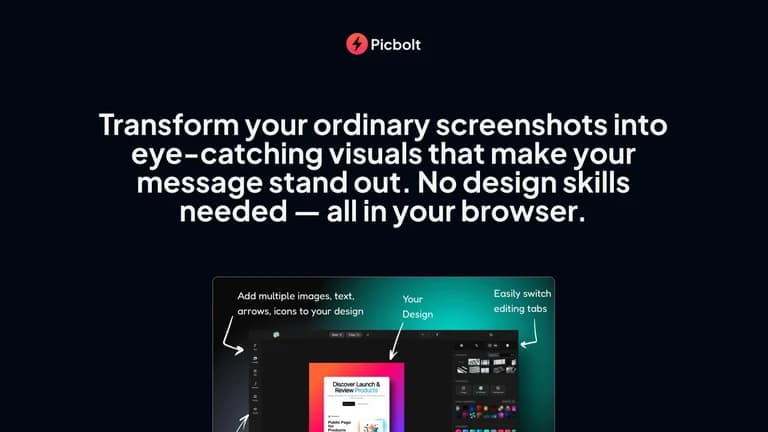
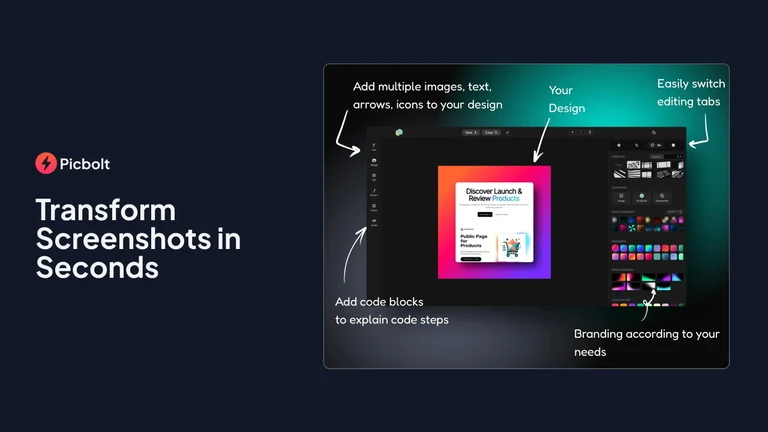
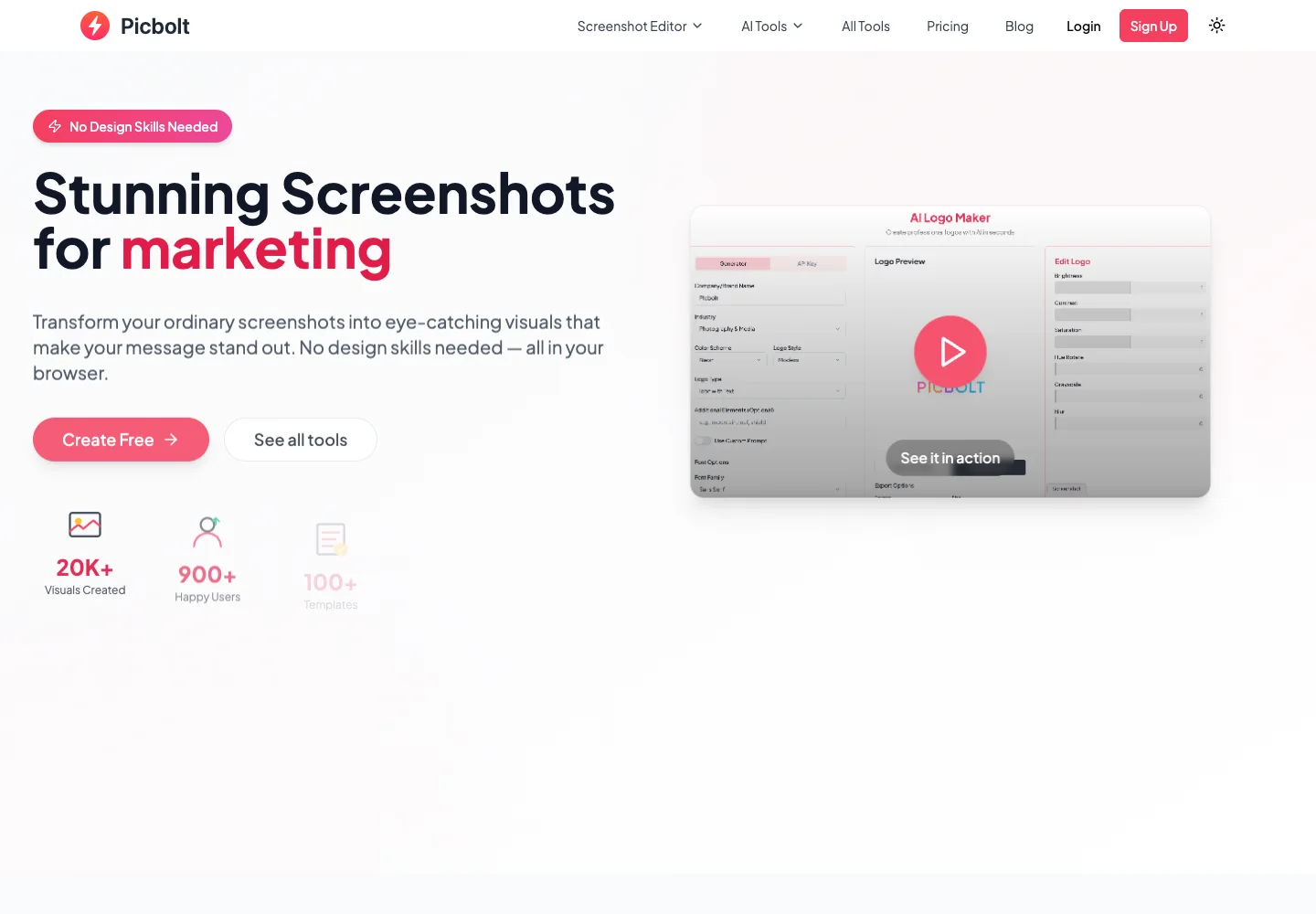
The Picbolt lifetime deal is a browser-based toolkit for making screenshots, code snippets and device mockups easier to present. Its single paid plan includes high-quality exports and premium templates. The main caveat is AI usage: unlimited non-AI editing is different from a temporary shared AI-credit promotion or ongoing usage through your own model key.
Buy for the screenshot and mockup workflow if you repeatedly need premium templates, branding and 4K output. Treat AI as a separately budgeted feature after promotional access ends. If you only make a few basic visuals, start with the free plan before adding another design tool.
Suitable for
Creators preparing screenshot tutorials
Consider another option if
Temporary shared AI credits are not a permanent monthly allowance.
What comes with the lifetime deal?
Access and activation
Lifetime access under the listed plan; activate within 60 days of purchase.
Refund window
The offer states a 60-day refund window. External service charges are separate.
PLANS AND PRICING
Picbolt plans and pricing
Prices and allowances are shown for each plan below.
PLAN DETAILS
Compare each plan’s price and allowance. Confirm any limit marked ‘Not specified’ before buying.
Picbolt plans and limits · USD
Plan comparison1 plan
Paid screenshot and mockup workflowLicense Tier 1
PriceUSD
$49one-time
Billing
One-time payment
Mockup downloads
Unlimiteddownloads
Who this tier fits
Frequent exports, premium layouts and custom branding.
Keep in mind
AI costs and account-recovery arrangements need separate attention.
Plan notes
All templates, premium mockups, custom branding, no watermark and 4K export.
Non-AI use is unlimited; AI requires your own key after temporary included access.
One plan; no stacking or tier changes.
Select the final tier on AppSumo. The product link opens the same listing for every tier.
Temporary shared AI credits are not a permanent monthly allowance.
AI-provider usage may be separately billed.
Account recovery questions appear in recent buyer discussions.
One paid plan removes export and template restrictions
The recorded AppSumo plan costs $49 once and includes premium mockups, all templates, custom branding, no watermark, 4K-quality export and unlimited mockup downloads. There are no code stacks or higher lifetime tiers in the offer, so the decision is between that plan and a simpler free workflow—not a complicated upgrade ladder.
The direct homepage currently shows a different lifetime price and a promotional code. Those direct-store terms should not replace the AppSumo offer or be presented as an extra guaranteed discount on it. The marketplace terms require activation within 60 days and state a 60-day refund window; external model bills are separate from the software refund.
The shared AI pool has an end
A September founder answer says there are no monthly credits: non-AI tools are unlimited, while included AI access has a six-month validity period, after which users need their own API key. The current homepage describes a shared credit pool that ends after six months or when exhausted. Earlier launch posts mentioned different pool amounts and durations, so they should not be combined into a fictional permanent allowance.
Full AI tools access means access to the functions, not that every generation is free forever. Before making AI graphics central to your workflow, confirm the exact promotion attached to your purchase, the remaining availability and the supported provider. A shared pool can run out independently of how little one buyer has personally used it.
The product has documented OpenAI and Straico options in its updates. Using your own key or credits introduces the provider’s charges, model availability and limits. Do not budget an image at a fixed price without knowing the selected model and size. A temporary promotion is a chance to evaluate a workflow, not a sound basis for promising a client unlimited future generation.
Prepare a reusable screenshot style
For a tutorial, start with a real screenshot that shows only the necessary interface. Remove private names, keys or unrelated panels before uploading. Apply a consistent background, frame, spacing and annotation style, then export at the size the destination actually needs. A clean arrow and short label can be more useful than a dramatic decorative effect.
Save the original capture separately from the polished output. If the product interface changes, you will need a new screenshot rather than simply changing the surrounding frame. Check that small labels remain readable on the final page or social preview, because a 4K file can still become illegible when displayed as a narrow card. The export specification is not a guarantee of useful communication.
Use specialized tools without inventing evidence
Code styling and device mockups can make a genuine interface easier to explain. They should show the actual snippet or screen you intend to discuss. A device frame is presentation, not proof that an application was tested on that device. Likewise, a testimonial-style graphic should contain a real authorized statement, not invented social proof.
For a software portfolio, keep the visual hierarchy simple: one primary screenshot, a clear caption and enough surrounding space to understand the product. If a client needs editable source files, team review or strict brand-library controls, confirm those capabilities separately. The lifetime offer’s custom-branding label does not establish a full collaborative design system.
Evaluate access and recovery as well as visual polish
The latest question sample includes two account-access problems in October. The founder denies deleting old accounts and directs buyers to support to restore access. An earlier domain-expiry report received a response attributing it to a temporary DNS problem that had been resolved. These are reported incidents, not proof that every account is affected or that the service is abandoned.
The visible review set is positive about simple screenshot transformations and useful tools, but praise does not eliminate the need to verify your own export and recovery path. Activate the licence promptly, keep the purchase record and confirm how to contact support. If the browser cannot retrieve a saved project when needed, having the original screenshot and exported result outside the service prevents the whole task from stopping.
Compare with the tool you would actually use
The official free plan lists three mockup downloads a day, basic templates and standard-quality output. That may be sufficient for an occasional blog illustration. The paid plan is more compelling for someone who repeatedly hits those restrictions or needs the premium visual styles and higher-resolution exports. Avoid a savings calculation against a design subscription you would never otherwise buy.
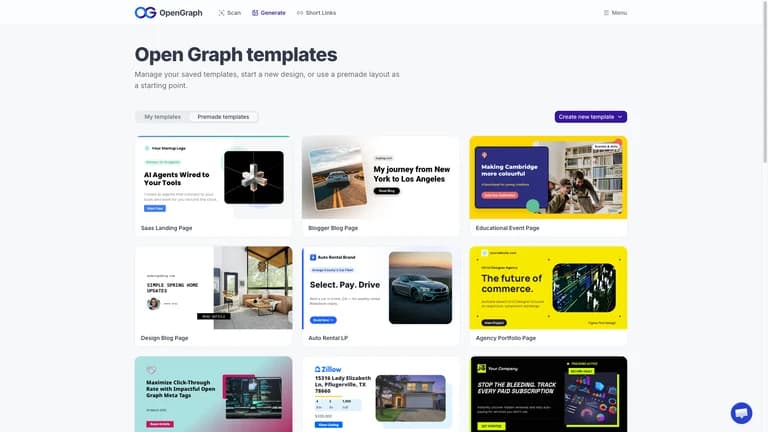
An existing image editor can handle basic cropping, labels and arrows without a new service. OpenGraph.xyz is the relevant alternative when the real problem is automatically generating and hosting social previews for hundreds of pages; Picbolt’s manual visual-design workflow solves a different task.
FEATURE COMPARISON
Features, limits and paid extras
“Included” and “unlimited” can mean different things. This checklist separates full access, usage limits, add-ons and features that are not confirmed.
Feature coverage4 / 8
4 fully included · 1 limited · 0 add-on · 0 not included · 3 not confirmed. Coverage is not a quality score.
Features are grouped by documented coverage. “Not confirmed” means the evidence is incomplete, not that a feature is absent.
Graphics and images: documented features and conditions
FEATURESFeature comparison
PicboltLifetime deal
Included4 features
Reusable templatesReusable templates availability and limits
Included
Basic and premium templates are included.
Image exportImage export availability and limits
Included
4K quality export, no watermark and unlimited mockup downloads.
Screenshot mockupsScreenshot mockups availability and limits
Included
Screenshot, device and code visual tools.
Custom brandingCustom branding availability and limits
Included
Custom visual branding is included.
Limited1 feature
AI generationAI generation availability and limits
Limited
AI tools support BYOK; shared promotional access expires or can be exhausted.
Not confirmed3 features
Dynamic image automationDynamic image automation availability and limits
Not confirmed
Hosted metadata-driven image automation is not established.
Hosted imagesHosted images availability and limits
Not confirmed
A permanent CDN hosting allowance is not established.
Team accessTeam access availability and limits
Not confirmed
A shared multi-seat editing workspace is not specified in the lifetime offer.
Check each product’s plan notes for tier limits and additional costs. Feature coverage is not a quality rating.
USE CASES
What problems does Picbolt solve?
01
Make a support tutorial readable
Raw screenshots contain distractions and small interface labels.
How to use it
Capture the real screen and remove private details.
Apply a consistent frame and limited annotations.
Check the exported image at its final display width.
What this helps you do: The tutorial can focus attention on the required action.
Limitations: Decoration cannot fix a misleading or outdated capture.
02
Produce repeated portfolio mockups
A developer repeatedly frames product screenshots for presentations.
How to use it
Choose a reusable device or screenshot style.
Replace the genuine screen content for each project.
Export and retain the source capture and result locally.
What this helps you do: A repeatable visual style reduces setup work.
Limitations: A mockup illustrates a design; it does not establish device compatibility.
BUYER FEEDBACK
What buyers say
Buyer experiences can vary with the plan, product version and workflow.
Mixed feedback
Positive design feedback, separate access concerns
The twelve-review page contains positive reports about screenshot polish and usability. Recent questions separately report login and recovery trouble, with founder replies offering support. The review rating does not establish reliability for every account or a permanent AI allowance.