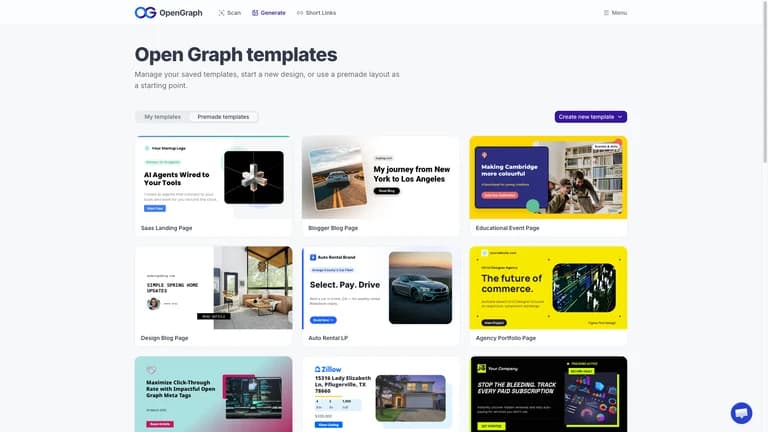
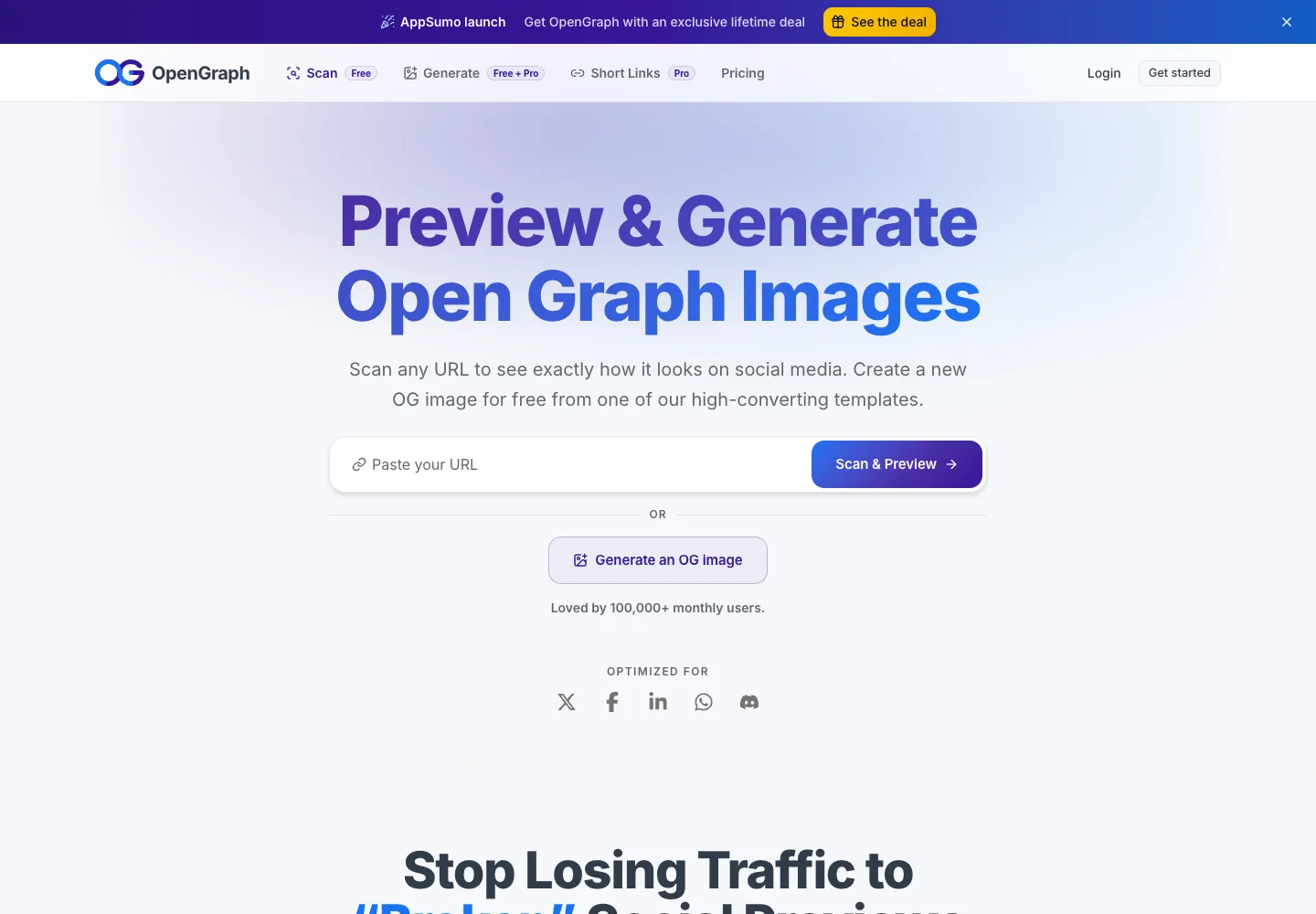
The OpenGraph lifetime deal is for OpenGraph.xyz, which creates branded social preview images and short links. It is particularly useful when many pages share a layout but need different titles or pictures. The critical buying detail is that its image allowance is a total of currently hosted renders, not a fresh number of images every month.
Tier 1 suits a small site that fits two templates and 500 hosted images. Choose Tier 2 or 3 for a concrete inventory or layout requirement. Do not buy on the assumption that unlimited bandwidth means unlimited image storage, or that agency client portals already exist.
Suitable for
Publishers with many pages needing consistent social previews
Consider another option if
Hosted-image allowance does not reset monthly.
What comes with the lifetime deal?
Access and activation
Lifetime access under the listed plan; activate within 60 days of purchase.
Refund window
The offer states a 60-day refund window. External service charges are separate.
PLANS AND PRICING
OpenGraph plans and pricing
Prices and allowances are shown for each plan below.
PLAN DETAILS
Compare each plan’s price and allowance. Confirm any limit marked ‘Not specified’ before buying.
OpenGraph plans and limits · USD
Plan comparison3 plans
Small site and two core layoutsLicense Tier 1
Growing publication or several layoutsLicense Tier 2
Larger image inventoryLicense Tier 3
PriceUSD
$59one-time
$159one-time
$299one-time
Billing
One-time payment
One-time payment
One-time payment
Hosted OG images
500images
5,000images
25,000images
Saved image templates
2templates
10templates
50templates
AI template generation
10generations / month
30generations / month
100generations / month
New short links
25links / month
100links / month
500links / month
Short-link custom domains
1domains
5domains
25domains
Who this tier fits
Up to 500 active hosted images.
5,000 images, ten templates and five short-link domains.
25,000 images and fifty templates.
Keep in mind
Growth and additional template formats can outgrow it.
Connected sites still share capacity.
Client portals and isolated agency accounts remain unconfirmed.
Plan notes
Image cap is total currently hosted images across the workspace, not a monthly reset.
Unlimited bandwidth and link analytics are listed.
Custom domains apply to short links, not the hosted image CDN URL.
Image cap is total currently hosted images across the workspace, not a monthly reset.
Unlimited bandwidth and link analytics are listed.
Custom domains apply to short links, not the hosted image CDN URL.
Image cap is total currently hosted images across the workspace, not a monthly reset.
Unlimited bandwidth and link analytics are listed.
Custom domains apply to short links, not the hosted image CDN URL.
Select the final tier on AppSumo. The product link opens the same listing for every tier.
Deleting old renders can eventually break social previews.
Short-link custom domains do not rebrand the image CDN host.
Size the licence around the images you keep online
Tier 1 costs $59 and holds 500 hosted images with 2 templates. Tier 2 at $159 raises those to 5,000 and 10. Tier 3 at $299 provides 25,000 and 50. All connected sites share the workspace’s limits.
A publisher with 420 existing rendered previews and 120 new pages planned would exceed Tier 1 if each new page needs a distinct hosted image and no old render is removed. This is an inventory calculation, not a monthly publication quota. Reusing one template across 1,000 pages saves design effort but does not turn 1,000 distinct hosted outputs into one image slot.
The founder explains that new images cannot generate when the allowance is full until capacity is freed or upgraded. Dynamic WordPress URLs may regenerate a deleted image when requested again if its template/version remains and there is space. That regeneration consumes allowance again. It should not be treated as a safe way to keep unlimited historical images available.
Deletion can affect a preview long after you changed the page
An old social post can still refer to a hosted image after the website has moved on. The founder warns that deleting the image can eventually break that preview, although social-platform caches may delay the effect. A successful preview immediately after deletion does not prove the image will remain available indefinitely.
Before cleaning up the image inventory, identify which URLs remain referenced by live pages and important shared posts. Keep a small record of template versions and generated image addresses. If long-term independence matters more than dynamic hosting, download approved outputs and host them under your own site, accepting the manual work and your hosting costs. Avoid deleting useful assets merely to make a quota warning disappear.
Templates, AI generations and short links are separate allowances
A saved template is a reusable design, not a single premade gallery choice. The founder says copying a gallery design into the workspace for editing or automation uses a template slot, while browsing the gallery does not. One brand can need several layouts—for example, product, article and announcement—so count actual formats before picking a tier.
The monthly AI template-generation allowances are 10, 30 and 100. These are distinct from the saved-template cap. Generating many drafts does not grant more permanent layouts. The current offer’s two/ten/fifty template counts also supersede older questions referring to one/five; the article uses the current table rather than carrying forward that older limit.
Short links have their own monthly creation allowances of 25, 100 and 500, plus one, five and twenty-five custom domains. Unlimited analytics and bandwidth do not remove these creation or storage limits. If your main need is short-link routing rather than graphics, compare a dedicated link-management product instead of paying for unused template capacity.
The WordPress plugin uses hosted images
The founder states that unlimited WordPress sites can connect to one licensed workspace, sharing its image and template capacity. The plugin currently uses the vendor’s hosted image URLs; it does not automatically save generated files in the WordPress Media Library or replace the URL with a local one.
The manual download route can avoid using the vendor’s hosting allowance when you host the images yourself, but the plugin does not automate that route. Decide which model you want before rolling it out across a large archive. A fully automated preview pipeline and manually approved local images have different maintenance costs and failure modes.
For a dynamic integration, map only the necessary values into the image template, such as title and featured image. Check long titles, missing pictures and unusual characters. A visually good template on one short headline can still crop important information on a longer page. The original page metadata also needs to point to the correct result; image generation alone does not fix every social-preview issue.
A short-link domain is not a client portal
The custom-domain allowance applies to short links, such as a branded sharing address. The founder explicitly says it does not replace the hosted image CDN domain. That distinction matters if a client’s requirement is that every image be served from their own domain.
Client subaccounts, separate workspace permissions and white-label dashboards were discussed as roadmap possibilities dependent on product development. They are not established current agency entitlements. A freelancer can prepare branded designs without promising that each client gets an isolated login or its own usage pool. Keep ownership and access expectations explicit in the handover.
Use automation only when the publication volume warrants it
The official site offers a free preview scan and a free image-generation entry point. For a small set of important pages, manually exporting a branded image and adding it to the site may be sufficient. The lifetime service becomes more useful when there are many pages or frequent changes that make repeated manual graphics work costly.
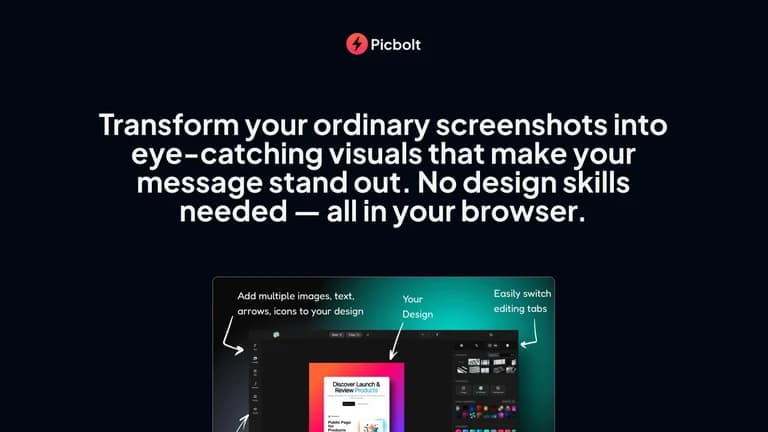
Picbolt is the closer comparison for polishing screenshots and creating device-style visuals; it is not the same as a hosted dynamic Open Graph pipeline. OpenGraph’s two AppSumo reviews provide little evidence about long-running high-volume deployments. Metadata troubleshooting discussions do not establish the service’s paid-plan performance or any improvement in click-through rates.
FEATURE COMPARISON
Features, limits and paid extras
“Included” and “unlimited” can mean different things. This checklist separates full access, usage limits, add-ons and features that are not confirmed.
Feature coverage2 / 8
2 fully included · 4 limited · 0 add-on · 0 not included · 2 not confirmed. Coverage is not a quality score.