
Who is Open eLMS Learning Generator for?
Plan 1 can fit occasional internal training; Plan 2 is the first fit when three course generations per month are insufficient. For resale, do not rely on the Plan 3 label alone: get the conflicting distribution terms clarified in writing before buying.
Suitable for
Internal trainers turning approved documents into learning material; Course authors who will review AI output before exporting to an LMS
Consider another option if
The terms say stack two codes but display a three-code plan.; Plan 3 lists both internal-only distribution and unrestricted resale.; Video, PowerPoint and course generation allowances are separate; top-up prices are not established.
What comes with the lifetime deal?
Redeem codes within 60 days; the partner-managed offer has a 60-day refund window and no We Got Your Back guarantee.
The written terms map the deal to future Lite Plan updates.
The terms say up to two codes, while the purchase cards display three plans including three codes.
Course, PowerPoint, video and additional Plan 3 output allowances are separate monthly counts.
PLANS AND PRICING
Open eLMS Learning Generator plans and pricing
Prices and allowances are shown for each plan below.
Compare each plan’s price and allowance. Confirm any limit marked ‘Not specified’ before buying.
Select the final tier on AppSumo. The product link opens the same listing for every tier.
Costs and limits to account for
- The terms say stack two codes but display a three-code plan.
- Plan 3 lists both internal-only distribution and unrestricted resale.
- Video, PowerPoint and course generation allowances are separate; top-up prices are not established.
FEATURE COMPARISON
Features, limits and paid extras
“Included” and “unlimited” can mean different things. This checklist separates full access, usage limits, add-ons and features that are not confirmed.
2 fully included · 2 limited · 0 add-on · 0 not included · 4 not confirmed. Coverage is not a quality score.
Features are grouped by documented coverage. “Not confirmed” means the evidence is incomplete, not that a feature is absent.
Check each product’s plan notes for tier limits and additional costs. Feature coverage is not a quality rating.
USE CASES
What problems does Open eLMS Learning Generator solve?
Convert an approved procedure into a training draft
An internal policy exists as a document, but staff need a structured lesson with explanations and knowledge checks.
How to use it
- Provide the approved document or a precise prompt.
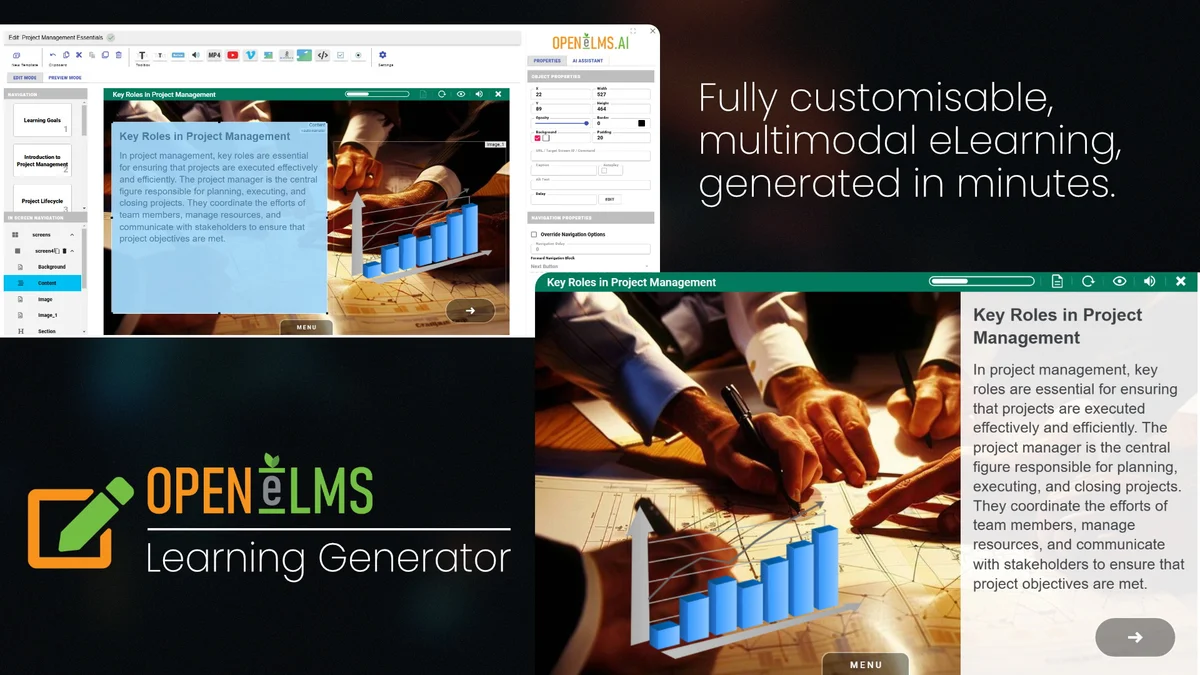
- Review the generated structure, factual statements, images and narration in the editor.
- Export to the compatible learning system where staff will complete it.
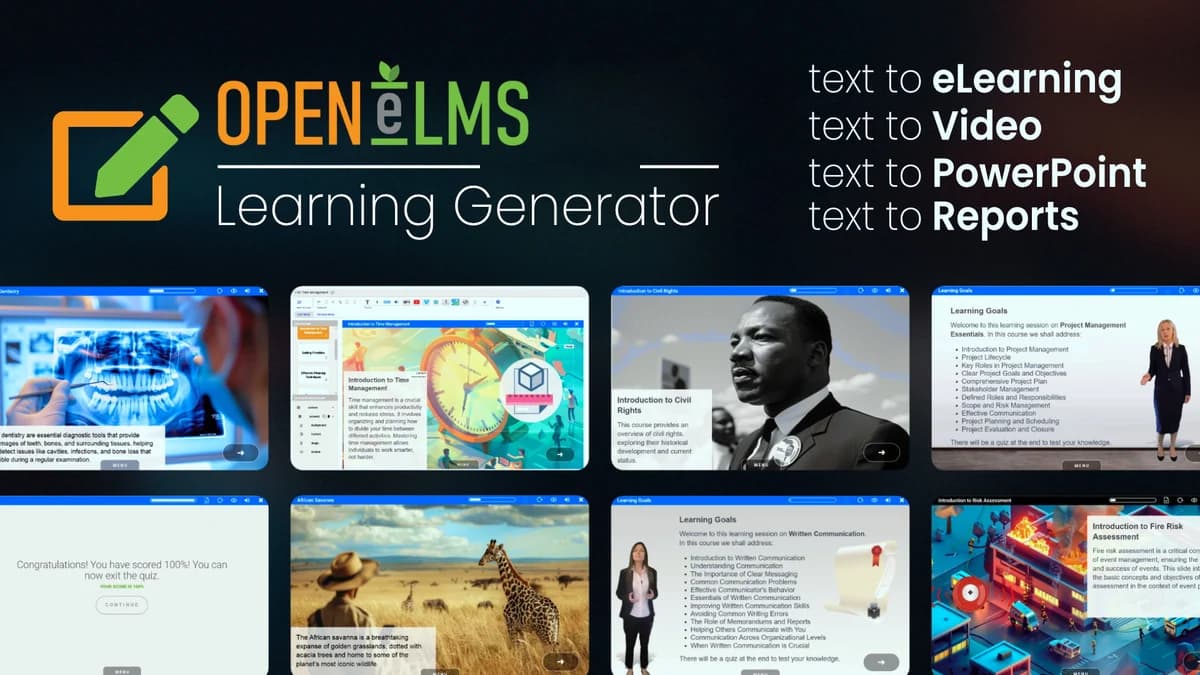
What this helps you do: The generator can assemble a first training draft across several media types.
Limitations: Generated material still needs subject-matter review. This is not evidence that the resulting course is accurate, compliant or effective without review.
Reuse one lesson in online and classroom formats
A trainer needs both a self-paced lesson and presentation material for a live session.
How to use it
- Draft and edit the source course.
- Export the required SCORM and PowerPoint versions.
- Budget separately for any video generation used in the same month.
What this helps you do: One authoring workflow can serve several delivery formats.
Limitations: A course allowance does not include an equal number of video outputs. Plan 1 permits more course generations than video generations.
BUYER FEEDBACK
What buyers say
Buyer experiences can vary with the plan, product version and workflow.
Editing and export are praised, but narration needs evaluation
hitman330’s August 2026 review praised SCORM export after document upload. jsantos in July liked the tooling but described a dated interface. The feedback supports an authoring use case but does not establish typical editing speed.
Language quality can change the commercial fit
WPP reported inconsistent speech in March 2026; Mark reported Dutch pronunciation unsuitable for their commercial use. The founder suggested regeneration or uploading a voice. Evaluate the language and abbreviations you actually teach before committing to client delivery.
Open eLMS Learning Generator images
Features are grouped by documented coverage. “Not confirmed” means the evidence is incomplete, not that a feature is absent.
Check each product’s plan notes for tier limits and additional costs. Feature coverage is not a quality rating.


Turn your training material into short interactive courses.


Build and sell online courses on your WordPress website.


Add courses, quizzes, assignments and certificates to WordPress.
BEFORE YOU BUY
Open eLMS Learning Generator lifetime deal FAQs
Can I sell courses created on Plan 1 or Plan 2?
The current cards restrict those plans to company-wide distribution. Do not treat them as commercial resale licences.
Does Plan 3 clearly resolve commercial rights?
No. It lists unrestricted resale but also repeats the internal-only restriction. Confirm the intended rights and three-code redemption with the vendor before buying for resale.
Are course credits the same as video credits?
No. The deal lists separate monthly course, PowerPoint and video generation counts, with additional separate output counts on Plan 3.
How much do extra credits cost?
The offer says extra credits are available but pricing and exact rollover or failure rules are not specified.
Does this deal include the Open eLMS learning-management platform?
A full learner-hosting LMS entitlement is not established. This listing is for the Learning Generator and its authoring/export workflow.