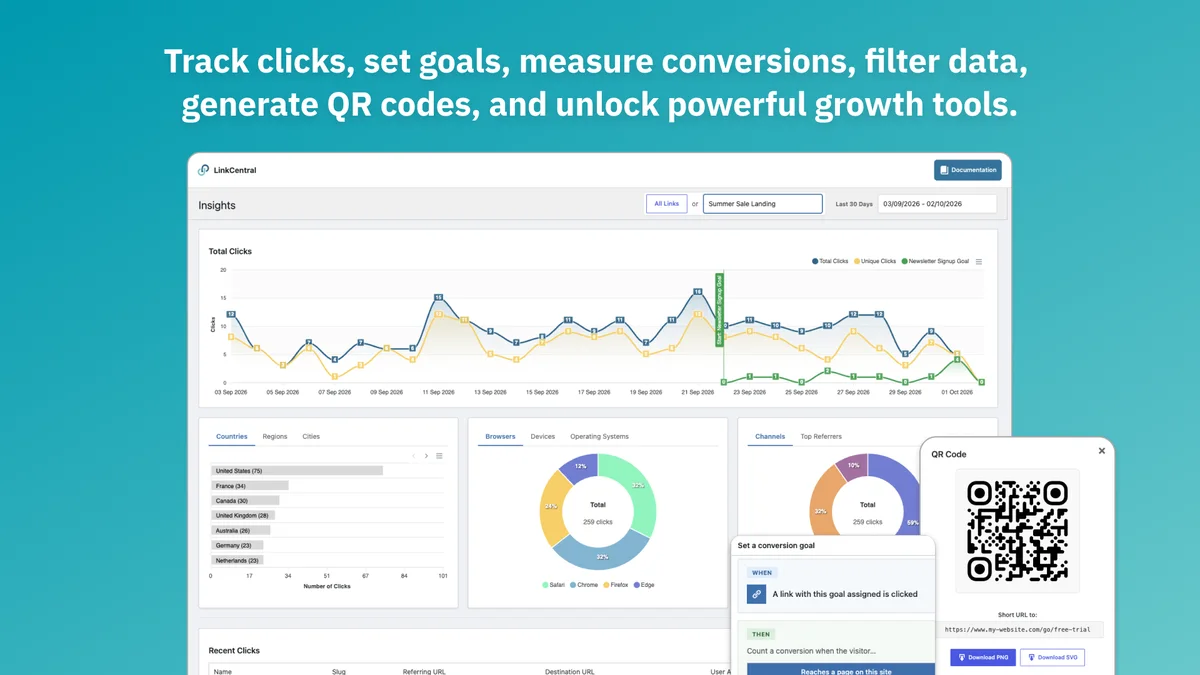
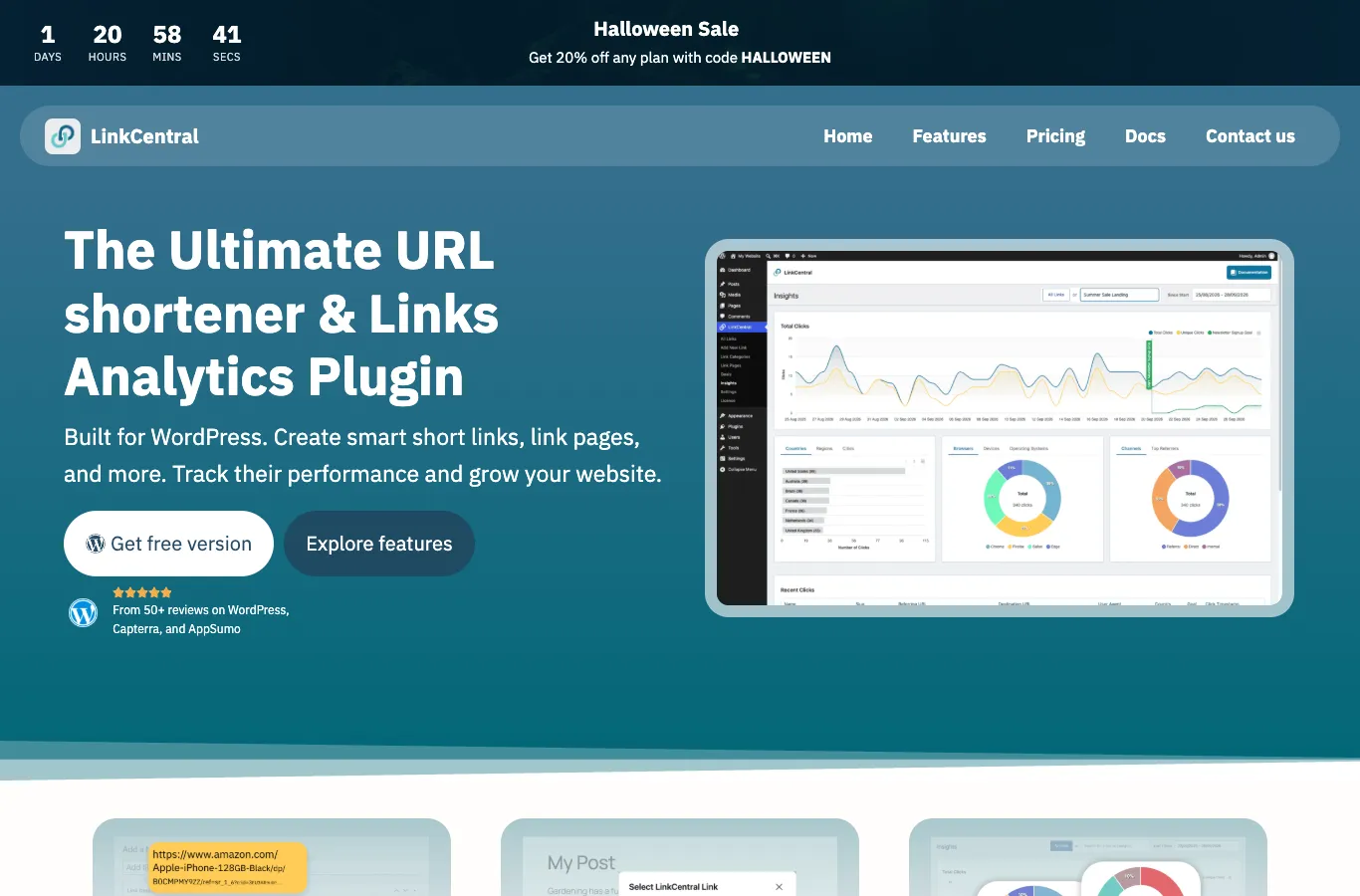
The LinkCentral lifetime deal starts at $59 for 3 WordPress websites. Higher codes expand installation coverage rather than unlocking a different feature set. Its strongest fit is managing links where your existing WordPress hosting already runs.
LinkCentral is a practical fit for a WordPress publisher who wants redirects, keyword linking and analytics in the same site. Start with one code for up to three installations. Choose another approach when you do not run WordPress or need a hosted service independent of your website uptime.
Requires WordPress hosting and maintenance; Short-link preview metadata comes from the destination; Analytics exports and automated post links need careful checking
What comes with the lifetime deal?
Runtime
Your WordPress hosting
Tier difference
Website installations
Preview metadata
Destination-controlled
Plan updates
Premium plan
PLANS AND PRICING
LinkCentral plans and pricing
Prices and allowances are shown for each plan below.
PLAN DETAILS
Compare each plan’s price and allowance. Confirm any limit marked ‘Not specified’ before buying.
LinkCentral plans and limits · USD
Plan comparison3 plans
1 Code
2 Codes
3 Codes
PriceUSD
$59one-time
$118one-time
$177one-time
Billing
One-time payment
One-time payment
One-time payment
WordPress websites
3websites
10websites
50websites
Who this tier fits
Up to 3 WordPress installations with the same Premium features.
Up to 10 WordPress installations with the same Premium features.
Up to 50 WordPress installations with the same Premium features.
Keep in mind
Hosting, domain renewals and site maintenance remain separate.
Hosting, domain renewals and site maintenance remain separate.
Hosting, domain renewals and site maintenance remain separate.
Plan notes
Up to 3 WordPress installations with the same Premium features.
Hosting, domain renewals and site maintenance remain separate.
Up to 10 WordPress installations with the same Premium features.
Hosting, domain renewals and site maintenance remain separate.
Up to 50 WordPress installations with the same Premium features.
Hosting, domain renewals and site maintenance remain separate.
Select the final tier on AppSumo. The product link opens the same listing for every tier.
Short-link preview metadata comes from the destination
Analytics exports and automated post links need careful checking
Buy installation coverage, not a bigger feature bundle
One code costs $59 for 3 sites. Two codes cost $118 for 10, and three cost $177 for 50. The founder explicitly says every tier includes the same features. A solo publisher with two sites therefore has no feature-based reason to jump to the largest package.
Count separately operated WordPress installations before choosing. The maximum AppSumo package is fifty sites, not the unlimited-site licence mentioned in some direct-market pricing or older buyer requests. Multisite appears in the integration list, but the offer does not settle how every subsite counts. An agency near its limit should obtain that specific counting rule before purchase.
The deal includes future Premium plan updates, redemption within sixty days and a sixty-day refund window. Stacking is limited to three codes. Hosting and domain renewal remain your responsibility; this licence does not turn WordPress into a hosted service.
Build a measurable link before distributing it
Create a short link with a readable slug, paste the exact final destination and decide whether the redirect should remain temporary or permanent. Add campaign parameters deliberately, then test the final URL in a normal browser. If your affiliate programme requires particular tracking parameters, check that the resulting destination retains them.
Use a separate short link for each meaningful placement: newsletter, article button or printed QR code. This makes the click comparison useful without guessing which channel produced an aggregate total. Bot filtering and IP exclusions improve interpretation, but a click is not a sale and a conversion goal needs its own destination or callback configuration.
The current launch update adds conversion integrations for AWIN and Impact, while a February founder answer said AWIN was only an ordinary destination. The newer documented feature supersedes that older integration statement; it does not promise that every merchant conversion will connect automatically. Network permissions and the correct callback arrangement still matter.
Use conditional redirects with a predictable fallback
Country, device, time and user-role conditions can send visitors to a relevant offer or page. That helps a publisher with regional destinations, but a campaign needs a default destination for visitors whose location or device cannot be resolved. Review the entire condition order before distributing a link that cannot easily be recalled.
A scheduled promotion should have both a start and an end outcome. Before printing a QR code, test it outside the administrator session and on a phone. Logged-in role rules can behave differently for you than for a customer.
LinkCentral also supports password protection and URL rotation. Those controls organize a campaign; they should not be treated as authorization for sensitive documents. The destination itself must enforce any access restrictions.
Know what the short URL does not control
The March founder reply says a short link does not provide custom Open Graph title, description or image editing. Social platforms follow the HTTP redirect and read the destination metadata. Buying this plugin therefore will not repair the social preview of a merchant page you cannot edit.
The founder also says publishing a WordPress post does not automatically create its short link or QR code. Plan for explicit link creation or an independently verified automation; do not assume a post-to-Telegram workflow will find a new short URL in post metadata.
A December reply describes analytics export as JSON intended for re-import, with CSV then in the backlog. Current marketing promotes reporting, but the published information does not establish a general-purpose CSV analytics export. If monthly client spreadsheets are essential, inspect the exact export before moving a large historical dataset.
Your site becomes part of the redirect infrastructure
Running links in your own WordPress site gives you a familiar backup and administration workflow. It also means a plugin conflict, expired hosting account or broken domain can affect links already placed in emails and printed material. Keep the redirect records and relevant analytics in your backup process.
Unlimited link creation is not a promise of unlimited database performance. A high-traffic publication should evaluate retention settings and hosting capacity with its real traffic pattern. The licence does not specify a guaranteed click throughput.
For a handful of links, the vendor’s free version or ordinary manually maintained destination links may be enough. LinkCentral becomes more compelling when automatic keyword insertion, conditional routing and a single site-based link inventory save repeated work.
FEATURE COMPARISON
Features, limits and paid extras
“Included” and “unlimited” can mean different things. This checklist separates full access, usage limits, add-ons and features that are not confirmed.
Feature coverage7 / 8
7 fully included · 1 limited · 0 add-on · 0 not included · 0 not confirmed. Coverage is not a quality score.
Features are grouped by documented coverage. “Not confirmed” means the evidence is incomplete, not that a feature is absent.
Link management: documented features and conditions
FEATURESFeature comparison
LinkCentralLifetime deal
Included7 features
Short linksCreate readable managed redirect URLs.
Included
Create and manage unlimited links inside WordPress.
Click analyticsCompare traffic reporting and retention, not an assumed sales count.
Included
Click, geographic and device reporting; conversion goals require configuration.
Conditional or editable destinationsDistinguish conditional routing from a finite destination-edit allowance.
Included
Conditions include country, device, date, login and user role.
Keyword linkingInsert relevant links into content automatically.
Included
Automatic keyword linking is included.
QR codesGenerate codes and understand destination editing.
Included
Create customized QR codes for managed links.
Link-in-bio pagesPublish a simple grouped destination page.
Included
Basic link-in-bio page builder.
WordPress workflowRuns inside or integrates with WordPress.
Included
Runs as a WordPress plugin.
Limited1 feature
Branded domainUse an owned domain within the plan’s infrastructure rules.
Limited
Uses the domain of the WordPress installation; not a standalone hosted domain service.
Check each product’s plan notes for tier limits and additional costs. Feature coverage is not a quality rating.
USE CASES
What problems does LinkCentral solve?
01
Keep affiliate destinations in one place
A publisher repeats long campaign URLs across articles.
How to use it
Create a managed link for each destination.
Insert the short link in relevant content and set attribution parameters.
Test a destination change and inspect a click report.
What this helps you do: Future destination changes can be managed centrally.
Limitations: Merchant rules and site uptime still govern whether the link is usable.
02
Route a regional campaign
Different visitors need different destination pages.
How to use it
Set the intended country or device condition.
Choose a fallback destination.
Test the public link outside the admin session.
What this helps you do: One distributed URL can support conditional destinations.
Limitations: Location and device detection should not be assumed perfect.
BUYER FEEDBACK
What buyers say
Buyer experiences can vary with the plan, product version and workflow.
Mixed feedback
Easy setup with narrower requests for improvement
Five visible newest reviews describe straightforward setup and helpful support. Requests include more bio-page customization and an unlimited-site tier; the current AppSumo maximum remains fifty sites. These are individual buyer reports.
LinkCentral images
Choose the platform that matches the work
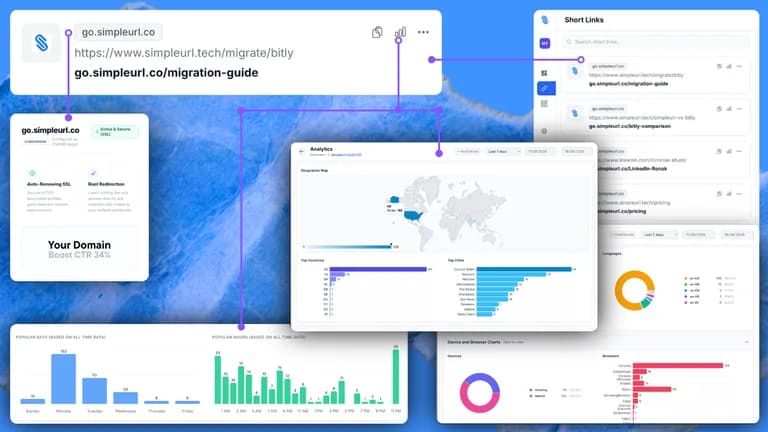
SimpleURL is the clearer comparison when the requirement is a hosted dashboard with branded domains, QR codes and multiple workspaces without WordPress. Its finite link and edit allowances must be budgeted, whereas LinkCentral mainly sells installation coverage.
Auto Affiliate Links is more specifically about adding affiliate links to existing WordPress content. A publisher primarily buying network-driven keyword insertion should compare that workflow directly instead of treating every link tool as interchangeable. A link-in-bio page alone is unlikely to justify a complex redirect configuration.
Recent AppSumo buyers praised setup and support; one wanted richer bio-page customization and another an unlimited-site option. Those reports help frame evaluation, but they do not establish universal compatibility or measured redirect reliability.