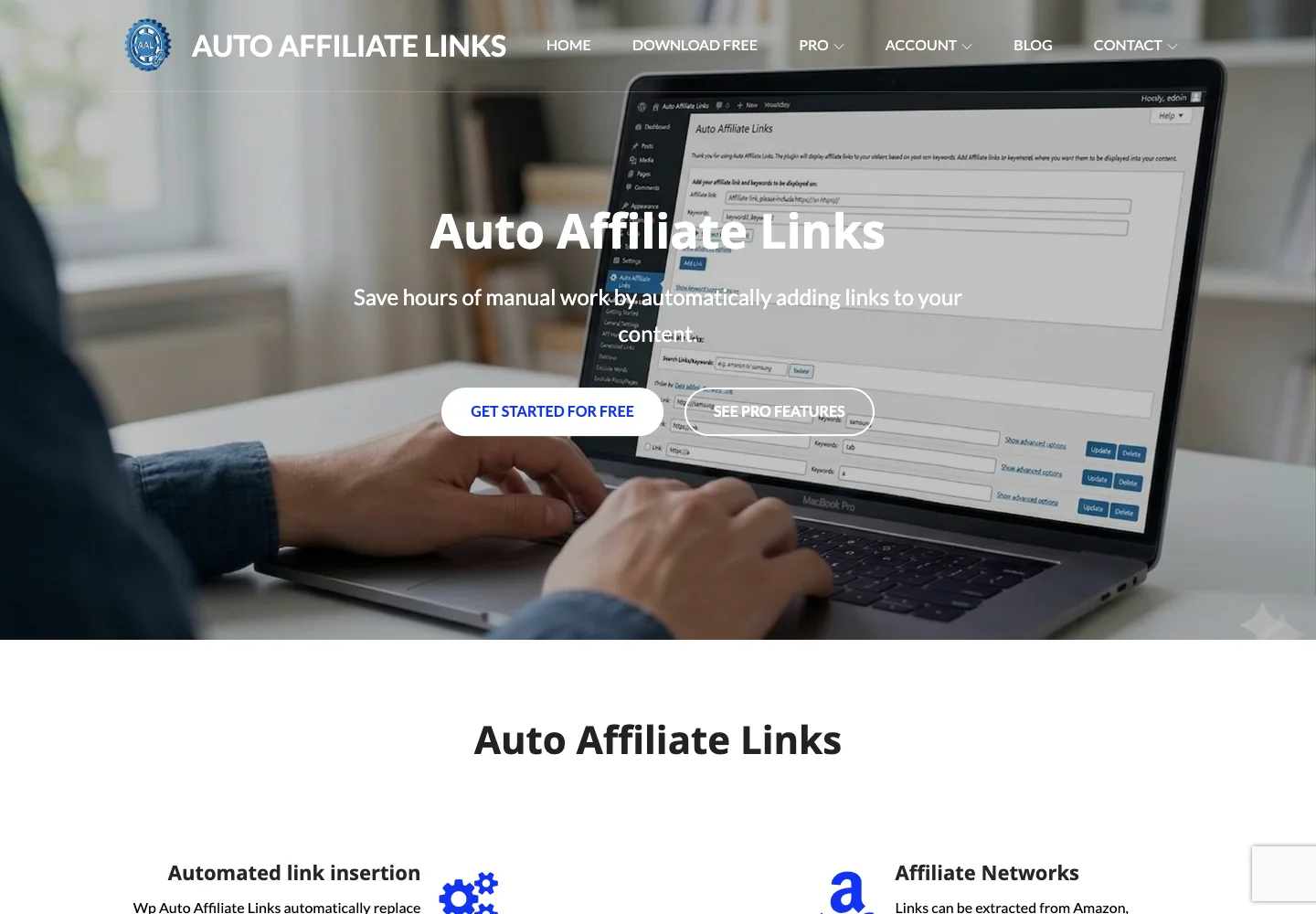
The Auto Affiliate Links lifetime deal is a WordPress plugin for keeping repeated affiliate links in one place and inserting them into existing content. It can use chosen keywords and destinations or network-assisted matching. The useful distinction is between automating link placement and gaining permission to promote a merchant: the plugin helps with the first, while the second remains a separate relationship.
Use the free manual-keyword version when a small approved link list is enough. The paid lifetime plan is more relevant for network automation, reporting and larger archives. Buy only if the actual WordPress content path is compatible and you can review what automatic matching inserts.
Suitable for
WordPress publishers maintaining many repeated product mentions
Consider another option if
Works on WordPress, not arbitrary hosted site builders.
What comes with the lifetime deal?
Access and activation
Lifetime access under the listed plan; activate within 60 days of purchase.
Refund window
The offer states a 60-day refund window. External service charges are separate.
PLANS AND PRICING
Auto Affiliate Links plans and pricing
Prices and allowances are shown for each plan below.
PLAN DETAILS
Compare each plan’s price and allowance. Confirm any limit marked ‘Not specified’ before buying.
Auto Affiliate Links plans and limits · USD
Plan comparison1 plan
Pro for a maintained WordPress archiveLicense Tier 1
PriceUSD
$79one-time
Billing
One-time payment
WordPress websites
Unlimitedsites
Who this tier fits
Network modules, reporting and unlimited site installations.
Keep in mind
Start with the free manual-keyword workflow if it already meets the need.
Plan notes
Nonstackable lifetime plan with future updates.
Redeem within 60 days; 60-day refund stated.
Network modules may require approved merchant relationships and API access.
Select the final tier on AppSumo. The product link opens the same listing for every tier.
Works on WordPress, not arbitrary hosted site builders.
Automatic matching still needs destination and relevance review.
An installed plugin does not grant merchant-program approval.
One licence, unlimited WordPress sites, no stacking
The offer costs $79 once and lists keyword insertion, automated network links, click tracking, cloaking, broken-link checking, import/export and generated-link reports. A May founder answer says there is no limit on the websites where it can be installed. The deal is explicitly nonstackable, so buying extra codes is not a path to another usage tier.
The unlimited-site statement does not remove your hosting costs or give every client a separate hosted management account. Each WordPress site still has its own plugins, permissions and maintenance. If you manage several sites, keep the settings and link export for each one documented so that a change intended for one publication does not get copied indiscriminately to another.
Start with approved links and a narrow keyword set
The free WordPress listing supports setting links and keywords manually. That can be enough for a site with a small set of recurring product names. The Pro workflow becomes useful when automatic network matching and broader link management save substantial maintenance, but it should begin with a controlled set of content rather than enabling every possible link at once.
Choose unambiguous phrases, set a sensible frequency and inspect representative pages. A product name appearing in a comparison, a warning or a historical article may not be an appropriate purchase link every time. Keep exceptions for pages where an automatic link would confuse the meaning. The result should help a reader reach the relevant product, not turn every matching word into an advertisement.
Central management is valuable when a destination changes: update the approved mapping and review the rendered result. Keep an export of the link list and keywords before large changes. A broken-link checker can identify some failures, but a page returning a successful status can still be the wrong product, wrong country or an expired campaign.
Newer network releases supersede older answers
Older AppSumo answers describe Impact integration as planned. The vendor’s August 2026 release now documents a Pro Impact module that extracts links from approved merchants. This is a meaningful update, but it does not turn approval into an automatic outcome: the account must have the relevant merchant relationships and suitable API permissions.
The newer universal datafeed module is a different route for networks that cannot be connected directly. It uses an uploaded feed of destinations and product information for matching. An October travel-affiliate answer says those networks did not provide usable data in the required way and points to the feed option. Confirm the actual feed fields and refresh process before expecting live product availability to stay current.
For an established publication, use one merchant and a small article sample to evaluate matching quality. Check the destination, embedded affiliate identifier and relevance without generating artificial tracking clicks. A successful connection does not prove correct attribution for every merchant or authorize promotional methods outside that programme’s rules.
Amazon without an API key means search links
The August 31 release adds an API-free Amazon fallback: the plugin builds a search-results URL from a keyword, selected marketplace and category, with the publisher’s tracking identifier attached. That is different from retrieving a specific product’s current image, title and availability through a product API.
This distinction helps resolve an apparent conflict with older answers saying Amazon requires an API key. The older statement concerns API-driven product extraction; the newer fallback routes the reader to search results. If an article recommends one exact model, a broad search page may be a poorer destination even when it technically works. Select the route that matches the reader’s task.
The publisher still needs a valid affiliate relationship and must follow the programme’s applicable linking rules. Do not interpret the vendor’s commission language as a guarantee that every visit or purchase earns a payment. Attribution, eligibility and returns remain governed by the merchant programme.
Rendering behavior determines compatibility
The official plugin description says links are added when content is displayed rather than permanently rewriting stored post text. That can make changes easier to reverse, but it also means the rendered content path matters. The founder explains that the plugin hooks into WordPress’s normal content filter; builders that bypass it may need specific compatibility handling.
For an Elementor, Bricks, Oxygen or other builder site, test the actual post body, custom fields and template area you intend to link. A product-wide compatibility answer is not proof that every custom widget or field is covered. If the link is missing, identify how that content is rendered before assuming the affiliate destination is broken.
Only administrators can access some settings, and a recent question raises visibility of the licence key in the dashboard. Treat administrative access accordingly. The licence is not a reason to grant a client or contractor more site privileges than their work requires, and secrets should not appear in screenshots or exported public reports.
Automation still needs a review loop
Buyer questions include ClickBank filtering and broken-destination reports, with the founder promising investigation, plus temporary website-access and redemption issues. A founder response attributes one outage to the hosting provider and says the licence can be managed from WordPress. These reports are useful maintenance signals, not evidence that every installation has the same defect.
Schedule a review when you change merchants, templates or plugin versions. Inspect a sample of high-traffic and recently updated articles, and remove irrelevant or misleading matches. Keep the original link inventory so you can restore the previous configuration. Unlimited sites makes disciplined maintenance more important, because the same bad mapping can spread across several publications.
Choose insertion, routing or a simple spreadsheet
A spreadsheet of approved URLs plus manual links is the free baseline when the archive is small. The free plugin adds repeated keyword placement without needing every Pro module. Auto Affiliate Links earns its place when maintaining a larger WordPress archive is the actual bottleneck.
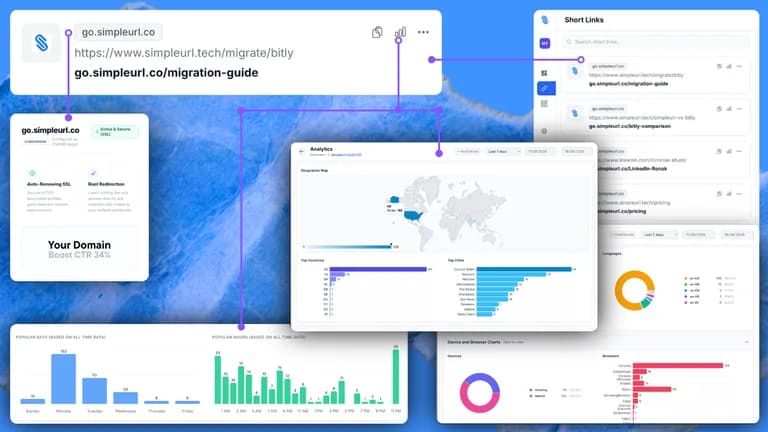
LinkCentral is a closer comparison when the main job is organizing, redirecting and tracking local WordPress links; a standalone short-link service can suit sharing outside a website. Neither is automatically equivalent to network-assisted in-content matching. The independent discussions found contain short recommendations and founder participation, so they do not establish a broad consensus about reliability or earnings. Automated link insertion does not guarantee higher commissions.
FEATURE COMPARISON
Features, limits and paid extras
“Included” and “unlimited” can mean different things. This checklist separates full access, usage limits, add-ons and features that are not confirmed.
Feature coverage3 / 8
3 fully included · 3 limited · 0 add-on · 0 not included · 2 not confirmed. Coverage is not a quality score.