

Who is LeadOcean for?
Start with Tier 1 if you can spread enrichment across its five-hour windows and stay within the weekly and daily export caps. Pay more only when a specific limit interrupts your work. Before committing to a large plan, check whether the database has usable records for your target countries and job roles; a bigger allowance will not correct stale contact details.
Suitable for
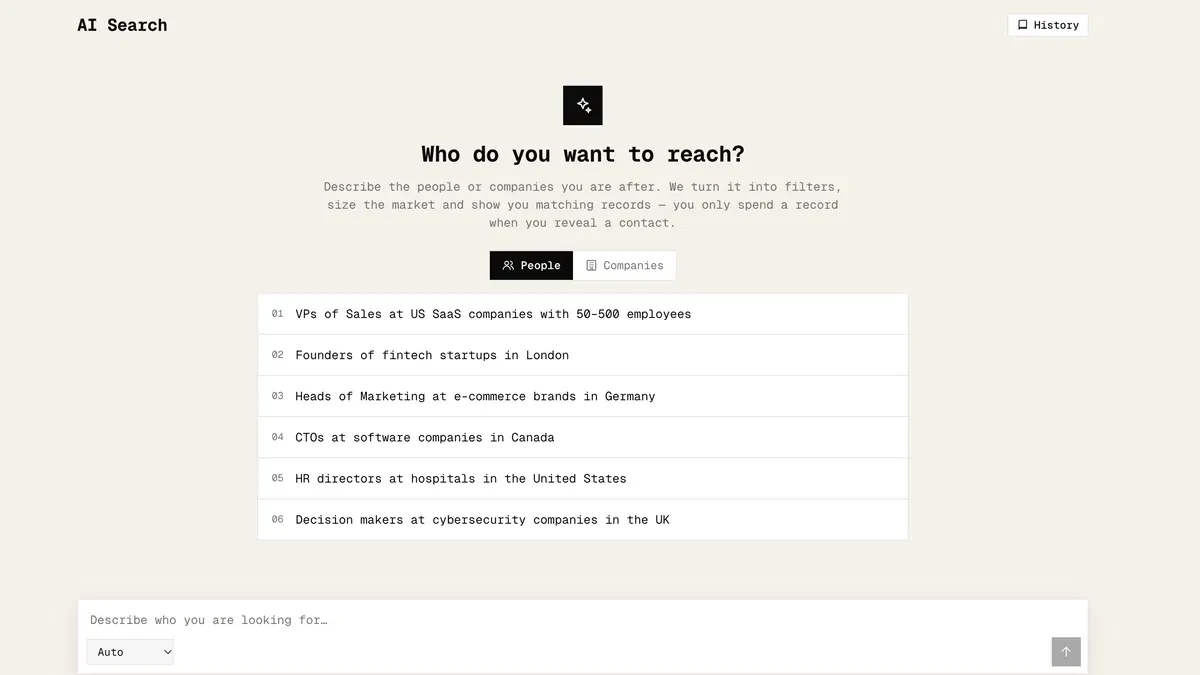
Sales teams and agencies building and checking prospect lists for their own work or a client service.
Consider another option if
Choose another arrangement if clients need direct access to a data app, or you need guaranteed fresh emails and phone coverage for every record.

What comes with the lifetime deal?
Available
One-time access to prospect search, enrichment, exports and API/MCP within the selected tier. Sending campaigns and reselling the data are separate from this purchase.
Activate within 60 days of purchase. The AppSumo offer lists a 60-day refund window.
PLANS AND PRICING
LeadOcean plans and pricing
Prices and allowances are shown for each plan below.
Compare each plan’s price and allowance. Confirm any limit marked ‘Not specified’ before buying.
Select the final tier on AppSumo. The product link opens the same listing for every tier.
Costs and limits to account for
- Client-facing access and data resale require separate commercial rights; a higher tier does not grant them.
- Contact freshness and phone coverage vary. Check records in your target market before buying a large allowance.
FEATURE COMPARISON
Features, limits and paid extras
“Included” and “unlimited” can mean different things. This checklist separates full access, usage limits, add-ons and features that are not confirmed.
2 fully included · 3 limited · 0 add-on · 1 not included · 0 not confirmed. Coverage is not a quality score.
Features are grouped by documented coverage. “Not confirmed” means the evidence is incomplete, not that a feature is absent.
Check each product’s plan notes for tier limits and additional costs. Feature coverage is not a quality rating.
USE CASES
What problems does LeadOcean solve?
Build a relevant prospect list
A broad exported list wastes outreach effort when role, company and location do not match your offer.
How to use it
- Write down the countries, company types and decision-making roles you need before searching.
- Inspect a small selection of matches and remove irrelevant companies before enriching their records.
- Check whether the contacts still hold the relevant roles, then export only the records needed for your next outreach batch.
What this helps you do: You spend enrichment capacity on plausible prospects and give the sales team a smaller list to review.
Limitations: Finding a record is not consent to contact it, a deliverability guarantee or proof that the employee still works there.
BUYER FEEDBACK
What buyers say
Buyer experiences can vary with the plan, product version and workflow.
Useful automation, uneven data
One buyer review praises the workflow and support while noting variable record quality. A separate buyer raised email-freshness concerns; these were not reproduced by us.
LeadOcean images
ALTERNATIVES
LeadOcean alternatives and comparisons
BEFORE YOU BUY
LeadOcean lifetime deal FAQs
Can I resell LeadOcean data?
The founder says resale needs a custom agreement. The lifetime licence is not a resale licence.
Does Tier 1 include phone numbers?
The founder confirmed 100 monthly phone reveals within Tier 1’s enrichment allowance, subject to data availability. Other tier phone caps remain unconfirmed.
Is an API key the same as a team seat?
No. The offer lists API-key counts but does not establish a matching number of human users or workspaces.
Which tier should a small agency choose?
Tier 1 can fit internal research or done-for-you service work when its separate limits fit. A client-facing data app is excluded regardless of the tier.