

Who is Rhino Voice for?
Keep the free version if its 2,000-word weekly allowance covers your normal use. Consider the paid licence when you regularly exceed that amount and the text lands correctly in your usual apps. Unsupported hardware and poor recognition in your writing languages are reasons to choose another tool, not reasons to pay for unlimited use.
Suitable for
A Mac user who regularly dictates emails, notes or first drafts and wants a personal vocabulary dictionary.
Consider another option if
Choose a different tool for Windows or an Intel Mac. Check mixed-language output before relying on Rhino for bilingual work.

What comes with the lifetime deal?
$12 once for one Mac
Apple Silicon M1 or later; macOS 14 or later
Not stackable
Unlimited first week, then 2,000 words per week on the official free version
PLANS AND PRICING
Rhino Voice plans and pricing
Prices and allowances are shown for each plan below.
Compare each plan’s price and allowance. Confirm any limit marked ‘Not specified’ before buying.
Select the final tier on AppSumo. The product link opens the same listing for every tier.
Costs and limits to account for
- Official website requires Apple Silicon and macOS 14 or later.
- Mixed-language accuracy and text insertion have received buyer complaints.
- The direct free allowance may cover occasional use.
FEATURE COMPARISON
Features, limits and paid extras
“Included” and “unlimited” can mean different things. This checklist separates full access, usage limits, add-ons and features that are not confirmed.
4 fully included · 1 limited · 0 add-on · 0 not included · 0 not confirmed. Coverage is not a quality score.
Features are grouped by documented coverage. “Not confirmed” means the evidence is incomplete, not that a feature is absent.
Check each product’s plan notes for tier limits and additional costs. Feature coverage is not a quality rating.
USE CASES
What problems does Rhino Voice solve?
Draft messages without typing every sentence
Long emails and first drafts can involve more typing than editing. Dictation is useful only if reviewing the transcript takes less effort than writing it yourself.
How to use it
- Try a text field in the email, notes or writing app you use most.
- Dictate a normal paragraph, including names and punctuation, then correct it before sending.
- Add recurring specialist terms to the personal dictionary and check whether the next draft needs fewer corrections.
What this helps you do: A first draft you can edit in the application where you work.
Limitations: Accuracy and insertion must be checked in your own apps.
Transcribe an existing recording
An interview or voice memo already saved as a file needs transcription rather than live dictation into a text field.
How to use it
- Use the listed audio/video file-transcription feature with a recording you are allowed to process.
- Review technical terms and speaker context against the recording.
What this helps you do: An editable transcript can make a recording easier to search, quote accurately and turn into notes.
Limitations: File-size limits and speaker identification are not specified; do not assume meeting-management features.
BUYER FEEDBACK
What buyers say
Buyer experiences can vary with the plan, product version and workflow.
Useful on the right Mac, but not consistently effortless
The latest five visible reviews included positive reports of lightweight dictation, alongside complaints about German text insertion, English/Spanish switching and an older Mac. These are individual experiences, not an accuracy benchmark.
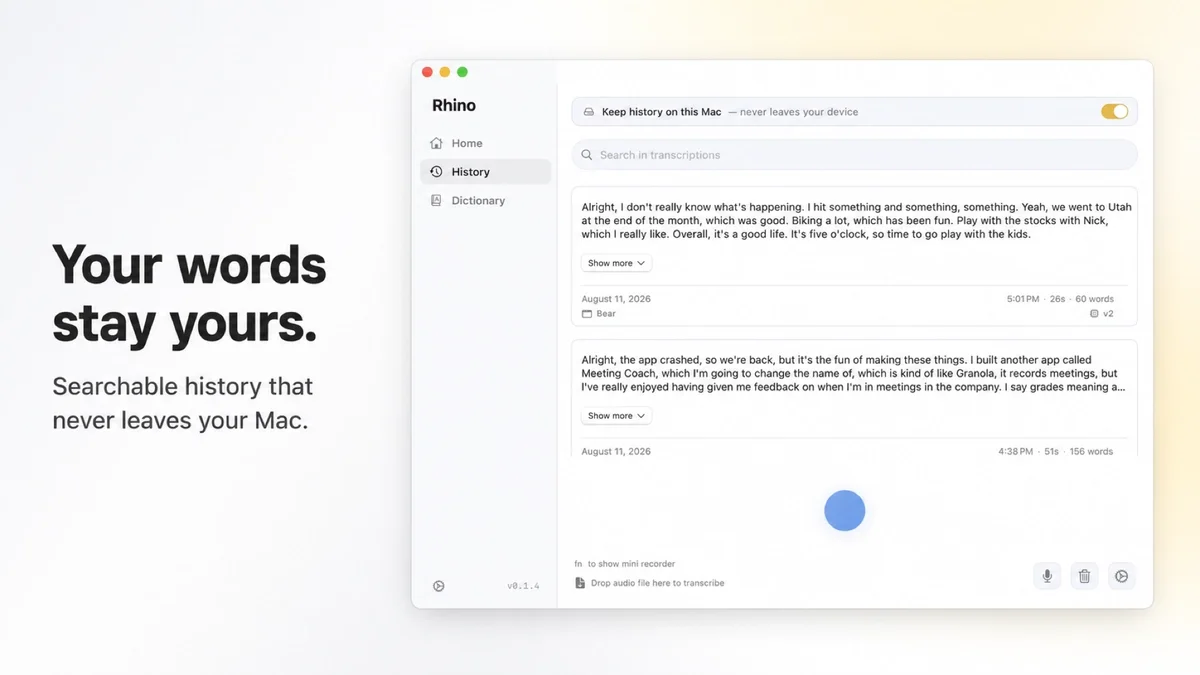
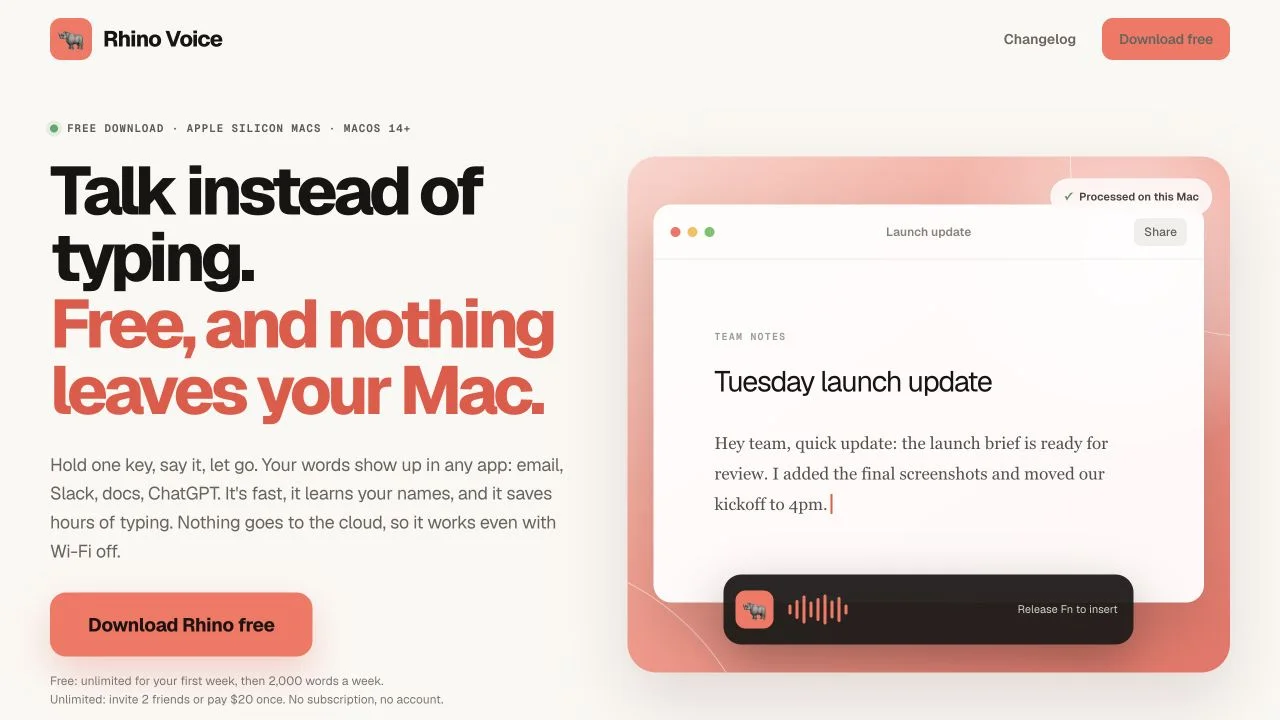
Rhino Voice images
BEFORE YOU BUY
Rhino Voice lifetime deal FAQs
Is Rhino Voice available for Windows?
The official product requires Apple Silicon and macOS 14 or later. Do not buy it for Windows.
Is the free version enough?
Possibly. The official recurring free allowance is 2,000 words per week after an initial unlimited week. Compare that with your real usage.
Does one code cover several Macs?
The AppSumo plan lists one Mac licence and no code stacking. Additional-device rights were not established.