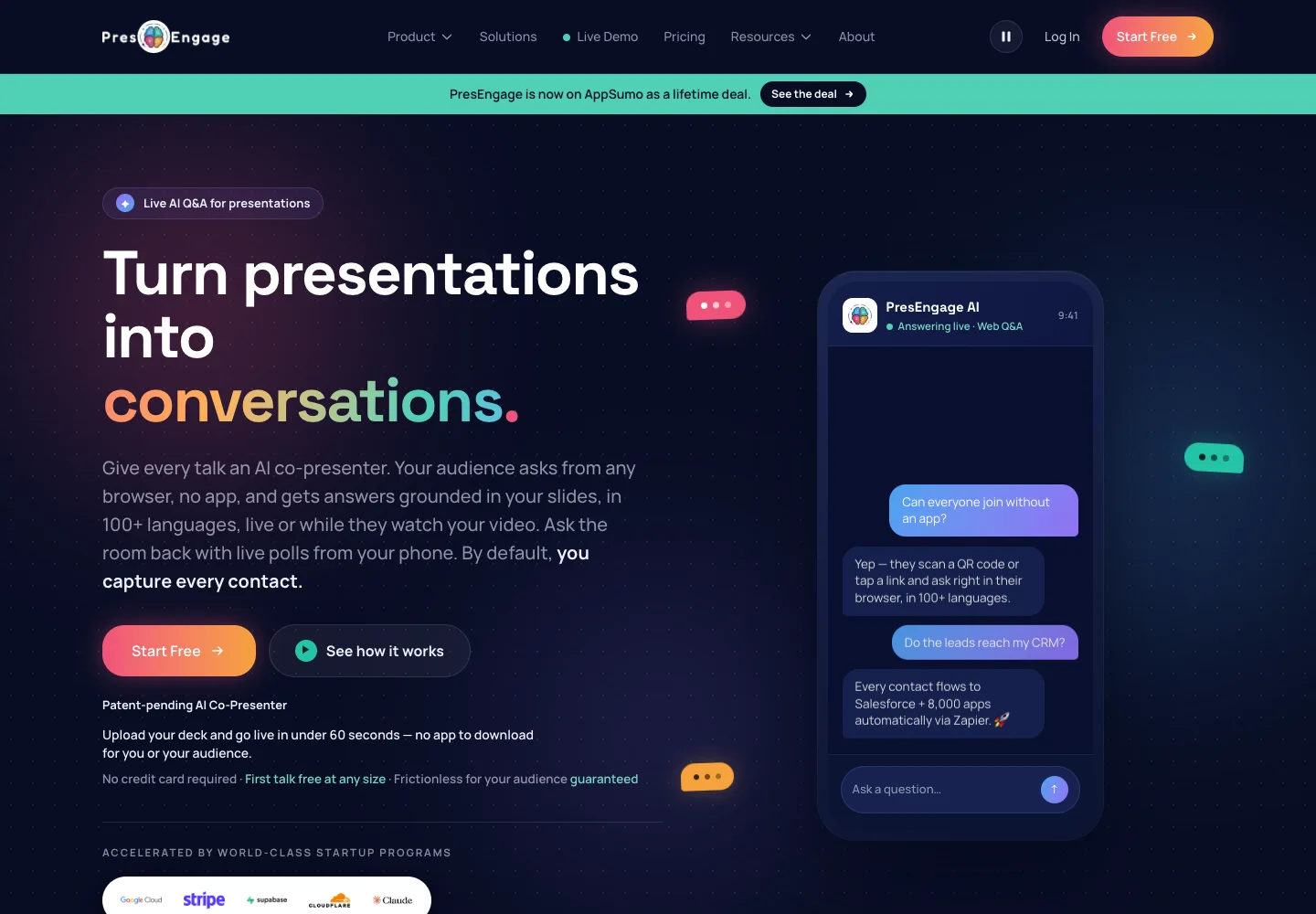
The PresEngage lifetime deal starts at $69 for one presenter. It adds an AI question channel to your existing deck, with Tier 2 extending the online workflow to built-in QR engagement and a custom audience domain.
PresEngage is an audience Q&A layer for an existing presentation, not a slide-design replacement. Tier 1 fits online sessions using links or meeting side panels. Tier 2 adds in-room QR engagement, wallet passes and a custom domain. Both cover one presenter and one workspace, while SMS and WhatsApp remain optional paid channels.
Suitable for
Webinar presenters with a reusable deck; Workshop leaders handling audience questions; Speakers needing multilingual Q&A
Consider another option if
One presenter seat on both tiers.; QR, wallet and custom domain require Tier 2.; SMS and WhatsApp are separately priced.
What comes with the lifetime deal?
Purchase
One-time licence; listed limits still apply
Main decision
One presenter seat on both tiers.
PLANS AND PRICING
PresEngage plans and pricing
Prices and allowances are shown for each plan below.
PLAN DETAILS
Compare each plan’s price and allowance. Confirm any limit marked ‘Not specified’ before buying.
PresEngage plans and limits · USD
Plan comparison2 plans
Online-only presenterLicense Tier 1
Online and in-person presenterLicense Tier 2
PriceUSD
$69one-time
$139one-time
Billing
One-time payment
One-time payment
Presenter seats
1seat
1seat
Workspaces
1workspace
1workspace
Presentations
Unlimitedpresentations
Unlimitedpresentations
Audience members
Unlimitedmembers
Unlimitedmembers
Who this tier fits
Web links and supported meeting side panels.
QR joining and own-domain audience pages.
Keep in mind
No built-in QR engagement, wallet or custom domain.
Still one presenter; optional messaging costs extra.
Plan notes
Present Online mapping; no QR engagement, digital wallet or custom domain.
SMS/WhatsApp add-ons are separate from included web participation.
Present Everywhere mapping; QR, digital wallet and custom domain included.
One presenter seat, not unlimited team presenters.
Select the final tier on AppSumo. The product link opens the same listing for every tier.
Tier 1 includes the online presentation channels, web/direct-link joining, Google Meet and Zoom side panels, analytics and follow-up tools. QR engagement, digital wallet and custom domain are excluded from Tier 1. Tier 2 includes those three additions. This is a channel difference, not a larger presenter-seat allowance.
Choose Tier 1 if the audience can receive a meeting-chat link and you do not need an own-domain audience page. Choose Tier 2 for conference rooms, workshops or mixed online/in-person delivery where built-in QR sharing and wallet access are part of the routine. Both tiers list one presenter and one workspace, so a training department must not read unlimited presentations as unlimited staff accounts.
The regular one-time tier prices are shown in the plan table. A rendered session also displayed a fifteen-percent promotional reduction; that temporary checkout display is not a permanent entitlement or a reason to promise the same discount to every visitor. Verify the final total at purchase.
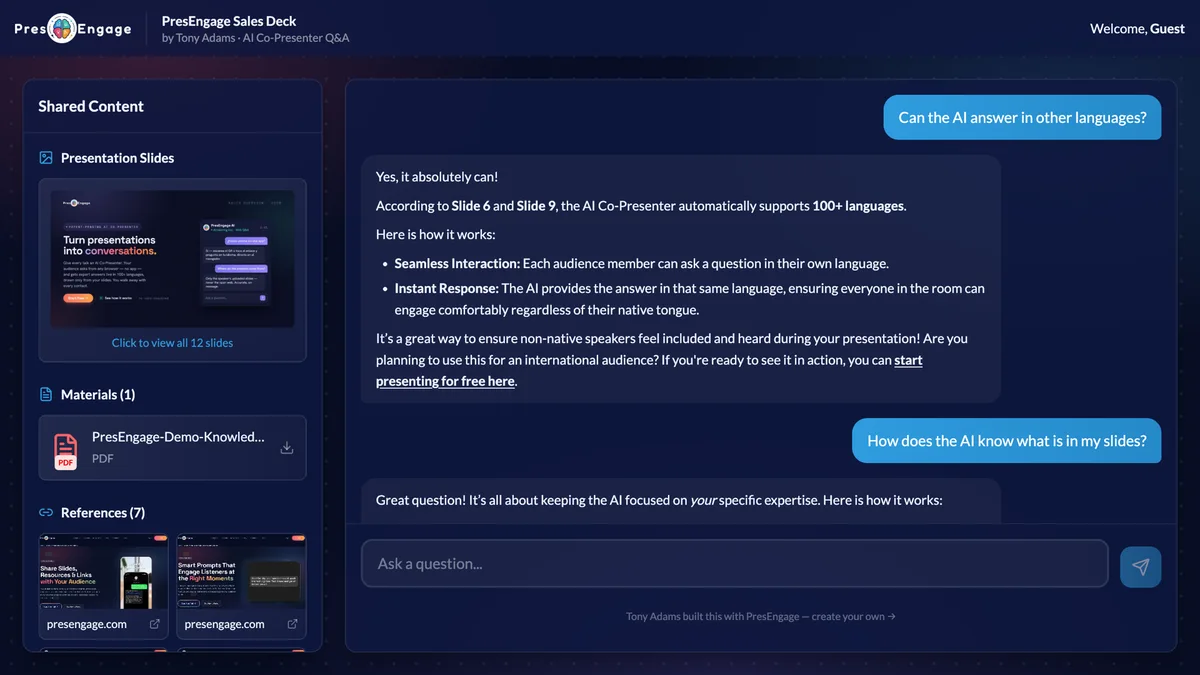
The assistant answers from the uploaded material
The official help center specifies PDF upload. Export the presentation from PowerPoint, Keynote or Google Slides, then add supporting documents or notes as appropriate. A deck containing only short visual prompts may need supplementary material to answer audience questions accurately.
Create a short set of evaluation questions before a session: one answered directly on a slide, one requiring context from a supporting document and one deliberately outside the material. Check that the answer stays within the supplied evidence instead of confidently inventing a policy, product capability or commitment. The review has not measured that behavior inside an account.
The latest founder update allows a hosted video link on the Q&A page, but says the AI still answers from slides and documents, not the video itself. If key information appears only in a recorded demonstration, provide an approved written explanation rather than assuming the video has been transcribed and understood.
Anonymous questions change the follow-up workflow
By default, web attendees provide a name and email, while their question thread is private from other audience members. Presenters can enable anonymous web questions for a presentation. Those attendees receive no follow-up email, so anonymity trades away the lead-capture and later-contact workflow.
The help center says the anonymous option does not cover SMS, WhatsApp, Google Meet or Zoom identities. Nor does anonymous mean technically untraceable. Explain participation choices clearly to an audience and avoid promising anonymity beyond the actual channel settings.
For a workshop, display the joining route early and keep a direct link available as a fallback. Ask a colleague to enter a question from a phone and inspect how it appears in the presenter’s messaging view. Check the intended audience language as well; AI translation should be reviewed for terms that carry a specific contractual or technical meaning.
Unlimited web audiences do not make messaging free
The published pricing page distinguishes included web participation from optional SMS and WhatsApp Q&A. Its Present Everywhere rate is $0.35 per participating member, with $0.50 listed for the separate direct In-Person plan. Confirm the applicable lifetime-account rate and supported destinations before budgeting an event.
At the stated $0.35 rate, one hundred chargeable members would add $35; five hundred would add $175. Those are arithmetic examples, not measured invoices or a promise about taxes, destination coverage or the definition of a chargeable member. If a browser link works for your audience, that may avoid the optional messaging expense.
External video hosting, a custom domain and the meeting platform may also have their own costs. The lifetime licence does not buy accounts with those services. Future AI models may require add-ons under the deal terms, so unlimited presentations should not be paraphrased as every future model and channel free forever.
FEATURE COMPARISON
Features, limits and paid extras
“Included” and “unlimited” can mean different things. This checklist separates full access, usage limits, add-ons and features that are not confirmed.
Feature coverage3 / 8
3 fully included · 4 limited · 0 add-on · 1 not included · 0 not confirmed. Coverage is not a quality score.
Buyer experiences can vary with the plan, product version and workflow.
Mixed feedback
Review visibility is limited
A small aggregate count appeared on the offer, but the review view was inconsistent and the separate review endpoint was unavailable. No buyer sentiment or quality consensus is inferred from that count.
PresEngage images
Use the tool only if questions need a separate channel
For a small meeting, ordinary chat plus a written FAQ may already solve the problem at no extra software cost. PresEngage becomes useful when participants need private, asynchronous or multilingual answers from a defined body of material while the speaker continues presenting.
The official free option begins with a trial and then a limited total audience-connection allowance; it is not a fresh monthly allocation of twenty-five attendees. It can help evaluate content quality, but it is not a replacement for a busy recurring workshop. A polling tool or slide builder is a different comparison: decide whether you need questions answered, votes collected or slides created.
The deal requires activation within sixty days, permits upgrades while available and downgrades within sixty days, and has the stated sixty-day refund window. Only a very small review count was visible and the review content did not load consistently. Treat the recommendation as a fit assessment from documented features, not proof of performance before a live audience.