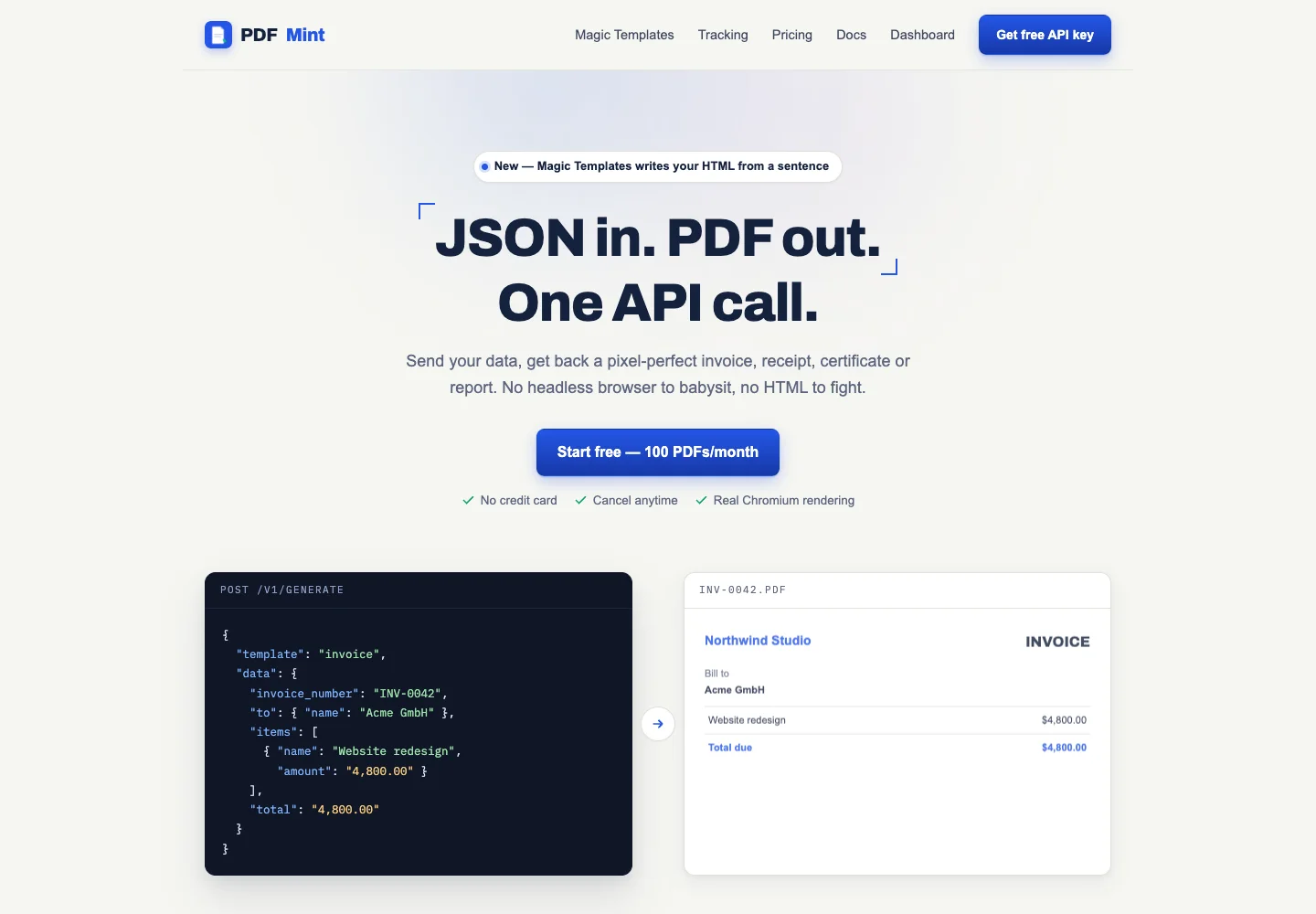
The PDFMint lifetime deal pays for recurring PDF generation from JSON, HTML or Markdown. It is relevant when an application repeatedly creates the same type of invoice, certificate or report. The important limits are monthly document output, separate AI template creation and the handling of hosted documents after generation—not the promise of a finished PDF from one request.
Starter is the sensible entry for workloads comfortably below 300 PDFs a month. Choose a larger tier only for demonstrated volume. Use the free direct allowance first for a small evaluation, and keep a separate archive and fallback process before relying on it for customer documents.
Monthly PDF caps are far below the same-named direct subscription plans.
Tracked PDFs are stored for 30 days by default; retain your own archive.
Webhook entitlement on the lifetime offer is not fully resolved.
Count completed documents and re-renders
Starter costs $59 with 300 PDFs and 10 Magic Templates each month. Pro doubles those amounts for $118, and Business reaches 900 PDFs with 30 templates for $177. These are the AppSumo allowances. The direct website uses the same plan names for substantially larger recurring-subscription quotas.
Count output rather than customers. A business with 200 orders that creates both an invoice and a packing slip for each order already needs 400 documents before refunds, corrections or tests. That workload exceeds Starter even though the customer count is below 300. A course issuing 250 certificates in one month may fit, but repeated corrections leave less room than the headline volume suggests. The treatment of failed requests and rerenders should be confirmed rather than assumed free.
Template generation and document generation are different jobs
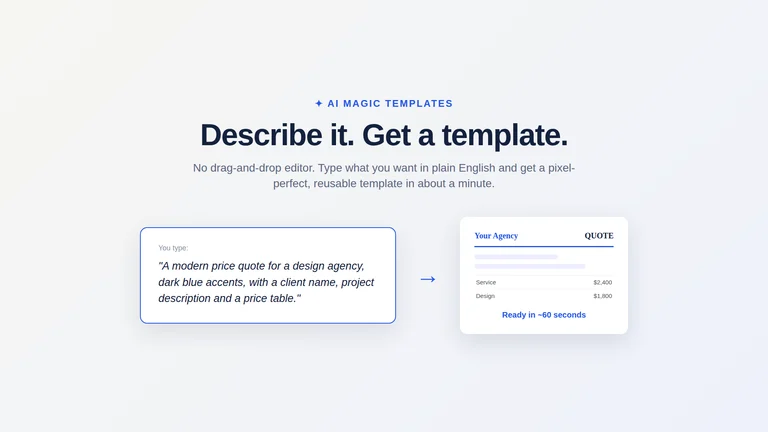
Magic Templates creates a reusable layout from a description. Once you have a suitable template, recurring documents use its structure with different data. A mature workflow may need few new templates but many PDFs; an agency experimenting with many client brands may hit the template allowance first. Buying for document count alone can miss that second constraint.
Start with the supplied invoice, receipt, certificate, report or packing-slip layout when it fits. Use HTML for precise layout control and Markdown for straightforward narrative reports. Review long names, many line items, page breaks, currency formatting and any uploaded logo before choosing a production template. AI-generated layout is a starting point, not a check of your tax calculations, certificate wording or business data.
Open tracking follows a hosted link
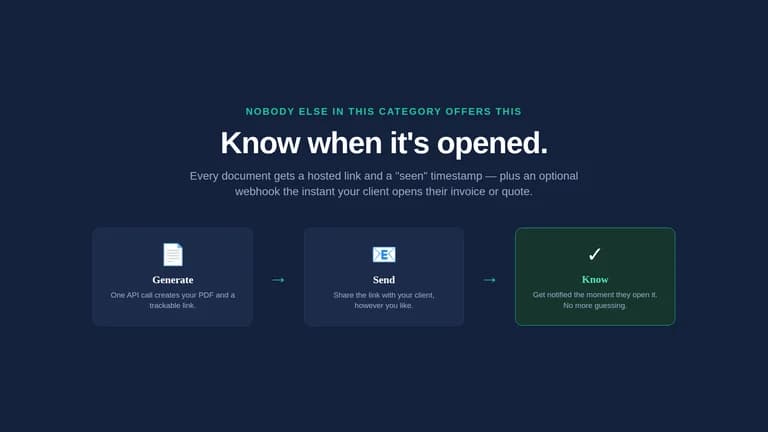
The tracking documentation explains a hosted view URL and document ID returned with generation. Sending that link lets the service record opens and view counts. This is different from promising that any downloaded attachment can report every later offline opening. An open event also does not establish who carefully read the content, approved the quote or paid the invoice.
The documentation describes an optional callback for a document-viewed event, but the direct pricing page places tracking webhooks on Pro while the lifetime offer simply lists PDF open tracking on all plans. Confirm the webhook entitlement for the exact lifetime account before designing an automation around it. Polling a documented status endpoint and receiving an event callback are different integration choices.
For follow-up, use an open signal as context alongside your own invoice status and customer conversation. Do not automatically send increasingly urgent messages merely because a tracking counter changed. Automated link scanners or repeated openings can make a simplistic rule noisy, and the evidence does not establish a verified human-read guarantee.
A generated document needs a home beyond the tracking link
The vendor privacy policy says API-generated documents are stored for 30 days by default for hosted viewing and tracking, then deleted. It also documents a per-request track:false option that returns the PDF without storing it. This creates a clear choice: hosted tracking or an untracked file returned to your own workflow.
If a customer may need an invoice or certificate next year, save the actual PDF in the system that owns the transaction. A temporary vendor URL is not a long-term record archive. Decide how the file is named, how it maps to the order or learner and who can retrieve it. For sensitive inputs, review the stated processing and retention arrangements before transmitting real customer information.
The policy distinguishes document data from Magic Template prompts: template descriptions are sent to the model processor and saved with the template. Keep example prompts free of unnecessary customer data. A model-generated template can use fictional sample fields while real transaction data is supplied later to the rendering request.
Handle limits before the customer is waiting
The API documents a 2 MB request limit and a 429 response when the monthly PDF allowance is reached. Its usage endpoint provides used and remaining-plan information, which is useful before a large batch. Validate required fields before sending requests, save successful outputs and avoid rerunning an entire completed batch because one item failed.
For an invoice process, keep the underlying transaction record authoritative. PDF generation should format that record, not calculate a second competing total from an AI guess. If the service is unavailable, queue the document task and tell staff what remains pending. The vendor terms do not guarantee uninterrupted availability or accept responsibility for rendering mistakes, so a business-critical workflow needs a recovery path.
Start free when the volume is genuinely small
The official site advertises a free API allowance of 100 PDFs per month and browser tools for a few manual daily documents. That is a relevant free option for evaluation or occasional output. For a handful of invoices, an existing document template and manual export may be simpler than maintaining an integration.
PDFMint is useful when automatic generation is the bottleneck. It is not an e-signature platform or a full accounting system, and similarly named PDFMint websites are not interchangeable with pdfmintapi.com, the vendor linked from the offer. No AppSumo questions or reviews were visible for this listing. That means reliability and support remain less evidenced, not that there are no possible problems.
FEATURE COMPARISON
Features, limits and paid extras
“Included” and “unlimited” can mean different things. This checklist separates full access, usage limits, add-ons and features that are not confirmed.
Feature coverage1 / 5
1 fully included · 0 limited · 0 add-on · 1 not included · 3 not confirmed. Coverage is not a quality score.