The Fin lifetime deal costs $39 for one Pro user. It brings budgets, cards and recurring commitments together, but the value depends on maintaining accurate records rather than expecting automatic bank synchronization.
Fin fits someone willing to maintain their own financial records and compare upcoming commitments with available cash. Its single lifetime plan removes the listed account, transaction and category caps, but it is not a bank-connected accounting service or an investment adviser. Try a small reconciliation before entrusting it with a complete history.
Suitable for
Individuals maintaining personal budgets; People tracking subscriptions and instalments; Buyers comfortable reconciling their own records
Consider another option if
Automatic bank synchronization is not established.; One Pro user is not a household team plan.; Native iOS availability remains a roadmap item.
What comes with the lifetime deal?
Purchase
One-time licence; listed limits still apply
Main decision
No verified automatic bank synchronization.
PLANS AND PRICING
Fin – Personal Finance Manager plans and pricing
Prices and allowances are shown for each plan below.
PLAN DETAILS
Compare each plan’s price and allowance. Confirm any limit marked ‘Not specified’ before buying.
Fin – Personal Finance Manager plans and limits · USD
Plan comparison1 plan
One personal finance organizerLicense Tier 1
PriceUSD
$39one-time
Billing
One-time payment
Financial accounts
Unlimitedaccounts
Transactions
Unlimitedtransactions
Categories
Unlimitedcategories
Pro user accounts
1account
Who this tier fits
One person maintaining their own accounts and commitments.
Keep in mind
No verified live bank feed or household role system.
Plan notes
One Pro user account, usable on supported devices.
Native iOS app is a development promise, not an established current feature.
User-managed records and statement import, not an established live bank feed.
Select the final tier on AppSumo. The product link opens the same listing for every tier.
Automatic bank synchronization is not established.
One Pro user is not a household team plan.
Native iOS availability remains a roadmap item.
Records, imports and bank connections
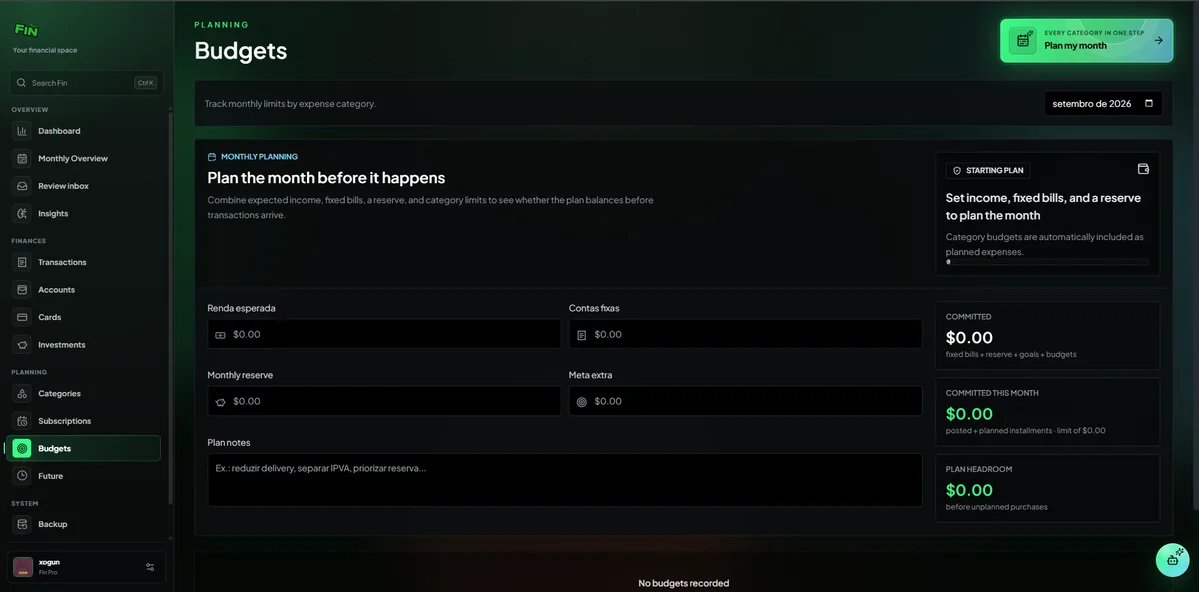
Fin is a personal finance organizer, not a bank or payment processor. The offer lists statement import, budgets, cards, subscriptions and future commitments. Its FAQ says financial information is added and managed by the user. A screen containing a bank name therefore must not be confused with a continuously synchronized bank connection.
Begin with one account and one completed month. Enter its opening balance, import or record transactions, and reconcile the closing balance with the actual statement. Check whether transfers appear on both sides without becoming duplicate income or spending. This is the work that makes a dashboard useful; a polished chart cannot correct a wrong opening balance.
The observed sources did not establish supported import file formats, automatic bank coverage or a universal duplicate-detection rule. Confirm those with a representative export before buying around them. Retain the original statements outside the app so mistakes can be traced and corrected.
One Pro account, not a household permission system
The single Fin Pro Lifetime licence includes unlimited financial accounts, transactions and categories. Early questions identified missing checkmarks on the listing; the founder described that as a visual error and explicitly confirmed the unlimited Pro entitlements. The current offer now lists them plainly.
An unlimited number of financial accounts is different from an unlimited number of people. The founder states that the purchase provides one Pro user account with no device limit. There is no verified household role model, accountant access or approval workflow in the material reviewed. Do not share one login as a substitute for independently controlled access.
Activation is required within sixty days and the listed refund period is sixty days. The plan does not stack. Ongoing Pro improvements are included, while the FAQ reserves possible future separate products, add-ons or usage-based features. There is no basis for promising every future service at no additional charge.
Use projections as a record-checking aid
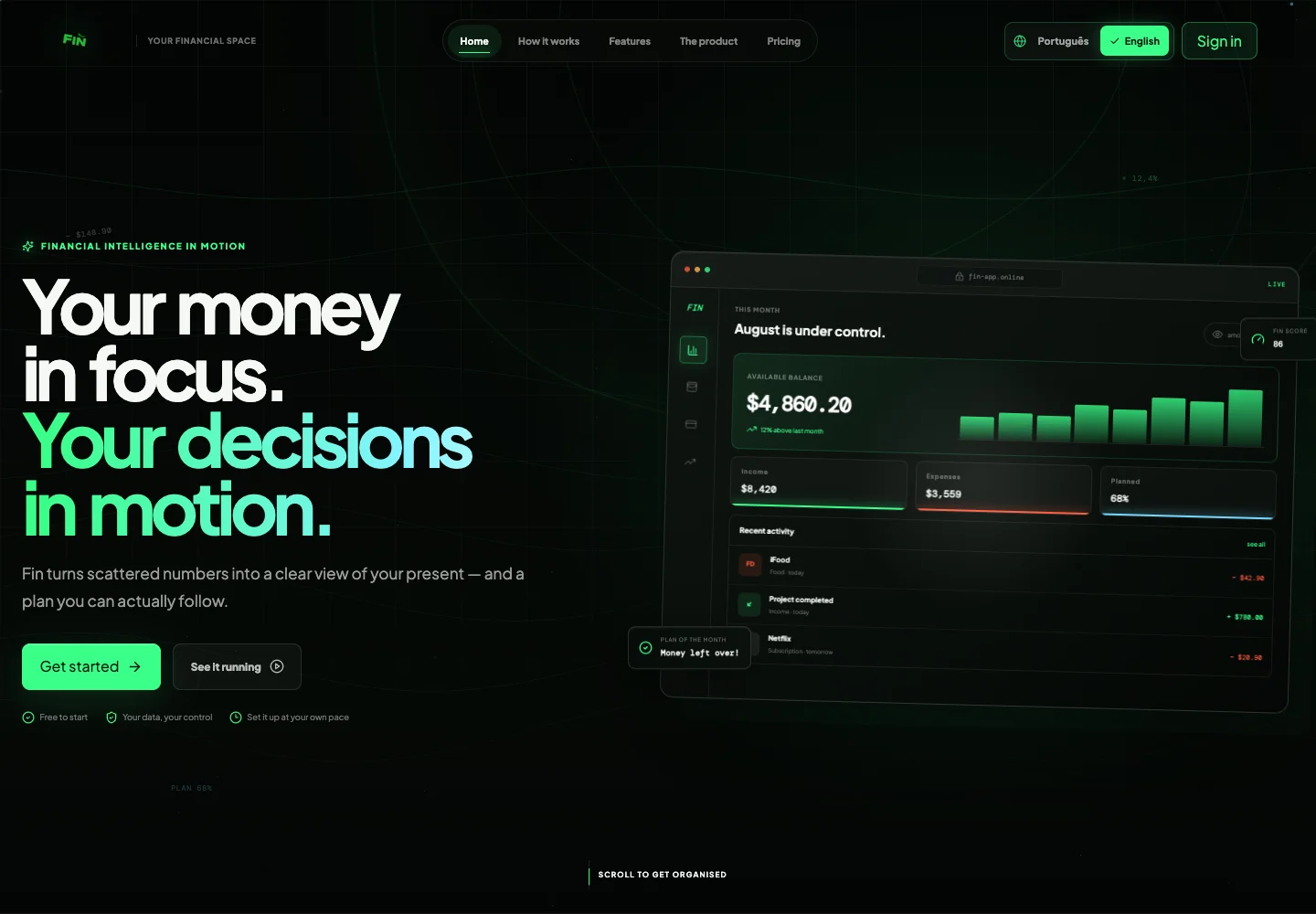
A useful forecast begins with commitments you already know: rent, subscriptions, instalments and scheduled income. Enter the dates and amounts, then review the next period for collisions. For example, three bills due before the next income date can expose a timing problem even if the month as a whole looks positive. This is an illustrative planning method, not a forecast of your finances.
Credit-card payments need care. A purchase recorded when it happens and the later card settlement must not both become new spending. Test that accounting treatment with a small example and check the resulting cash and card balances. Likewise, recurring entries should be checked after a cancellation or price change.
Fin’s indicators and investment tracking organize information; they do not establish that an investment is suitable or that a prediction will occur. Keep market assumptions and actual balances separate. Tax reporting, regulated advice and business bookkeeping are different requirements and should not be inferred from the presence of a financial dashboard.
Check the exit path and device workflow
The plan advertises cloud synchronization plus backup and restore. Before adding a long history, identify what can be exported, whether that output includes categories and recurring rules, and whether it can be read outside Fin. Those detailed portability guarantees were not established in the accessible material, so backup wording should not be translated into a promise of a complete interoperable export.
The founder says an iOS app is in development and that lifetime users will receive access. That is a future entitlement statement, not evidence of a released native app. Buyers whose daily routine requires iPhone widgets, offline entry or a particular mobile notification should confirm the actual release before purchase.
English and Portuguese are listed. Check the handling of your currency, decimal separator and statement date order using sample records; language support alone does not establish every local banking convention.
FEATURE COMPARISON
Features, limits and paid extras
“Included” and “unlimited” can mean different things. This checklist separates full access, usage limits, add-ons and features that are not confirmed.
Feature coverage1 / 7
1 fully included · 4 limited · 0 add-on · 0 not included · 2 not confirmed. Coverage is not a quality score.
Team and client accessTeam and client access with product-specific scope and plan limits.
Limited
One Pro user; no established multi-user permissions.
Not confirmed2 features
Customer invoicingCustomer invoicing with product-specific scope and plan limits.
Not confirmed
Customer invoicing is not established.
AI assistanceAI assistance with product-specific scope and plan limits.
Not confirmed
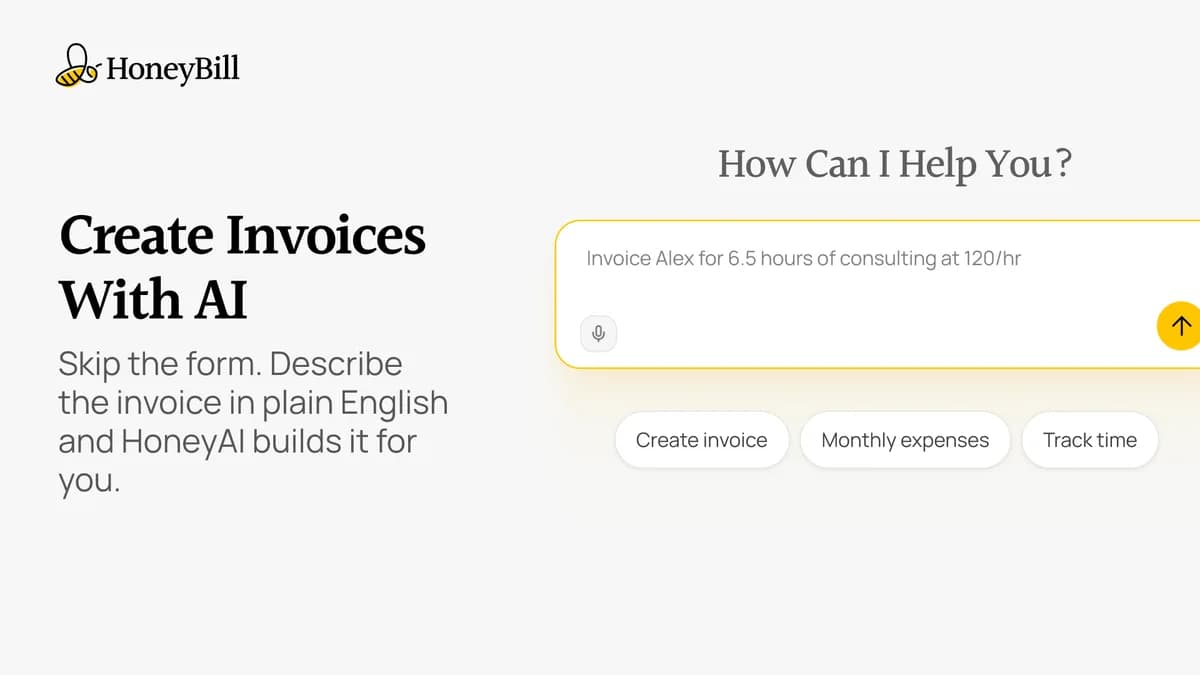
Smart insights advertised; model and usage entitlements unclear.
Check each product’s plan notes for tier limits and additional costs. Feature coverage is not a quality rating.
USE CASES
What problems does Fin – Personal Finance Manager solve?
01
See commitments before the next payday
Recurring payments are spread across cards and calendars.
How to use it
Add an opening balance and known recurring commitments.
Check their dates against expected income.
Compare the forecast with actual statements after the month closes.
What this helps you do: A consolidated schedule can reveal timing conflicts.
Limitations: Forecast quality depends on complete, current user-entered records.
02
Check where spending went
Card and bank entries are scattered.
How to use it
Import or enter a small completed period.
Assign categories and inspect transfers.
Reconcile totals with the original statements.
What this helps you do: Categories can make a verified history easier to review.
Limitations: Supported file formats and duplicate handling need confirmation.
BUYER FEEDBACK
What buyers say
Buyer experiences can vary with the plan, product version and workflow.
Mixed feedback
No usable review sample
The exact listing showed no buyer reviews in the accessible material. Exact-name searches also returned unrelated products named Fin, so those were excluded rather than used as evidence for this product.
Fin – Personal Finance Manager images
Choose an organizer only when it improves your routine
A spreadsheet remains a free starting option for someone who records a few balances and recurring bills each month. It offers transparent arithmetic and a file you control, though you must maintain the layout and checks yourself. Fin becomes more useful when the separate views for cards, subscriptions, budgets and upcoming commitments make you more likely to keep records current.
The offer FAQ quotes a direct Pro subscription at $4.99 per month. That comparison is secondary to whether the product fits: there is little value in replacing a free sheet with a lifetime account that you stop updating. Fin’s early-stage listing and lack of a usable buyer-review sample mean its long-term service record cannot be inferred from the deal price.
Skip Fin if you need automated bank synchronization, multi-person bookkeeping controls or tax filing as an established requirement. The published FAQ explicitly frames it as an organizer rather than professional financial advice. A sensible evaluation ends with a reconciled month, a correctly handled transfer and a usable backup—not merely a successful sign-in.